The AI Search Stack: 216 resources for SEO, AEO and GEO
The best free courses, guides, tools, reports and people to follow for learning how AI search works, plus the paid tools worth knowing.
71 minute read
Dorcas AdisaOrganic and AI Search Strategist
Like every content and SEO person, I did not have the best reaction to AI disrupting our industry. But I still needed to pivot fast, learn AI search and figure out how to optimize content for it.
So I went looking for the best resources to learn AI search. This is the list I ended up with: 216 courses, guides, tools, reports, communities and people to follow. Some are free and some are paid, and every entry is tagged so you know what it costs before you click.
The list starts with articles, videos and courses, moves on to templates and tools, and ends with deeper technical material for anyone running their own experiments. Each entry has a tip on how to use it.
Blog posts and articles to read first
Beginner articles on how AI search works and how to show up in it.
Best for practical ways to get your brand into AI answers
FreeGuide
Ahrefs blog: LLMO, 10 ways to work your brand into AI answers
Ahrefs lists ten ways to work a brand into AI answers, from entities and original statistics to Wikipedia, Reddit and consistent brand details. It is a practical starting point with clear examples.
Tip: Pick two or three of the tactics, such as original statistics and consistent brand details, and test them on one client.
Best for a practical, step-by-step optimization guide
Free to readGuide
Ahrefs blog: How to optimize for AI search, a guide for you and your AI agent
Ahrefs' guide on how to optimize for AI search walks through the practical steps, and is written so you can also hand it to an AI agent as instructions.
Tip: Turn its steps into a checklist, or give it to an AI agent as instructions.
Peec AI: The complete guide to generative engine optimization
Peec's complete guide to GEO lays out a step-by-step process for AI visibility work. Peec sells a visibility tool, so read the claims as direction rather than promises.
Tip: Use the process as a starting checklist for a GEO project, then adapt it to the client.
Vercel blog post: How we are adapting SEO for LLMs and AI search
Vercel shares how it adapts SEO for LLMs and AI search on its own site. The post covers owning concepts, publishing original evidence, structuring pages for easy extraction, semantic HTML, server rendering and measurement. It reads like a case study rather than theory.
Tip: Use it as a real-world example when pitching AI search work to technical or SaaS teams.
Best for a broad GEO checklist from a practitioner view
FreeGuide
Search Engine Journal article: How to win in generative engine optimization
Search Engine Journal's piece on how to win in GEO covers crawlability, fan-out, entities, JavaScript, user-generated content and source selection. It is useful, though it is sponsored content.
Tip: Use the sections on crawlability and source selection as a technical checklist for audits.
a16z article: How generative engine optimization rewrites the rules of search
Andreessen Horowitz makes the business case in How GEO rewrites the rules of search, looking at reference rates, source context, structured meaning and brand presence. It is a good one to share with leaders who still see AI search as a trend.
Tip: Send it to founders or leaders who need the business case for investing in AI search.
Best for practitioner views on what works in AI search
Free to readGuide
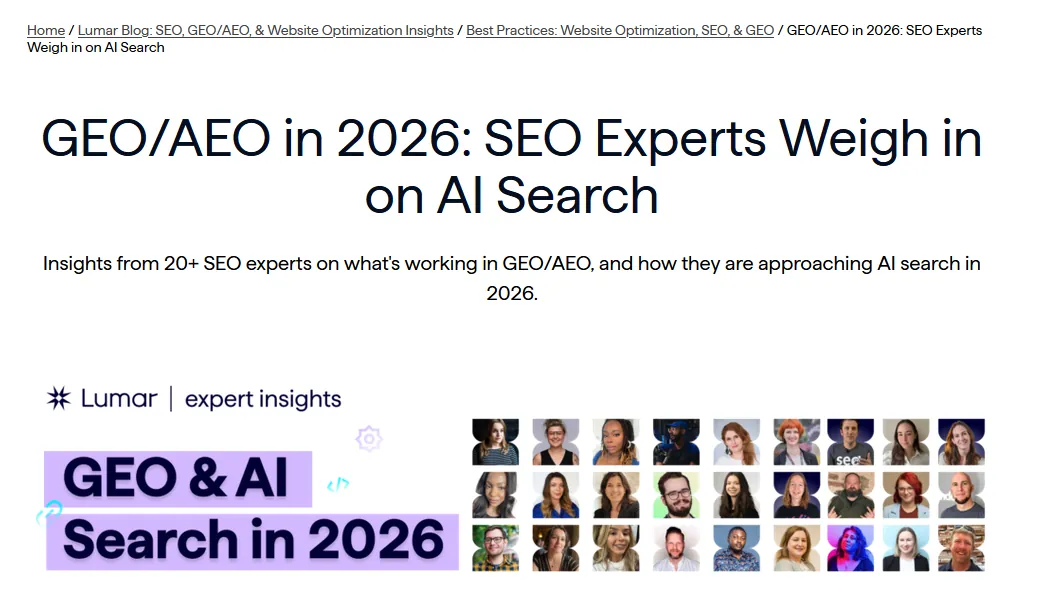
Lumar blog: GEO and AEO in 2026, SEO experts weigh in on AI search
Lumar gathered named experts' views on AI search, covering brand visibility, content quality, entities, technical health, reviews, digital PR and agentic search.
Tip: Skim it for ideas to test and for practitioners worth following.
Moz article: What is search intent and why does it matter
Moz's guide to search intent explains informational, commercial, transactional and navigational intent. The same four buckets work well for sorting the prompts buyers type into AI tools.
Tip: Tag each prompt in your prompt set by intent so you know which page type should answer it.
Best for mining prompt-like queries from Search Console
Free to readGuide
Search Engine Land article by Chris Long: How to see AI search prompts inside Google Search Console
Chris Long explains in Search Engine Land how to see AI search prompts in Google Search Console using a long-tail regex filter, so you can find the conversational queries people already use to reach your site.
Tip: Copy the regex into Search Console and export the results as the start of your prompt list.
Best for comparing query fan-out tools in one place
Free to readGuide
Search Engine Land guide: Query fan-out tools and software
Search Engine Land's guide to query fan-out tools and software compares the tools that simulate the sub-queries AI search runs, and explains how to use them to plan content and track results.
Tip: Use it to choose a fan-out tool that fits your budget and workflow.
Women in Tech SEO article: AI crawlability, what SEOs need to know
Women in Tech SEO's guide to AI crawlability covers robots rules, firewall and hosting blocks, bot verification, server logs, error codes, JavaScript rendering, schema and Core Web Vitals.
Tip: Work through it with a developer when AI crawlers seem to miss a site.
Pinecone's guide to retrieval-augmented generation covers the full pipeline, from ingestion and chunking to hybrid search, reranking and evaluation. Pinecone sells a vector database, so treat it as a well-written explainer rather than neutral advice.
Tip: Use it as a plain-English explainer to share with clients who ask how AI tools find content.
Anthropic's article on contextual retrieval shows how adding context to each chunk before indexing, combined with BM25, hybrid search and reranking, improves results. The lesson for content teams is simple: a passage that names its subject clearly is easier to retrieve.
Tip: Use its findings to argue for passages that name their subject clearly, so they still make sense when pulled out of the page.
Videos and webinars
Learn better with video? Here are webinars, tutorials and talks from top brands and practitioners.
Ahrefs packed a full AI SEO course into 86 minutes. It covers how AI search works, fan-out, prompt and brand gap research, content, third-party mentions, crawlers and measurement, which makes it one of the most complete free AI SEO courses for beginners.
Tip: Watch it end to end and turn each module into a checklist item for your next client audit.
Ahrefs' short lesson What is AEO? defines answer engine optimization and how it differs from traditional SEO. Handy to send to a colleague who asks what AEO means.
Tip: Send it to a stakeholder who asks what AEO is before a kickoff call.
Best for understanding query fan-out in one sitting
FreeVideo
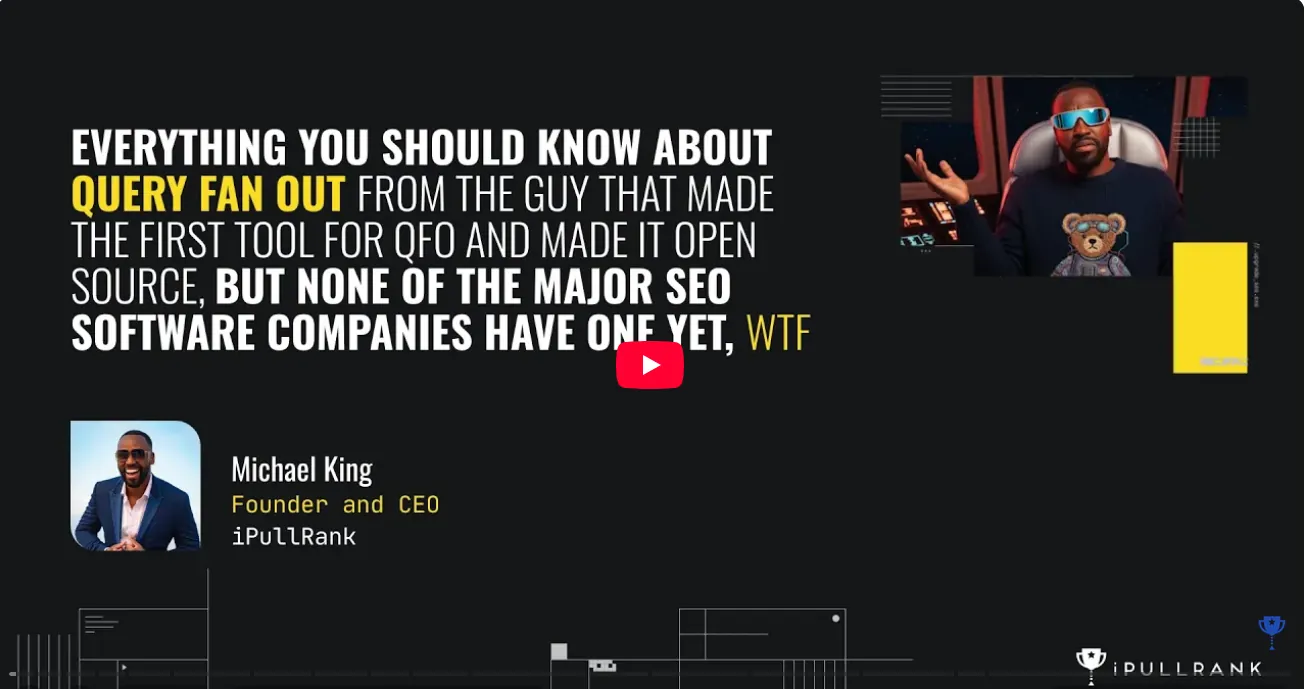
iPullRank video thumbnail: everything you should know about query fan-out
If there is time for only one video on this page, make it iPullRank's Query Fan Out talk. Across 55 minutes it explains how Google AI Mode, AI Overviews, ChatGPT and Gemini turn one prompt into many hidden sub-queries, and how hybrid retrieval, routing and citation selection decide which pages appear.
Tip: Take notes on how fan-out works, then plan content clusters around the sub-queries instead of one head keyword.
Lenny's Podcast thumbnail: how to rank number one in ChatGPT with Ethan Smith
On Lenny's Podcast, Ethan Smith talks through how ChatGPT recommends brands, how citations work, and why Reddit and help centers matter, along with how to run experiments and measure results.
Tip: Note the experiments he describes and test one, such as improving help center pages, with a client.
Lumar webinar recording thumbnail: content and tech optimizations for AI search
Lumar and Pi Datametrics share a GEO and AEO webinar replay in which a panel covers crawlability, conversational intent, internal linking, E-E-A-T, structure and measurement.
Tip: Use the technical checklist from the panel when planning AI search audits.
Best for the research behind retrieval-augmented generation
FreeVideo
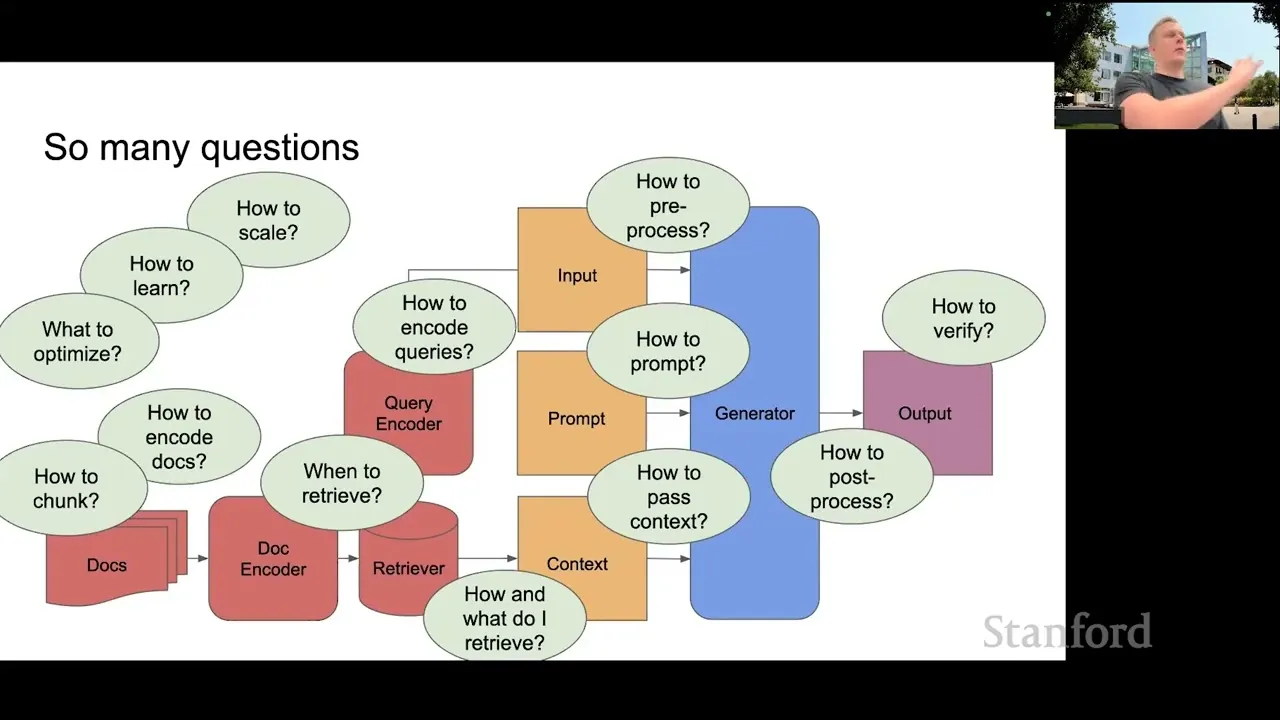
Stanford CS25 lecture slide on retrieval augmented language models
AI search exists because language models fetch sources before they answer. This Stanford CS25 lecture on retrieval augmented language models explains how that works, covering retrievers, benchmarks, training methods and the questions researchers are still trying to answer.
Tip: Watch the first half to understand why AI tools fetch sources before answering; skip the training details.
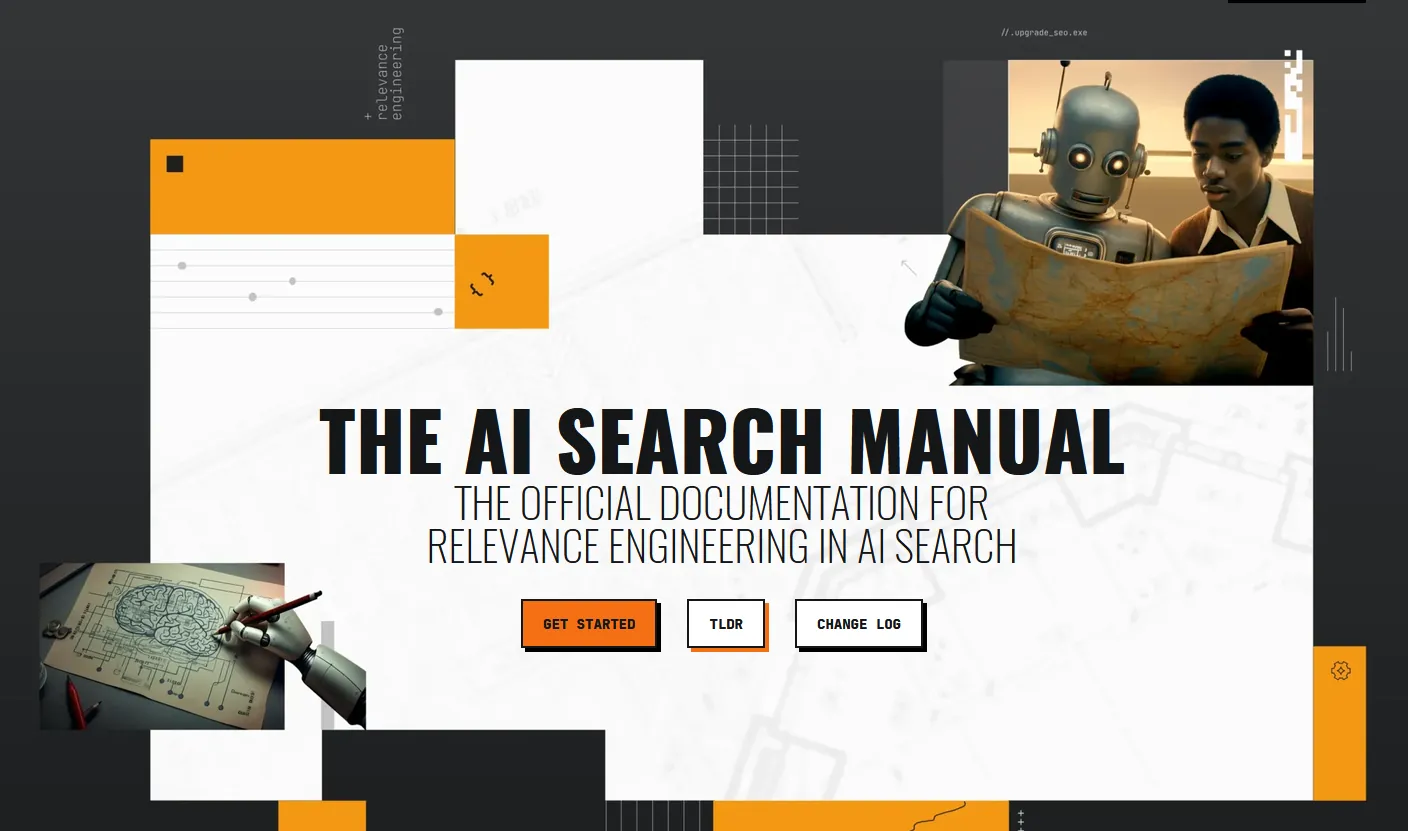
iPullRank published The AI Search Manual as a free, multi-chapter guide to how AI search works and how to optimize for it, from retrieval and query fan-out to measurement.
Tip: Read the chapters on retrieval and measurement first, then keep it as a reference.
Best for a structured, free course with a certificate
FreeCourse
Surfer AI Search Optimization Masterclass landing page
Surfer's AI Search Optimization Masterclass is a free 20-lesson course with templates, quizzes, an exam and a certificate. It is made by a vendor, so expect some product mentions.
Tip: Take it as a structured refresher, and add the certificate to your LinkedIn profile.
Best for beginners who want a short, structured RAG lesson
FreeCourse
Microsoft Learn module page: Introduction to RAG concepts
For a short, structured introduction, Microsoft Learn's Introduction to RAG concepts module covers preparing data, retrieving it, grounding answers in it and checking the results. No code is needed to follow along.
Tip: Finish it in one sitting to learn the RAG vocabulary clients and engineers use, with no code needed.
Best for a clear lesson on chunking, embeddings and vector search
Open sourceRepository
Generative AI for Beginners lesson: RAG and vector databases
Microsoft's lesson on RAG and vector databases explains how documents get cut into chunks, turned into embeddings and retrieved with hybrid search and reranking. It also makes a strong case for writing sections that make sense on their own.
Tip: Read the chunking section and use it to explain why every section of a page should make sense on its own.
Templates and checklists
Ready-made worksheets, audits, briefs and dashboards you can copy.
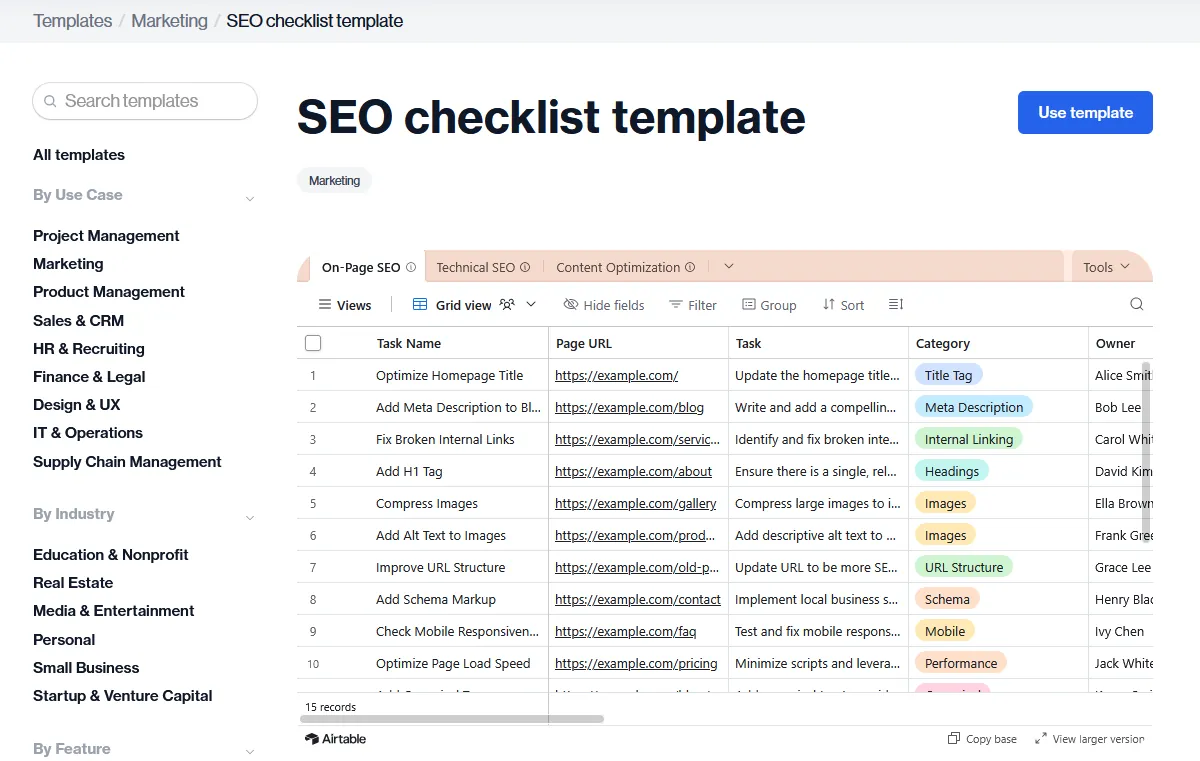
Best for a practical checklist you can use on a real site this week
FreeGuide
Aleyda Solis's AI Search Optimization Framework and Checklist page
Aleyda Solis turned her approach to AI search into a free framework and worksheet, with a Google Sheet you can copy. It walks through prompt journeys, visibility, retrieval, entities, how easy content is to extract, corroboration, localization and measuring impact. Few resources on this list are as ready to use on a live site.
Tip: Copy the worksheet and use it as the audit template for a client site, section by section.
HubSpot AI visibility optimization template for Google Sheets
HubSpot's free AEO dashboard is a Google Sheet for tracking prompts, visibility rate, citation share, share of voice, cited domains and competitors over time.
Tip: Use it to track results by hand before you pay for a visibility tool.
iPullRank AI Search Manual appendix: AI measurement and tracking tools
The AI search measurement template that comes with the AI Search Manual gives you a starting structure for tracking AI visibility, citations and traffic, so reporting does not start from a blank sheet.
Tip: Copy it to set up AI search reporting for a client in one afternoon.
Best for ready-made AI search audit and reporting templates
FreeTemplate
Searchbloom AI SEO templates and checklists page
Searchbloom shares free AI SEO templates and checklists for citation audits, weekly monitoring, monthly dashboards, quarterly reviews and source briefs, with owners and cadence built in.
Tip: Copy the weekly monitoring template and use it as your team's AI search routine.
MLforSEO generative engine optimisation checklist by Lazarina Stoy
MLforSEO's GEO checklist covers 44 checks, from crawler access and indexing to entities, extractable passages and corroboration, plus a prompt tracker. It is free in exchange for an email.
Tip: Run it against a client site as a technical and content readiness audit.
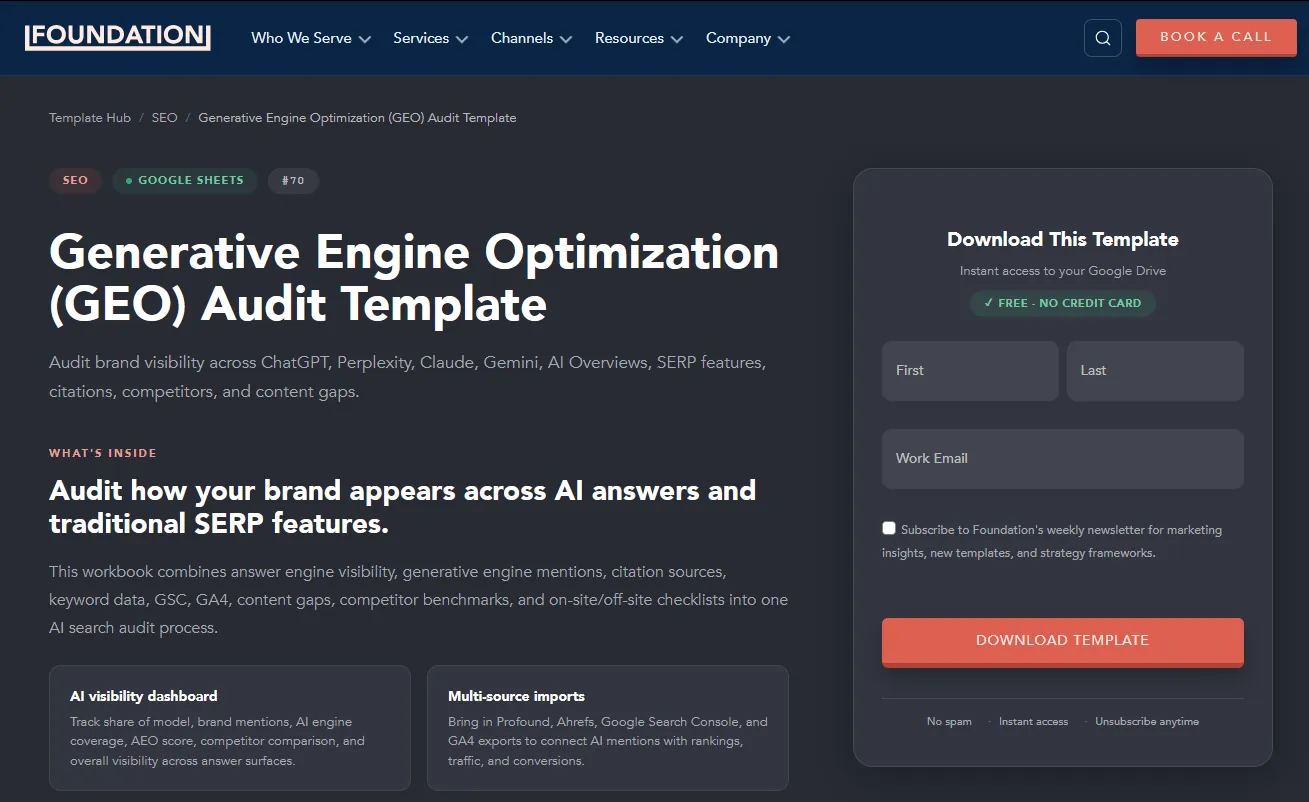
Foundation's GEO audit template is a free Google Sheet for recording visibility, citations, competitors, content gaps and next actions. It is free in exchange for an email.
Tip: Use it to structure your first AI visibility audit for a new client.
Best for writing briefs for both Google and AI answers
FreeTemplate
CustomerImpact blog: SEO and GEO content brief template
CustomerImpact's SEO and GEO content brief template adds AI questions, answer blocks, sourced facts, entities, links and conversion goals to a standard SEO brief.
Tip: Swap it in for your usual brief template so every new page is built to be quoted.
Indexable article: Content brief template for AI search
Indexable's citation-gap content brief connects prompts, competitor citations, sourced facts, entities, approvals and outreach into one workflow, then plans the re-check.
Tip: Use it when a competitor is cited and you are not, to plan the page that closes the gap.
Best for planning AI search reporting for leadership
FreeTemplate
eSEOspace article: GEO dashboards and reporting templates
eSeoSpace lays out GEO dashboard and reporting templates for visibility, mentions, schema and entity health, GA4 and AI traffic, and executive summaries.
Tip: Borrow the executive summary layout for monthly reports to leadership.
Best for first-party search data for your own site
FreeTool
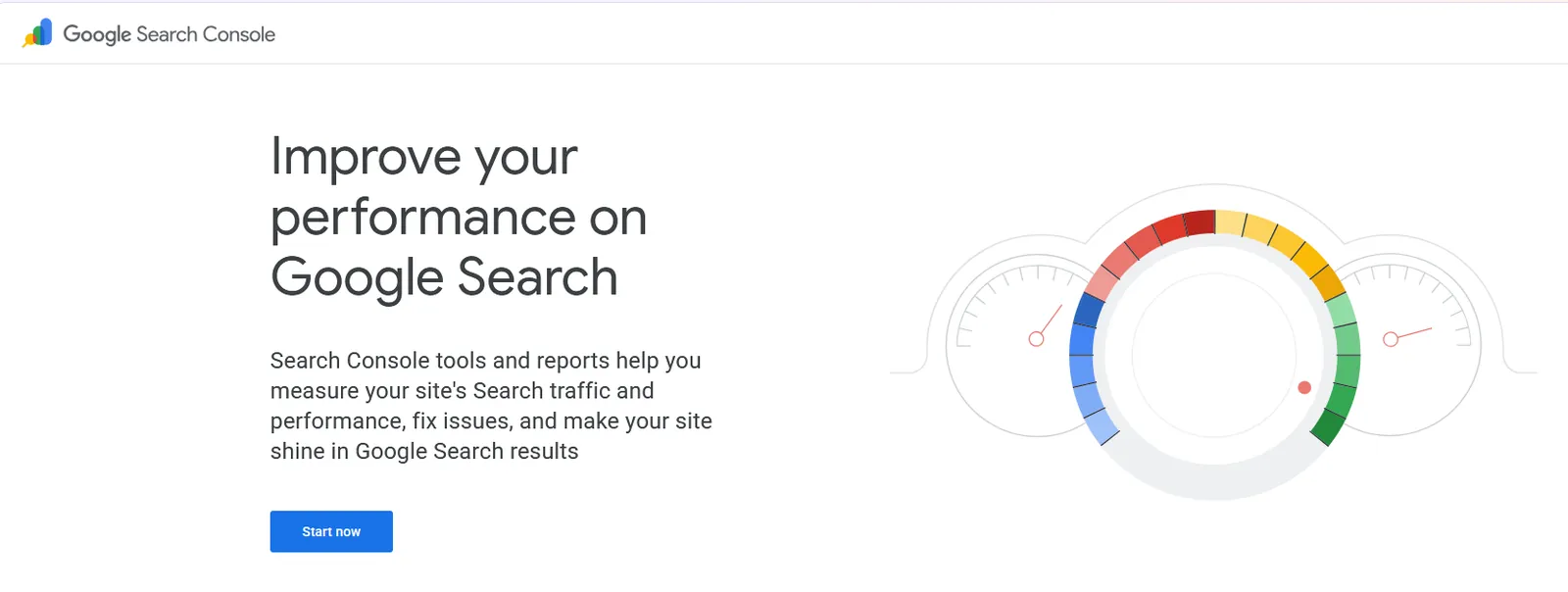
Google Search Console homepage
Google Search Console is your own first-party data from Google: queries, pages, clicks, impressions and indexing. Long, question-like queries in it are often the closest thing to real AI prompts you can see.
Tip: Filter for long queries that start with how, what, which or best to find prompt-like searches for your content plan.
Best for mapping the questions buyers ask on Google
Free tierTool
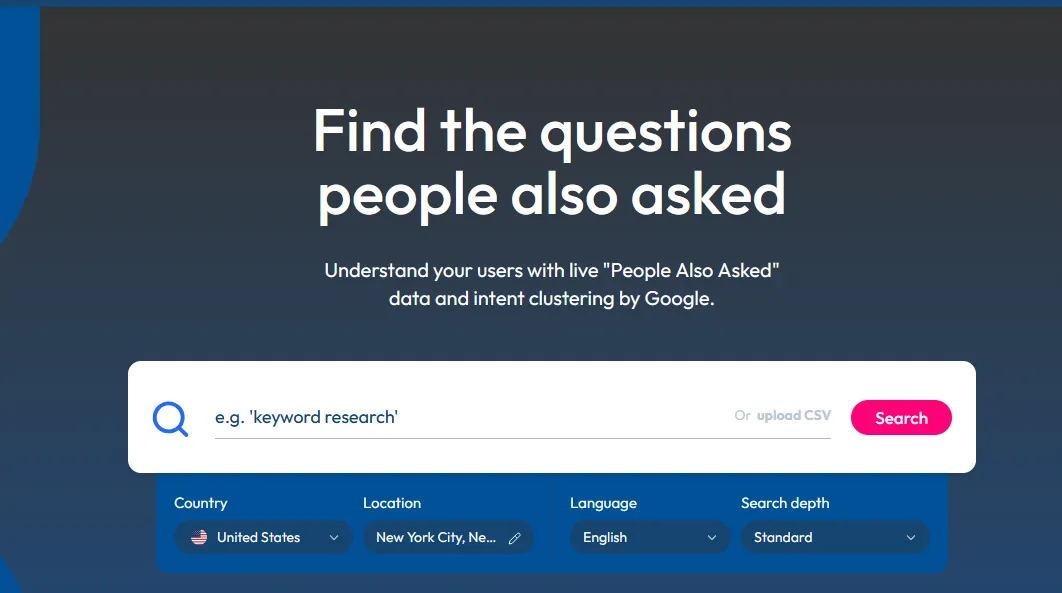
AlsoAsked homepage: find the questions people also asked
AlsoAsked turns Google's People Also Ask boxes into a map of connected questions. The free tier allows a small number of searches a month, which is enough to plan the question headings for a key page.
Tip: Map question clusters for a topic, then use them as H2s and FAQ entries.
Best for seeing the sub-queries behind a single prompt
FreeTool
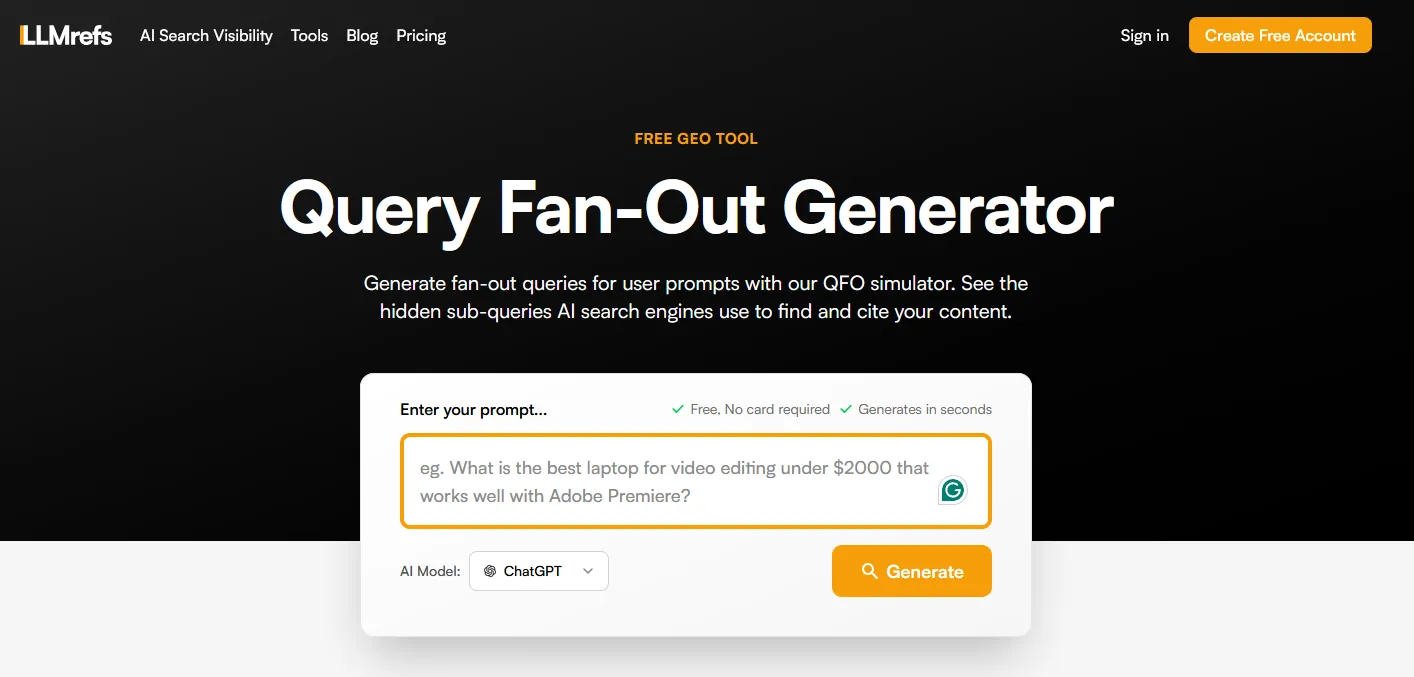
LLMrefs Query Fan-Out Generator page
Type a question into the free query fan-out tool from LLMrefs and it shows the related sub-queries an AI system may run to answer it. Each one is a section, FAQ or page your content may need.
Tip: Run your main buyer questions through it and turn the sub-queries into headings and FAQs.
Best for seeing the searches ChatGPT ran and the sources it cited for your own prompts
FreeTool
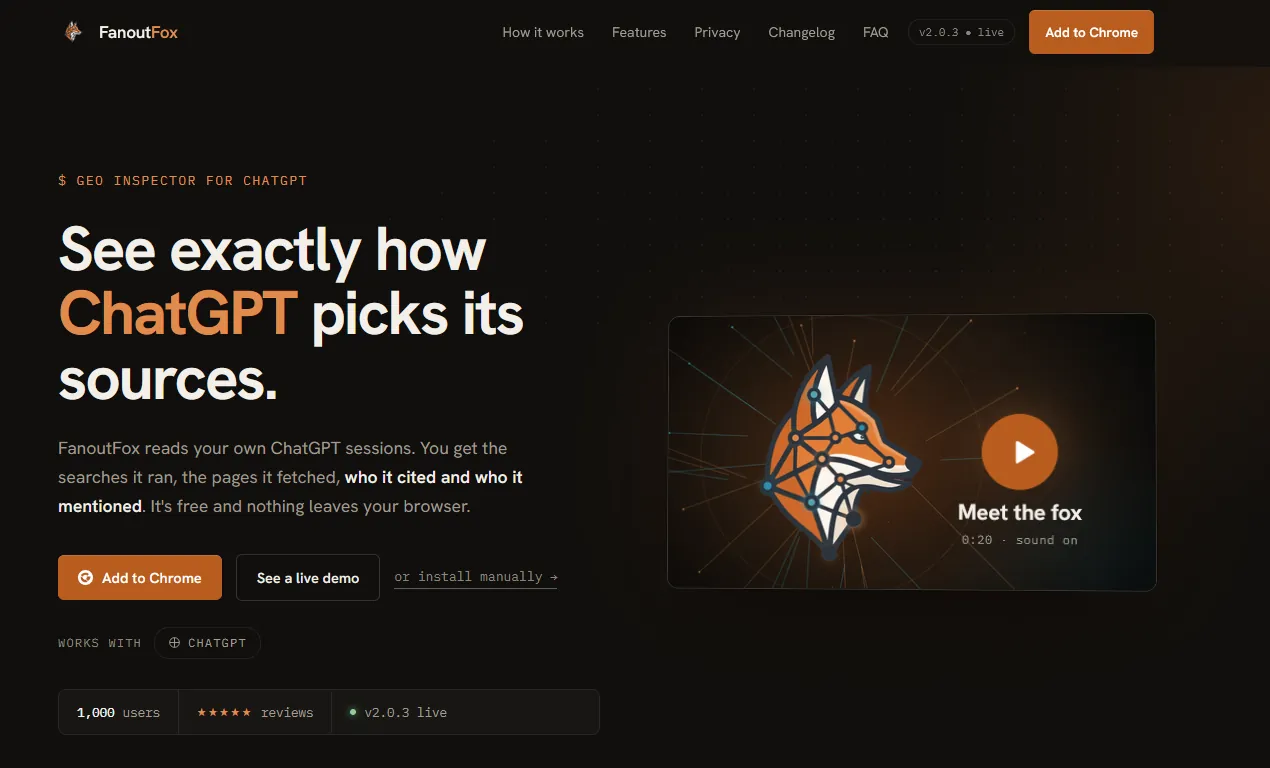
FanoutFox homepage
FanoutFox is a free Chrome extension built by Suganthan Mohanadasan. It reads your own ChatGPT sessions and shows the searches ChatGPT ran, the pages it fetched, which ones it cited and which brands it mentioned. You can pin an answer, rerun the prompt later and compare who entered or dropped out. It works with ChatGPT only, and everything stays in your browser.
Tip: Ask ChatGPT the questions your buyers ask, open FanoutFox, then compare the sub-queries it wrote with the headings on your page.
Best for collecting ChatGPT fan-out queries, citations and brand mentions
FreeTool
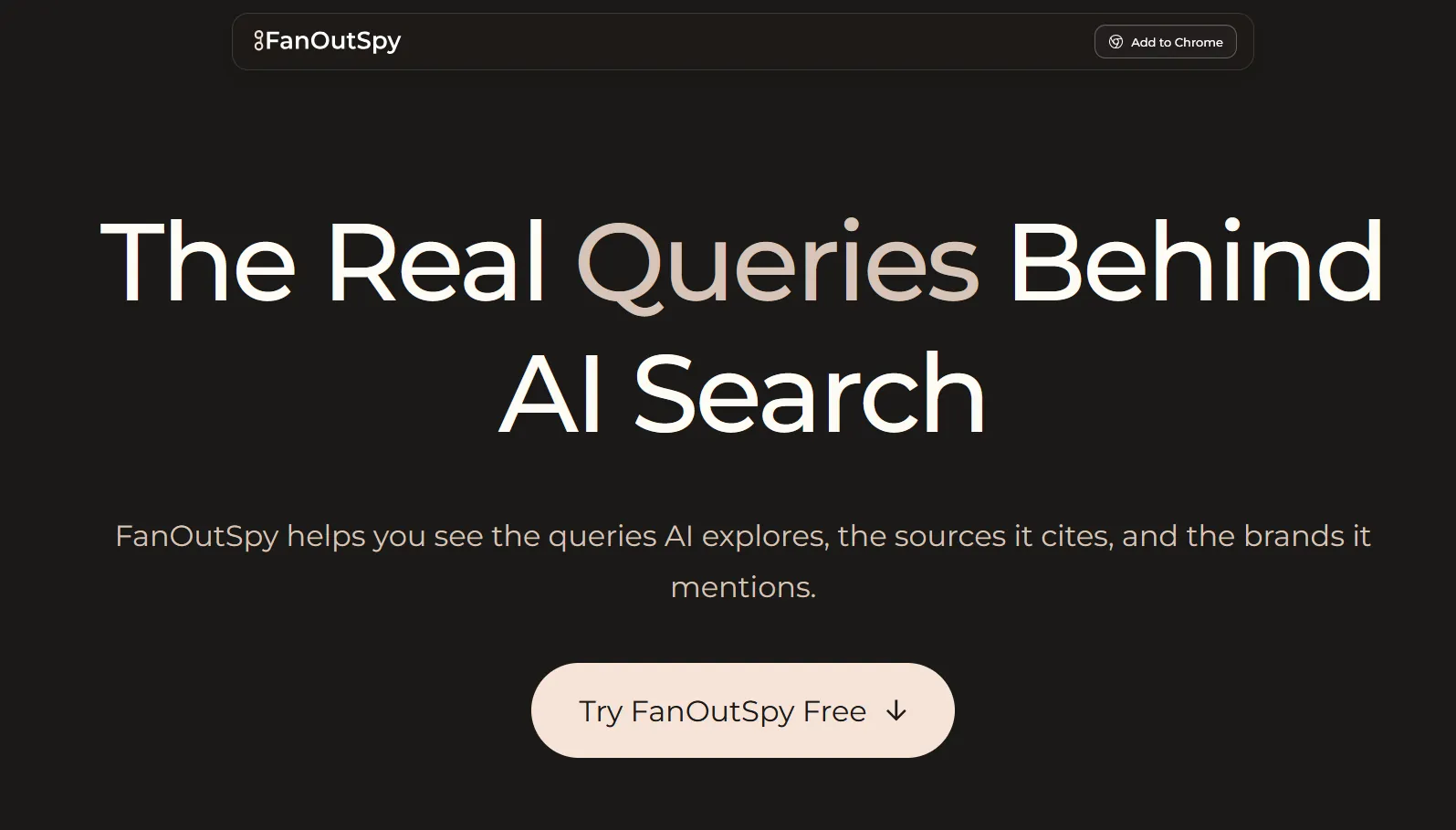
FanOutSpy homepage
FanOutSpy is a free Chrome extension that captures the fan-out queries ChatGPT generates during a web search, along with the pages it cites, the source domains and the brands it mentions. Your data stays in your browser, and you can export what you capture.
Tip: Run a batch of buyer prompts, export the fan-out queries, and use them as a checklist of subtopics your content should cover.
Perplexity shows its sources next to every answer, which makes it one of the easiest places to check by hand whether you or your competitors are cited.
Tip: Ask your top buyer questions, note which sources it cites, and look at what those pages do well.
Best for simulating the sub-queries Google's AI Mode and AI Overviews may run
Free tierTool
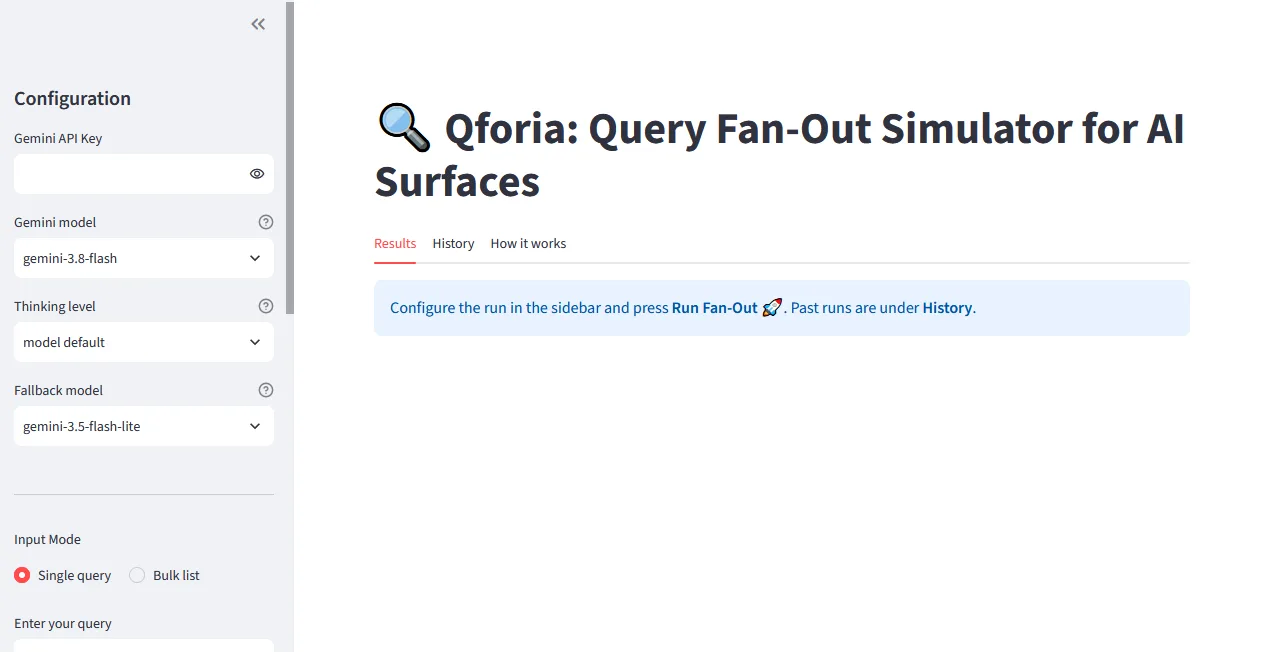
Qforia query fan-out simulator with its Gemini settings panel
Qforia is Mike King's query fan-out simulator. You enter a question and it uses Gemini, the model family behind AI Overviews and AI Mode, to predict the related searches Google may run before it writes an answer. The tool itself is free, but you need your own Gemini API key, and the output is a prediction, not a record of what Google actually ran.
Tip: Run your main topic through it, then check which predicted sub-queries your page already answers and which need their own section.
Best for generating, grouping and testing the prompts your buyers are likely to type
Free tierTool
ChatGPT homepage: chat, work and code all in one place
ChatGPT is the AI assistant most buyers already use, which makes it both a research tool and a place to test your visibility. Use it to draft prompt lists from customer language, group them by intent and then ask them with search turned on to see which brands and sources come back. The free plan is enough for this; paid plans raise the usage limits.
Tip: Paste in sales call notes or reviews, ask for the questions a buyer would type, then run the best ten with search on and record who gets named.
Keyword research tools
Measure search demand, find the terms people use and spot easy wins.
Best for search volume, keyword difficulty and the pages that rank, in one place
PaidTool
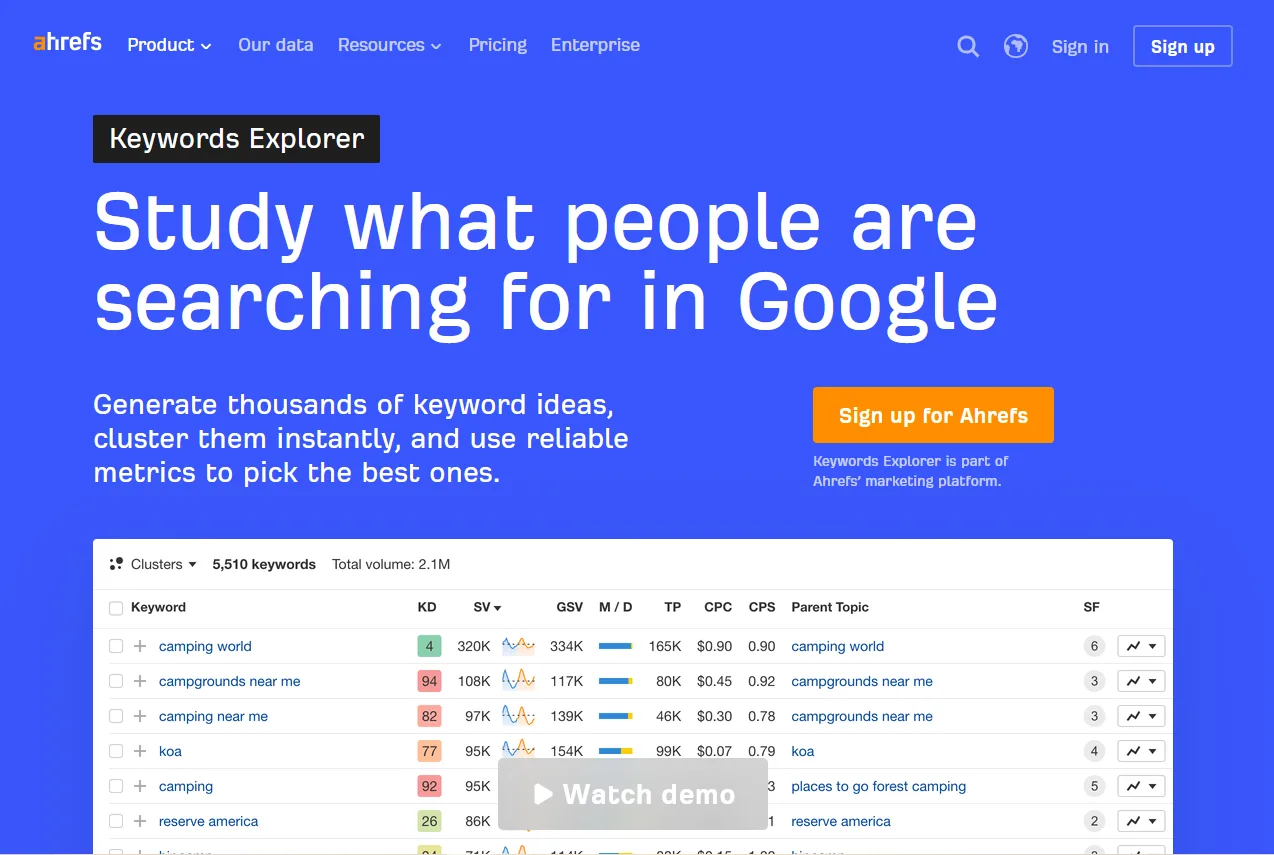
Ahrefs Keywords Explorer page with a keyword table
Ahrefs Keywords Explorer gives search volume, keyword difficulty, click data and the current top results for any term, across many countries. It is part of a paid Ahrefs plan. If you only need ideas, Ahrefs also has a free keyword generator that shows a short list of terms with volume.
Tip: Filter your topic for question keywords, then compare difficulty against your site's authority before choosing which pages to write.
Best for building large keyword lists grouped by topic and question
Free tierTool
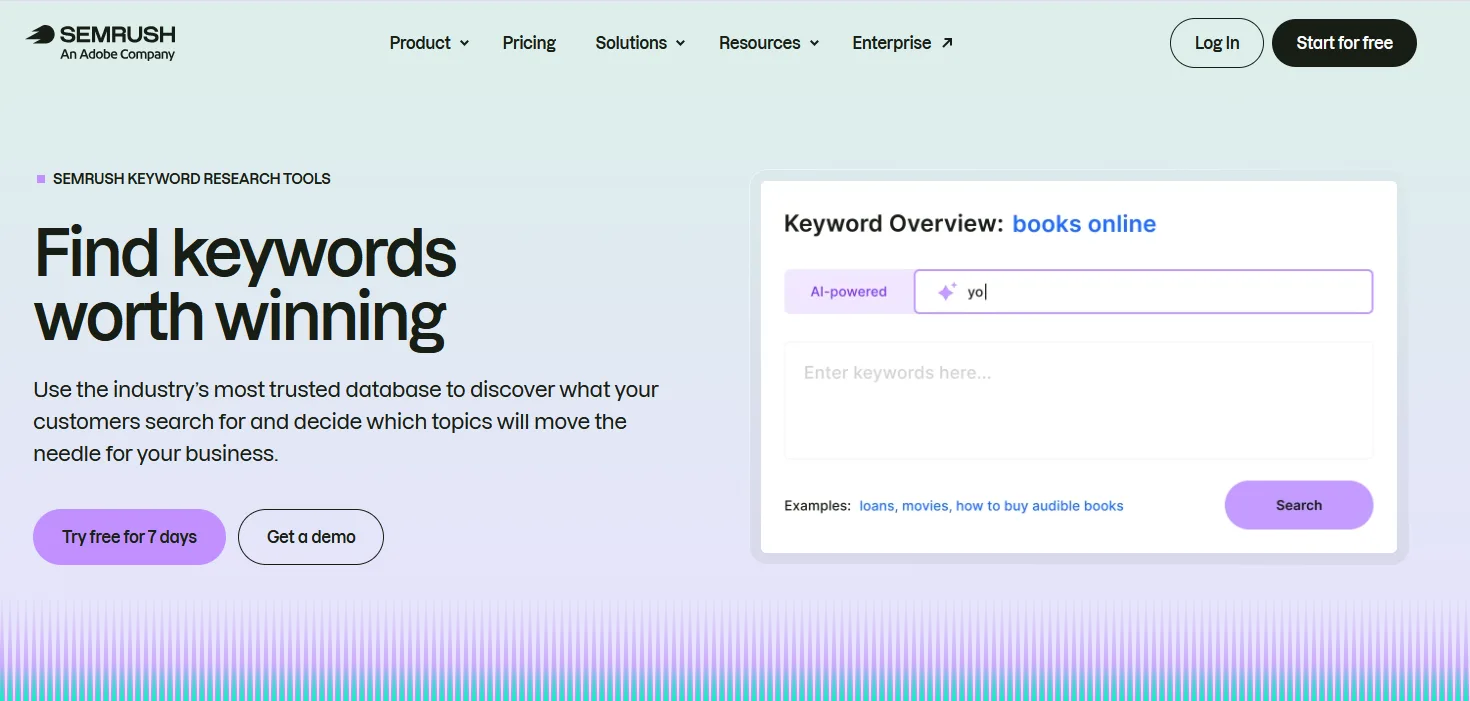
Semrush keyword research tools page
The Semrush Keyword Magic Tool turns one seed term into thousands of related keywords, grouped into topic clusters with volume, difficulty and intent. A free Semrush account allows 10 keyword searches a day, which is enough to research a single topic.
Tip: Use the Questions filter on your main term to collect the questions people search, then group them into page sections.
Best for free search volume data straight from Google
FreeTool
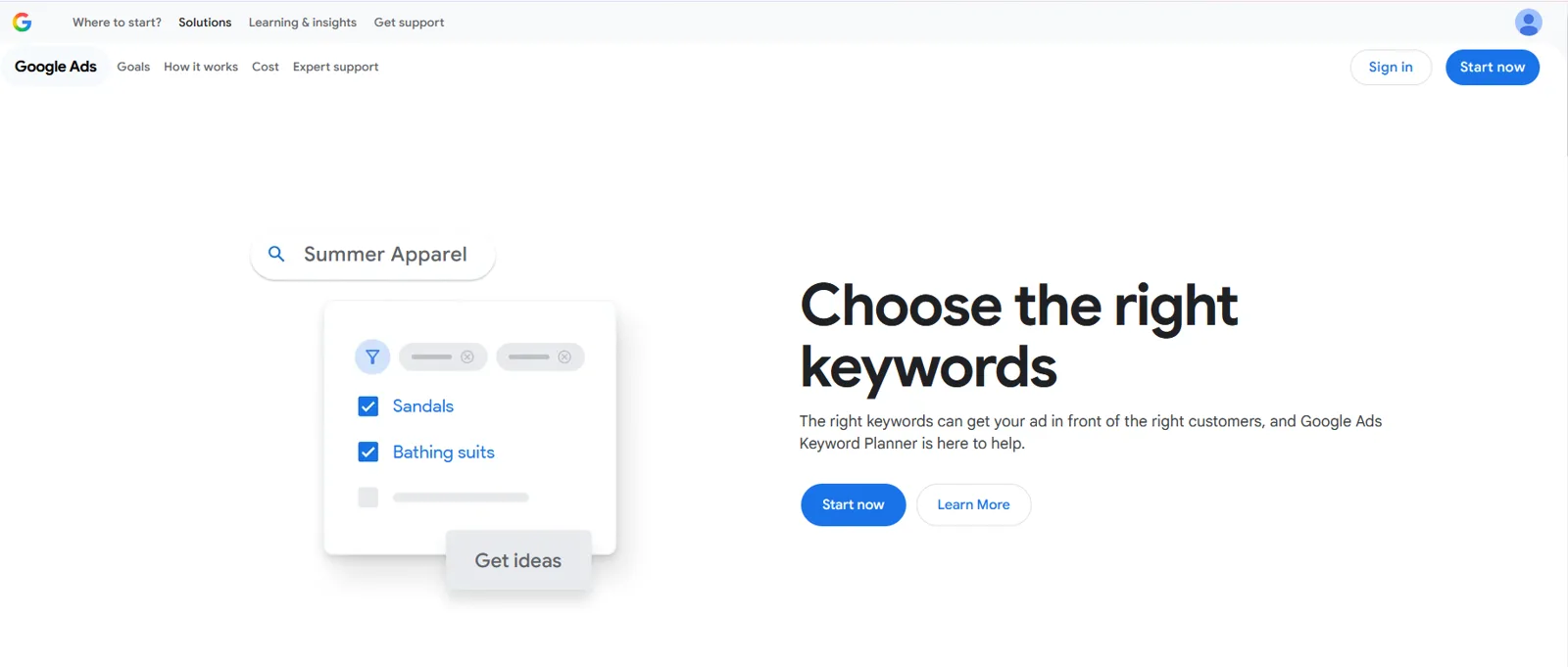
Google Ads Keyword Planner page: choose the right keywords
Google Keyword Planner is the free keyword tool inside Google Ads. It suggests related terms and shows how often they are searched. You need a Google Ads account but do not have to run ads, although accounts with no ad spend see volume as ranges rather than exact numbers.
Tip: Enter your product and category terms to confirm demand before building a page, and use the ranges to compare terms rather than as exact counts.
Best for seeing whether interest in a topic is rising, falling or seasonal
FreeTool
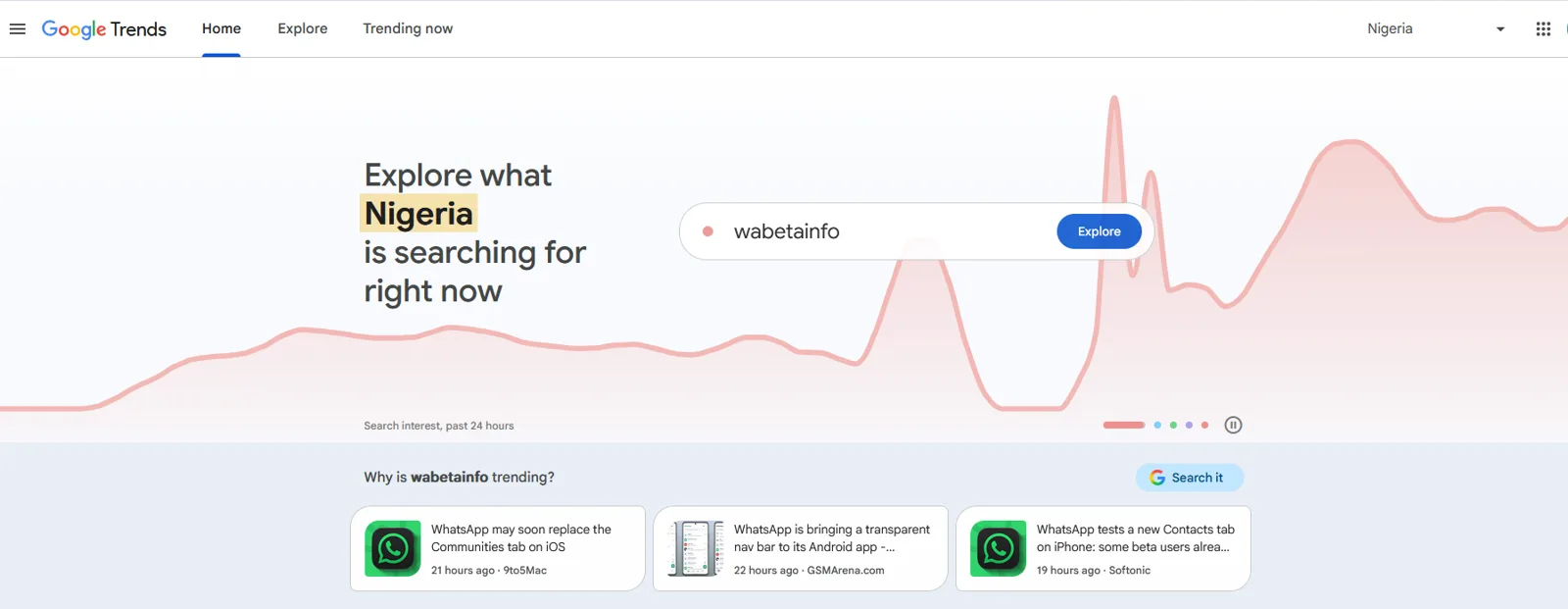
Google Trends home page showing search interest over 24 hours
Google Trends shows how search interest in a term changes over time and by region, on a scale of 0 to 100 rather than in absolute numbers. It is useful for spotting rising topics and seasonal patterns, and for comparing two terms against each other.
Tip: Compare your category's old and new names, such as SEO and AEO, to see which one your market is moving toward.
Best for seeing keyword data inside Google and other sites as you browse
Free tierTool
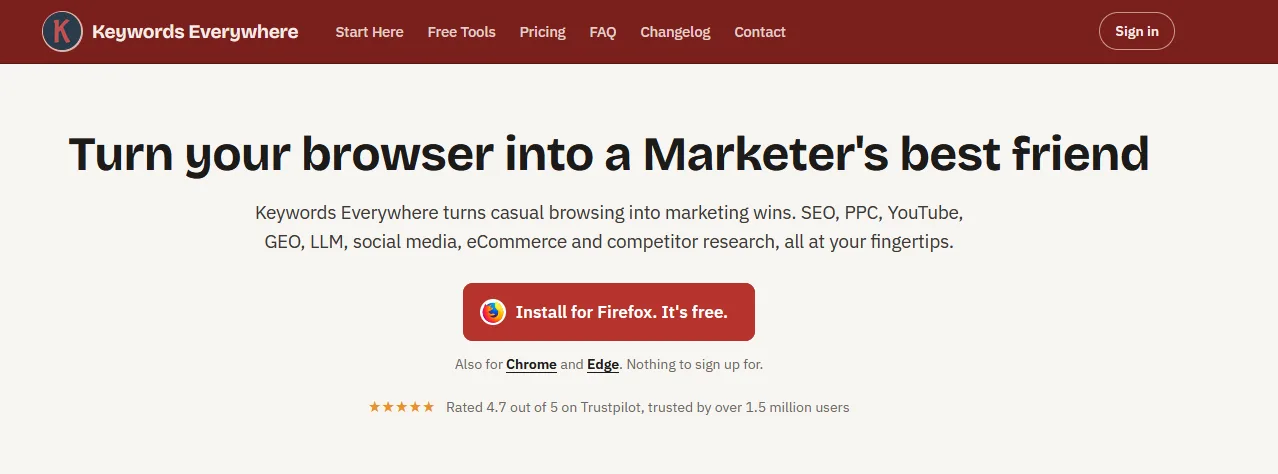
Keywords Everywhere homepage
Keywords Everywhere is a browser extension that adds keyword data to the pages you already use, including Google results, YouTube and Amazon. Some features work for free, and the search volume and traffic data run on an annual credit plan.
Tip: Leave it on while you search your own topics, and note the related keywords and People Also Search terms it shows beside the results.
Best for finding keywords that weaker sites already rank for
PaidTool
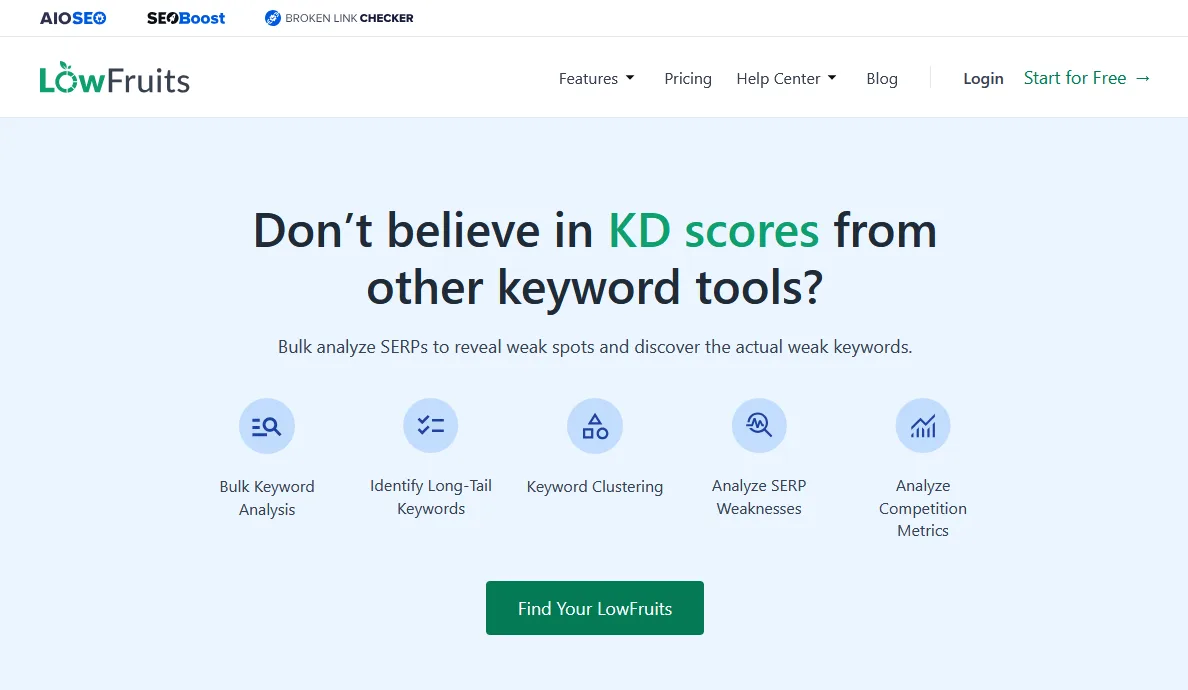
LowFruits homepage: find weak spots in the search results
LowFruits looks at the current results for a keyword and flags weak spots, such as forums and small sites ranking on page one. That makes it useful for newer sites that cannot compete on high-difficulty terms yet. It runs on pay-as-you-go credits or a monthly plan.
Tip: Run a list of long-tail keywords through it and start with the ones where forums or small sites already rank in the top ten.
AI visibility tools
Check and track whether AI platforms mention and cite your brand. Free tools first, then paid.
Best for a quick, free first look at your brand in AI answers
FreeTool
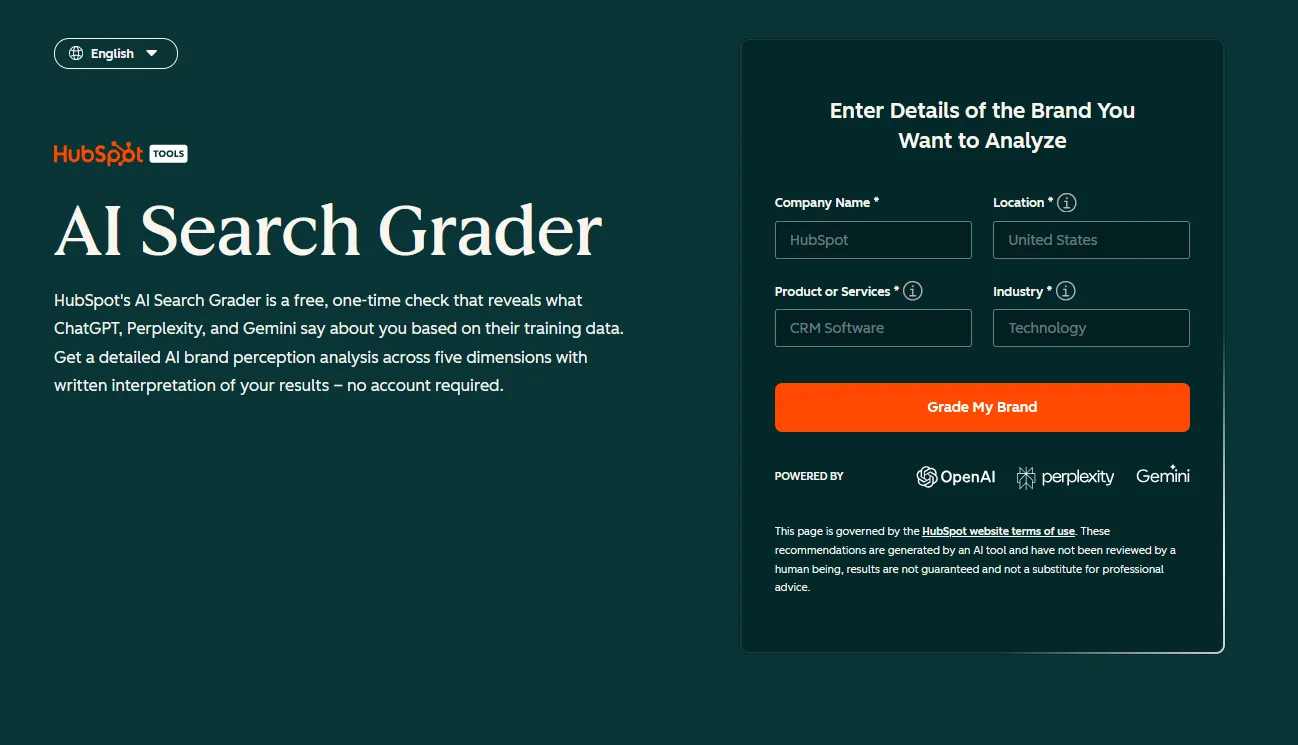
HubSpot AI Search Grader page
For a fast starting point, HubSpot's AI Search Grader checks how AI platforms talk about your brand and how you compare with competitors. It is free, takes a few minutes and makes a useful screenshot for a first conversation with leadership.
Tip: Run it for a prospect before a sales call to show where they stand in AI answers.
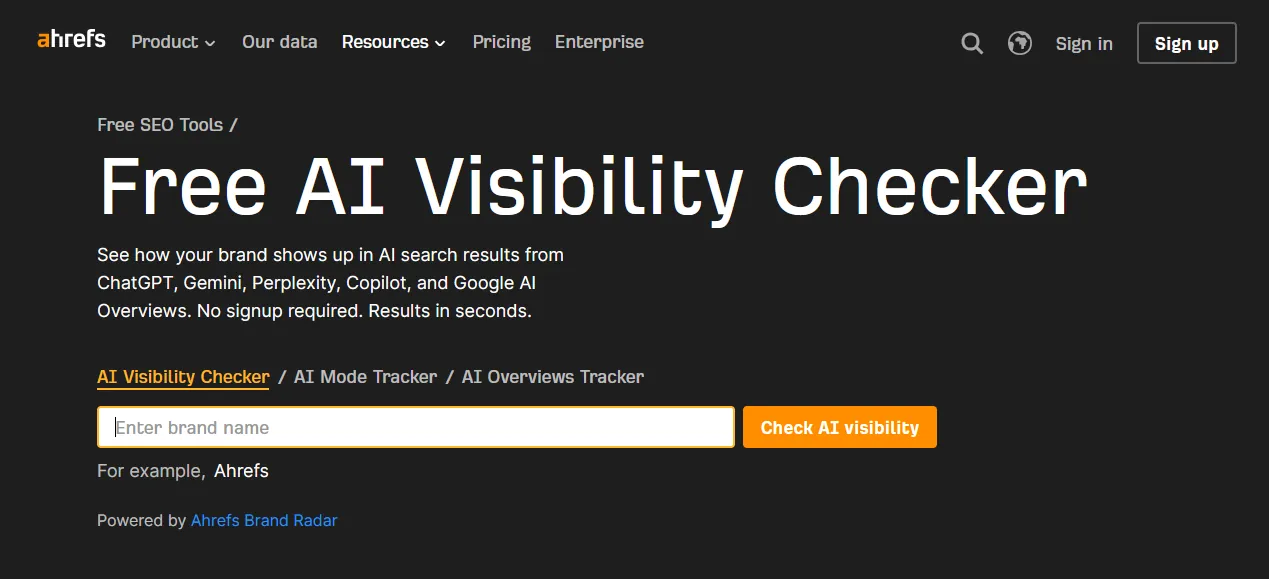
Ahrefs offers a free AI visibility checker that shows how often your brand appears in AI answers. It is a lighter version of Ahrefs' paid tracking, and a sensible way to test the waters before you commit to a tool.
Tip: Use it for quick spot checks on brand mentions before recommending a paid tracker.
Best for a quick check across ChatGPT, Perplexity and Gemini
Free tierTool
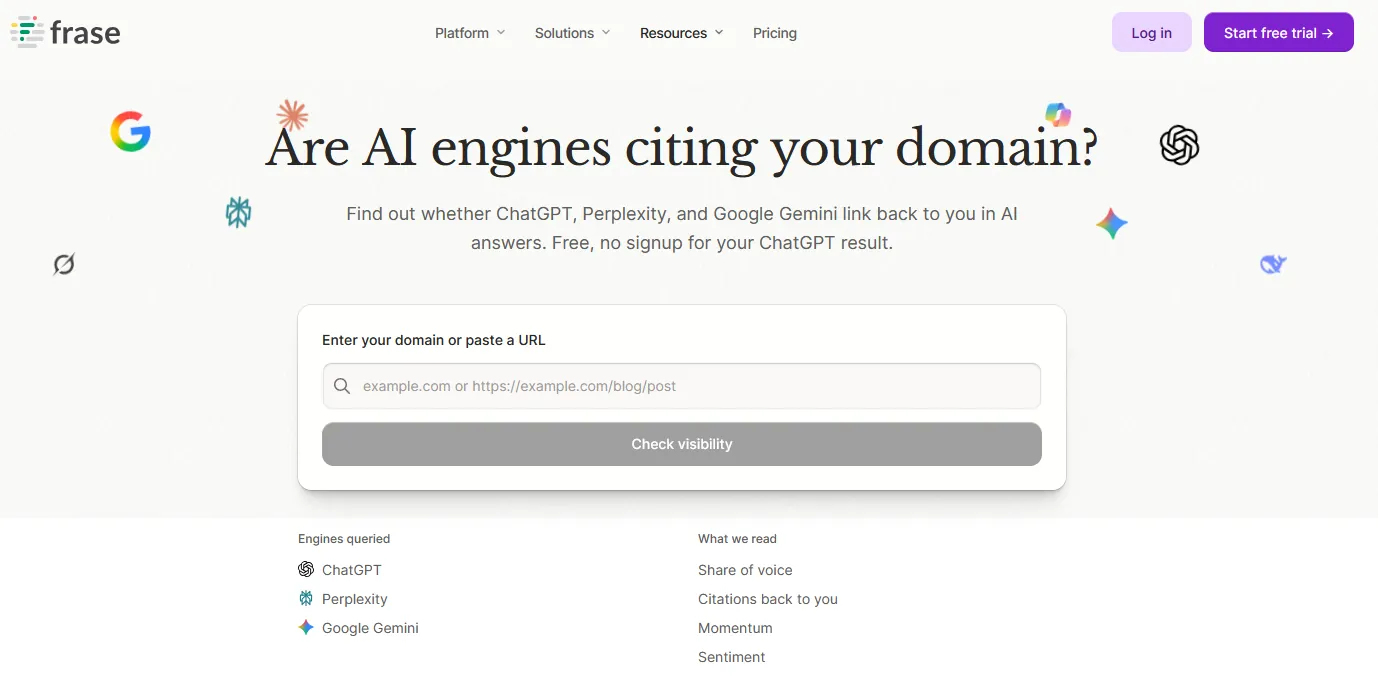
Frase AI visibility checker: are AI engines citing your domain
Frase's AI Visibility Checker runs a quick visibility and citation check across ChatGPT, Perplexity and Gemini. The free snapshot uses a small number of phrases, and an email unlocks more engines.
Tip: Use it as a second free snapshot next to Ahrefs' checker, then compare what each tool finds.
Best for seeing which B2B software brands AI recommends in your category
FreeTool
CheckThat homepage
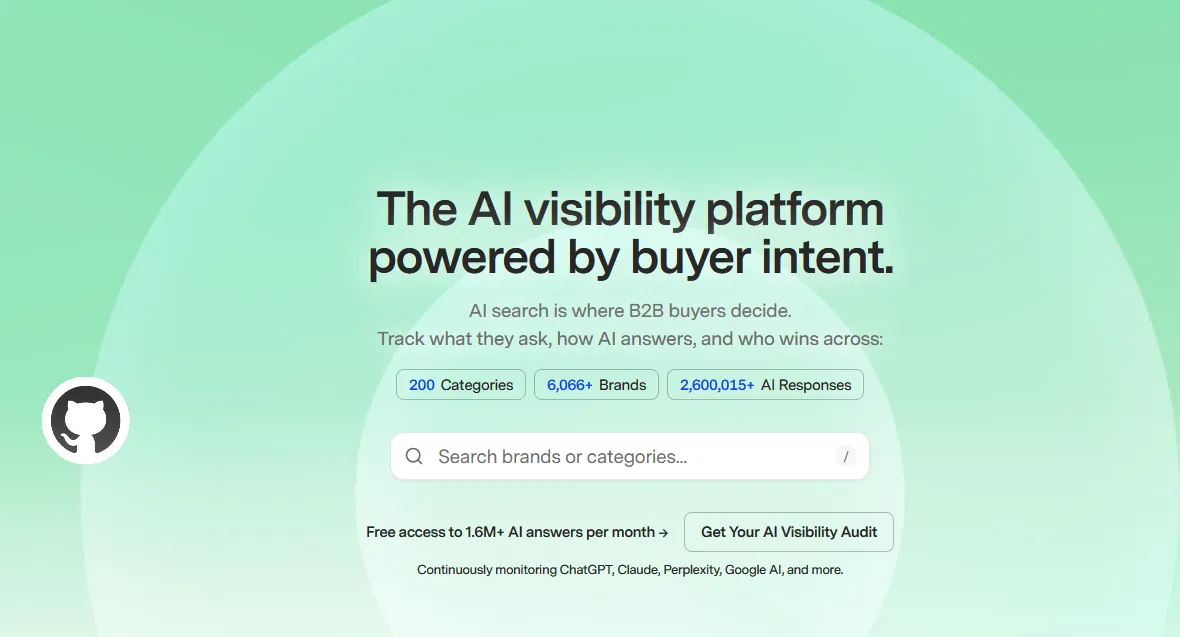
CheckThat is GrowthX's AI visibility platform, and its core is free. It tracks how ChatGPT, Claude, Perplexity and Google AI answer buyer questions across about 200 B2B software categories, using a shared prompt library that a person reviews. You can look up your category, see which brands AI recommends and check where you stand without building your own prompt set.
Tip: Find your software category, note who AI recommends ahead of you, then study the sources those answers cite.
Best for a quick readiness score for ChatGPT, Gemini, Claude and Perplexity
FreeTool
Arobis AI Visibility Checker
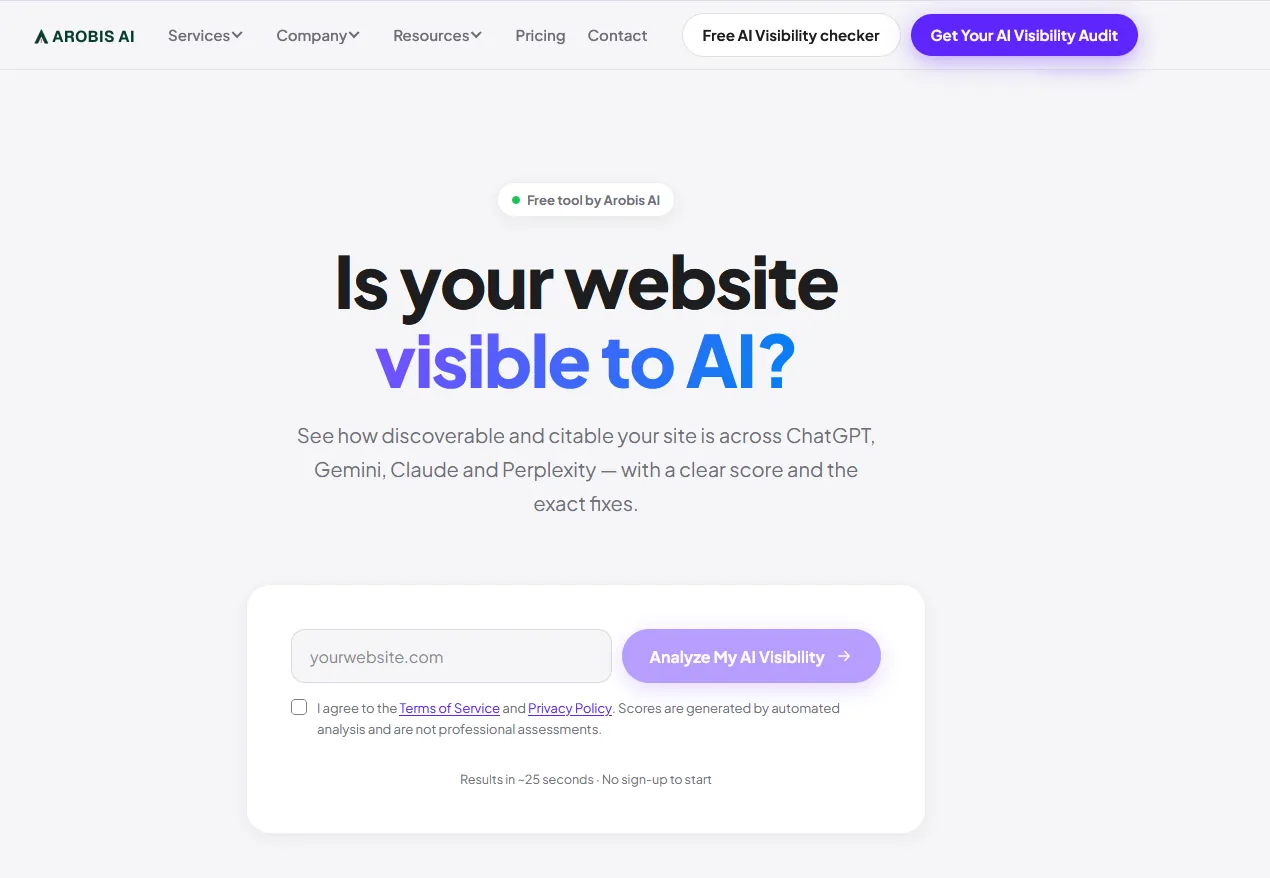
The Arobis AI Visibility Checker scores how ready your site is to be found and cited by ChatGPT, Gemini, Claude and Perplexity. It checks AI crawler access, structured data, page structure, brand signals, llms.txt and technical health, then gives a score out of 100 in about 25 seconds with no signup. The full fix plan sits behind a short contact form. Arobis also offers Arobis Lens, a free Chrome extension that shows how often AI tools recommend the brand on the page you are viewing.
Tip: Run it on your site and two competitors, fix the crawler and schema gaps first, then check again.
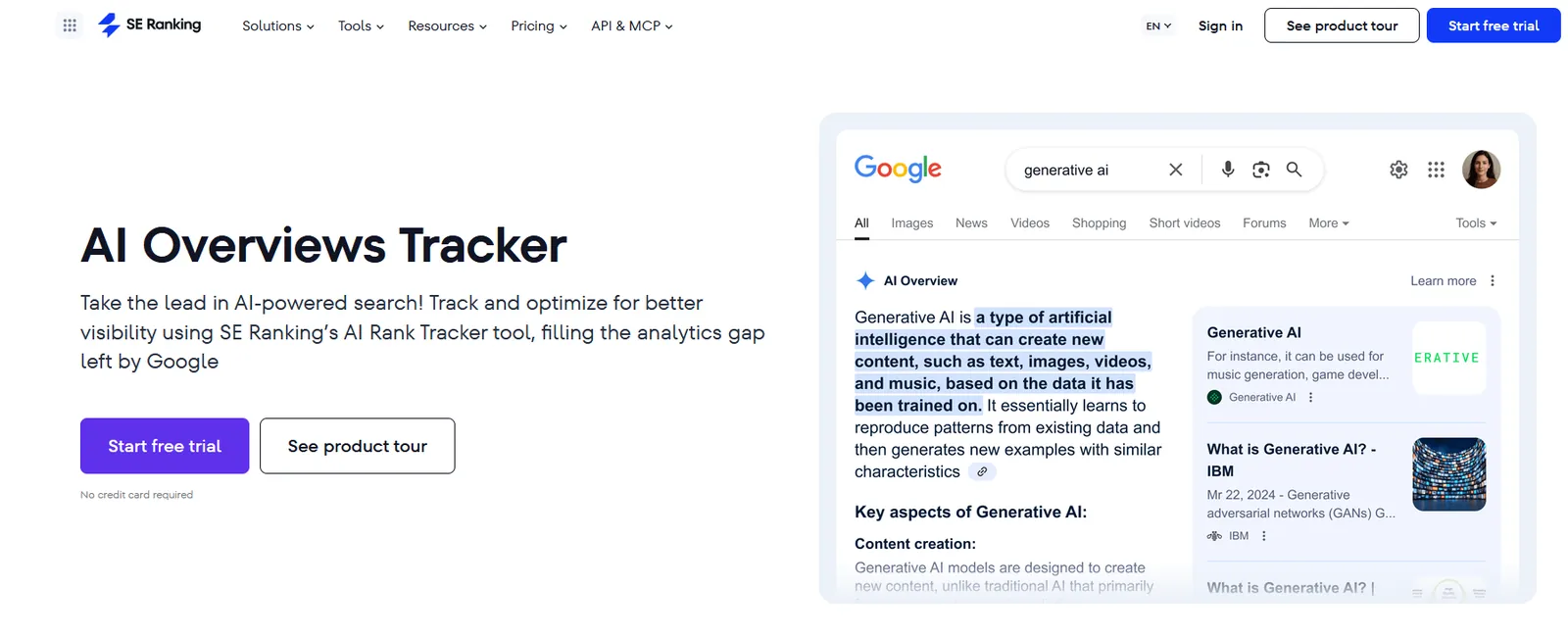
SE Ranking's AI Overviews Tracker shows which keywords trigger AI Overviews, which URLs get cited and which competitors appear, by country and device. It gives five free checks a day, with paid tracking beyond that.
Tip: Check your top keywords to see where AI Overviews appear and whether your pages are among the cited sources.
Best for hands-on prompt testing and before-and-after checks
Free tierTool
Found in AI homepage
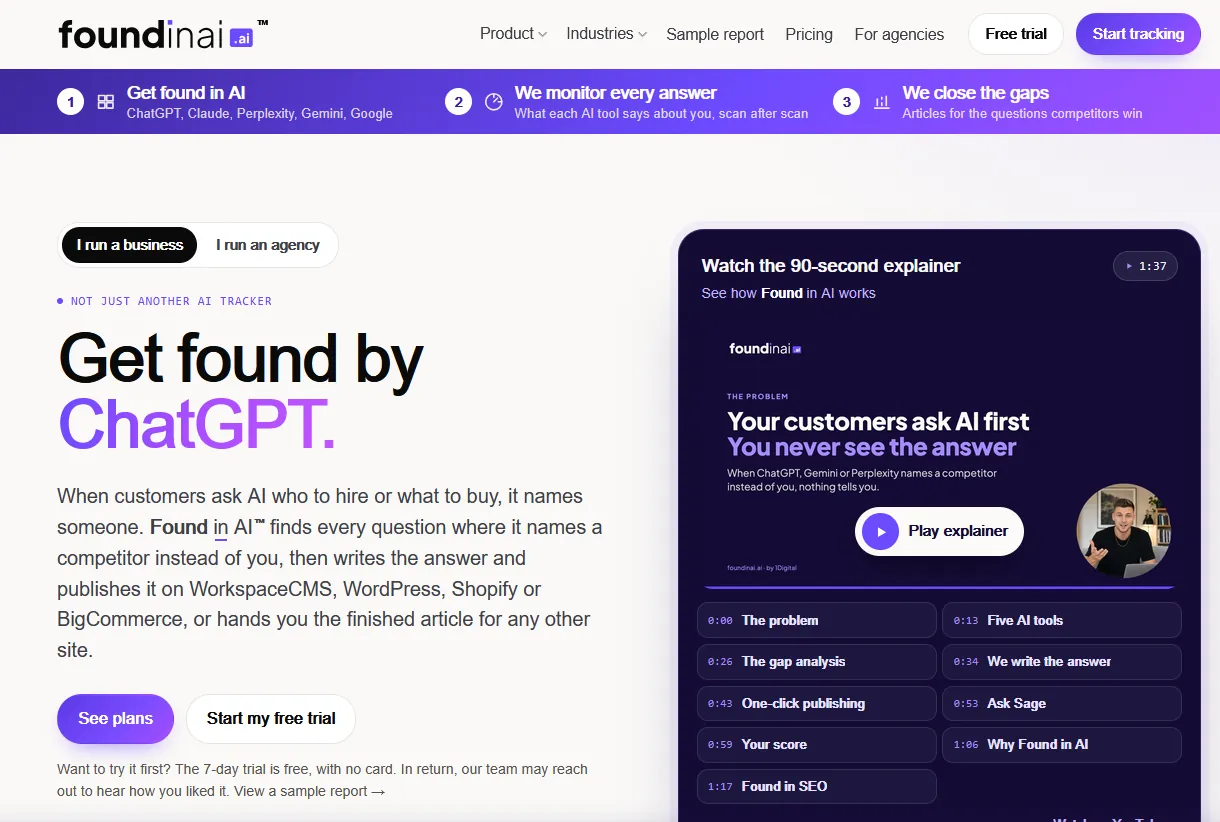
Found in AI runs a free scan about once a month to show whether AI tools name you, which competitors they name instead and where the gaps are. Paid plans add ongoing monitoring.
Tip: Run a scan before and after a content refresh to see whether the changes moved anything.
Best for measuring citations in Microsoft's AI answers
FreeGuide
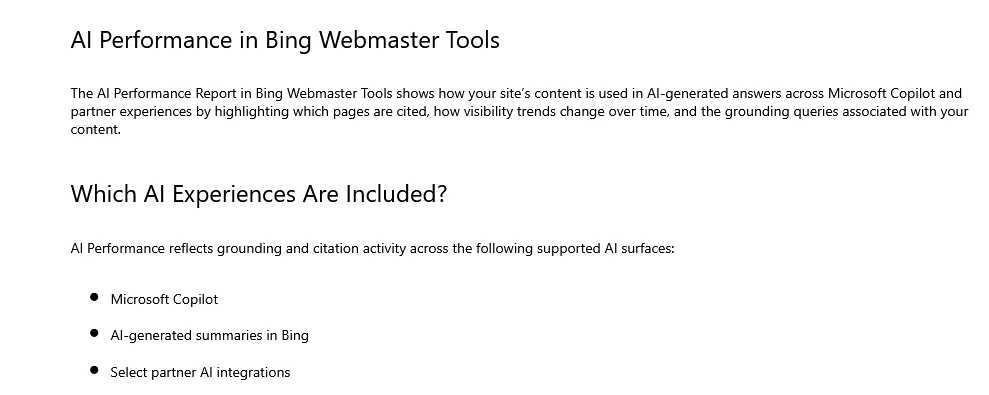
Bing Webmaster Tools help page: AI Performance
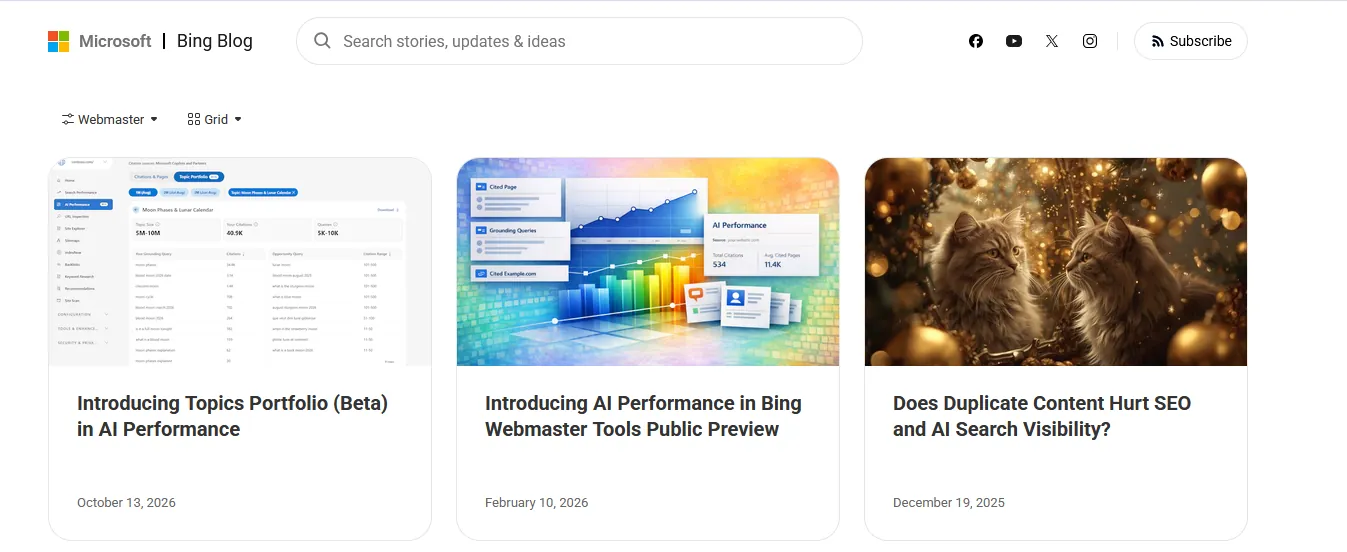
First-party data on AI citations is rare, which makes Bing's AI Performance report worth setting up early. Inside Bing Webmaster Tools it shows citations, grounding queries, cited pages and trends, with exports. A verified site is required.
Tip: Verify the site, then export cited pages and grounding queries monthly as first-party proof of AI visibility.
Best for seeing which brands AI models connect to your topics, and testing edits that win citations
Free first runTool
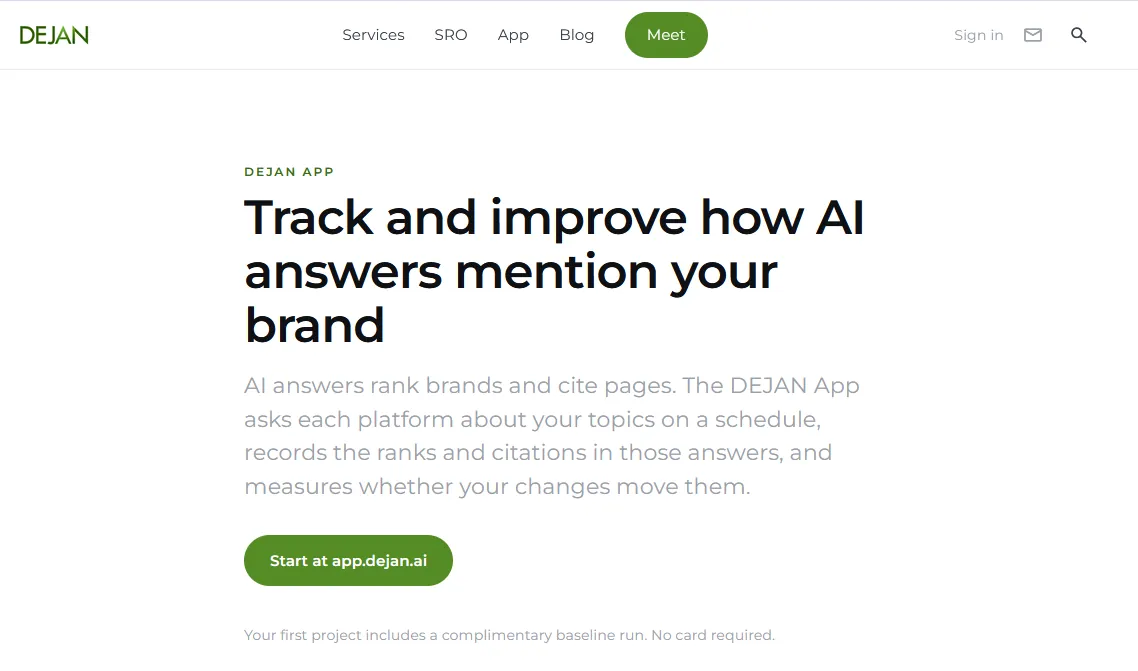
DEJAN App page
The DEJAN App from Dan Petrovic's agency tracks how Google, OpenAI and Anthropic models rank your brand and cite your pages. It also tests page edits against an AI ranker so you keep only the changes that move you up. Your first project gets a free baseline run with no card, and after that you pay for the tokens you use. DEJAN also shares free single-purpose tools, such as a query fan-out generator and an AI bot tester, on its tools page.
Tip: Run the free baseline on your most important topics first, then decide whether ongoing tracking is worth paying for.
Best for monthly AI search trends and free prompt tracking
Free tierNewsletter
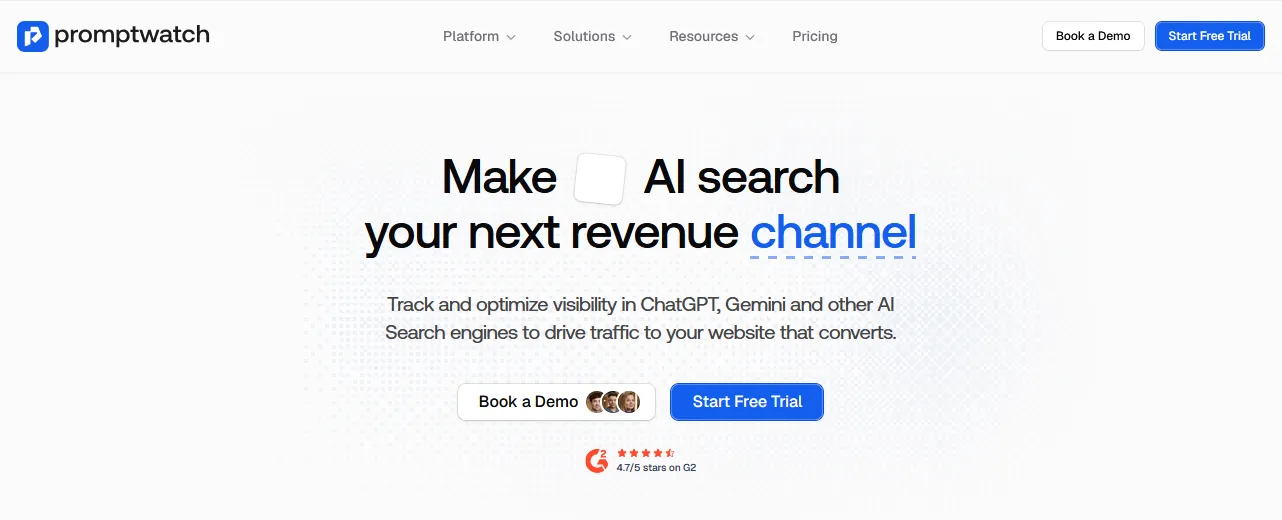
Promptwatch homepage
Promptwatch is an AI search visibility platform that lets you track up to 10 prompts for free, and publishes a monthly State of AI Search report on how AI platforms are changing.
Tip: Track up to 10 prompts on the free plan, and read the monthly State of AI Search report for trends.
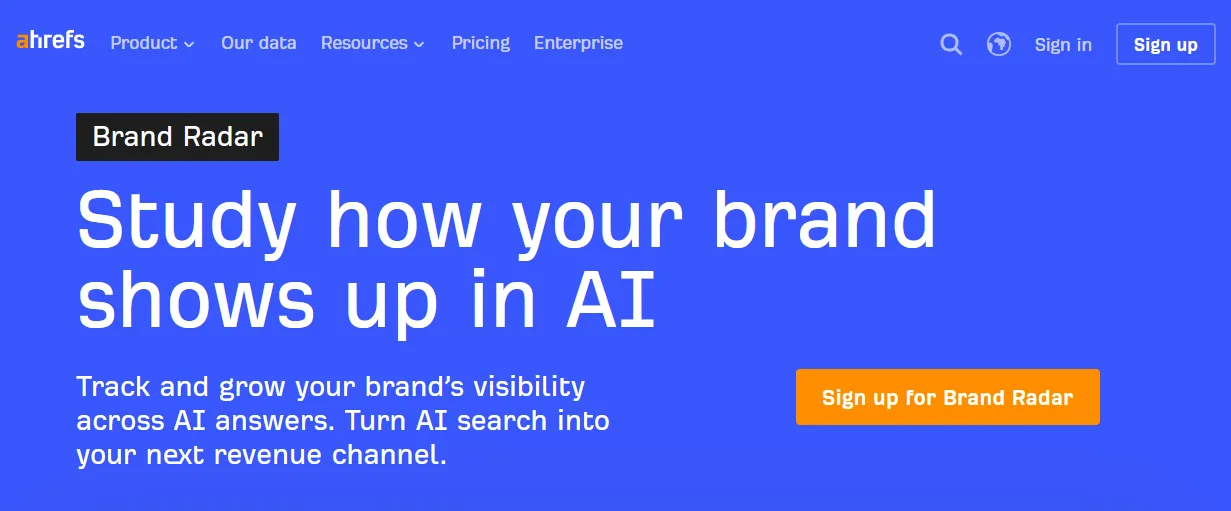
Brand Radar tracks brand mentions and citations across AI platforms and search, and compares your share of voice with competitors. It sits inside Ahrefs, so it suits teams who already pay for the SEO suite.
Tip: Track share of voice against competitors over time and report it monthly.
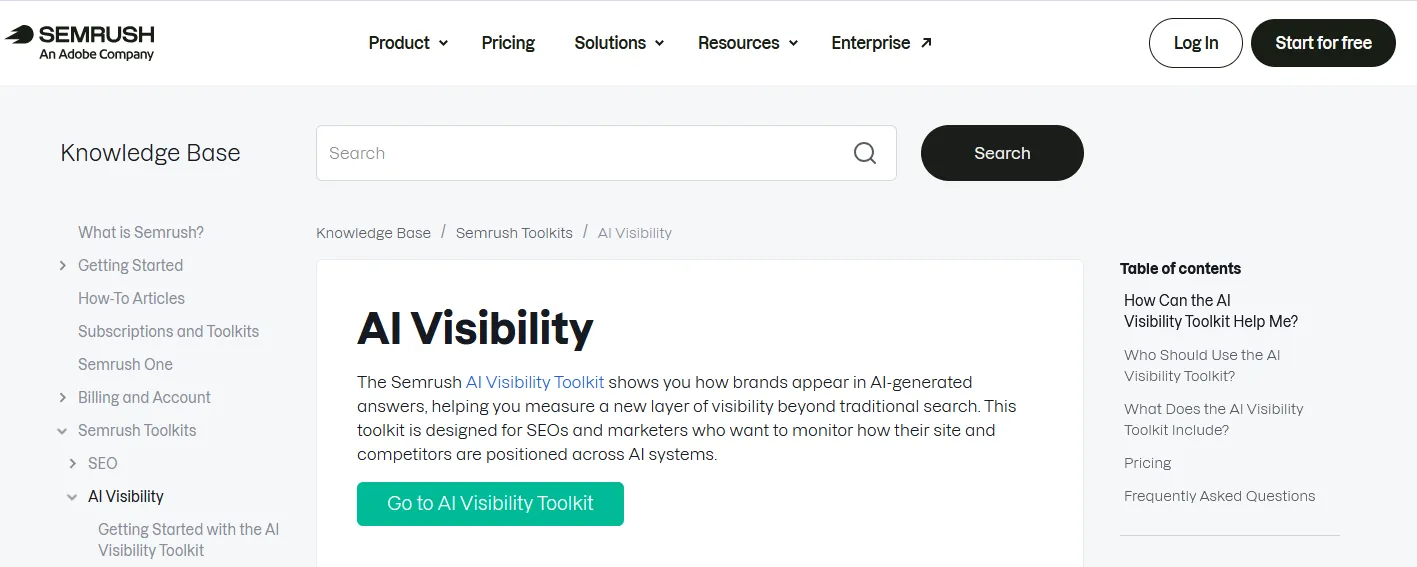
Semrush's AI Visibility Toolkit tracks how your brand shows up in AI answers, which prompts mention you and which sources AI tools cite. The knowledge base article explains what each report does before you buy.
Tip: Use it to find which prompts mention competitors but not your client, then target those gaps.
Best for enterprise teams tracking AI visibility at scale
PaidTool
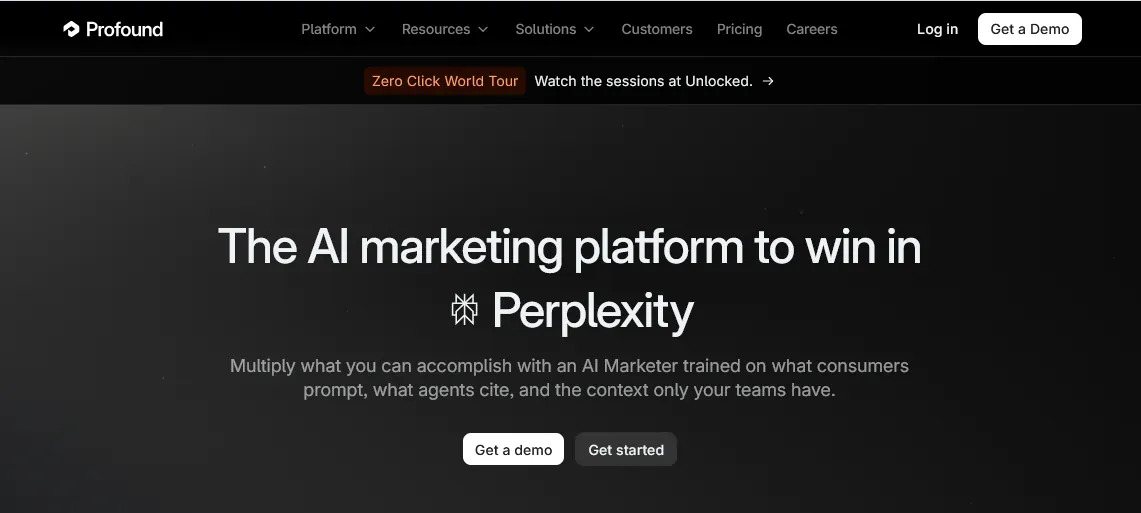
Profound homepage
Profound is one of the best-known enterprise platforms for AI search visibility, covering mentions, citations, sentiment and the prompts buyers use. Pricing is aimed at larger teams.
Tip: Use it for large brands that need detailed tracking across many prompts, regions and platforms.
Best for mid-sized teams that want daily AI visibility tracking
PaidTool
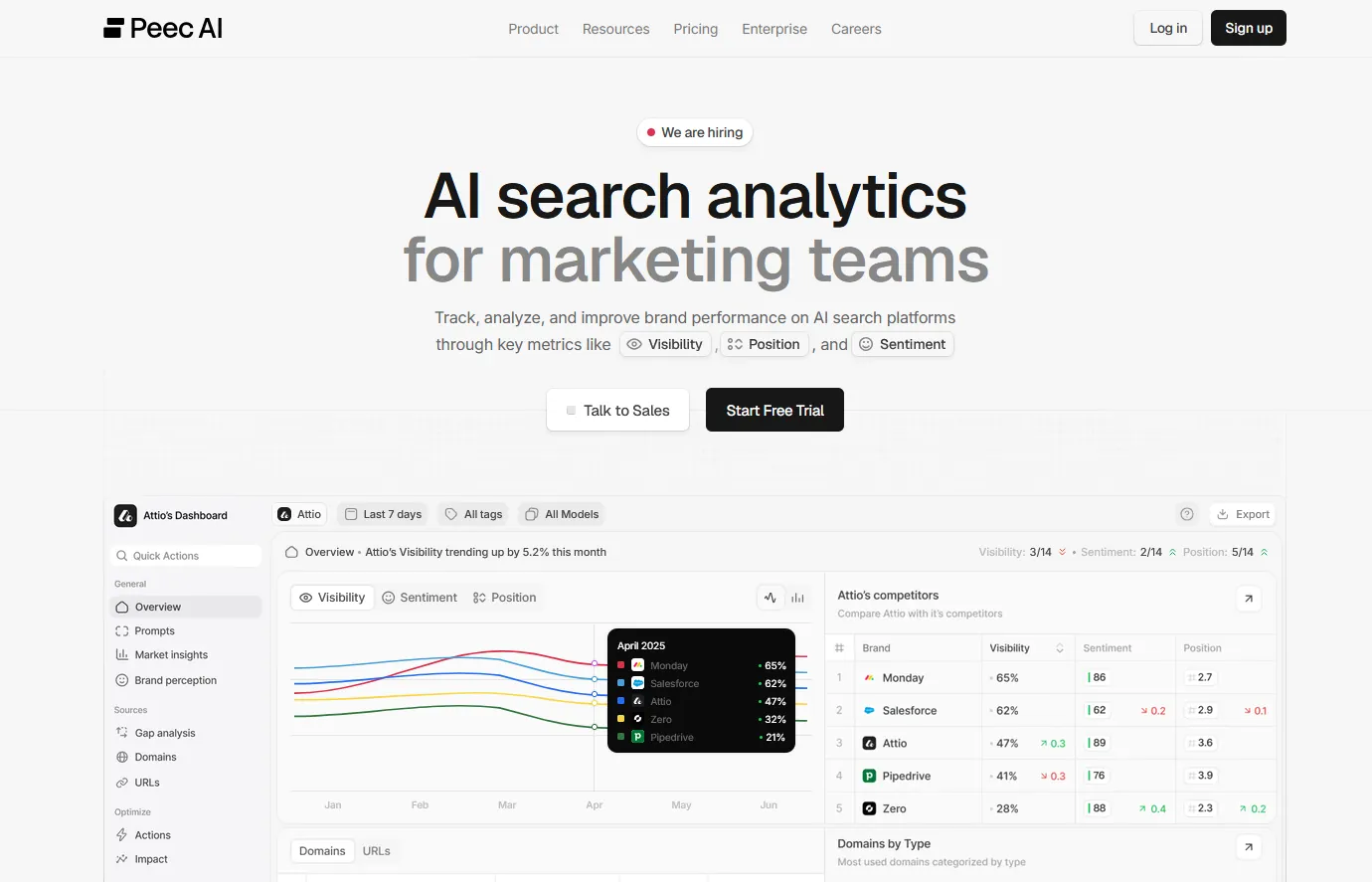
Peec AI homepage with its analytics dashboard
Peec AI tracks your visibility, position and sentiment across ChatGPT, Perplexity, Google AI Overviews and other AI platforms, with competitor benchmarks and source analysis.
Tip: Use it to track visibility and sentiment daily and to see which sources AI tools cite for your topics.
Best for small teams and agencies on a tighter budget
PaidTool
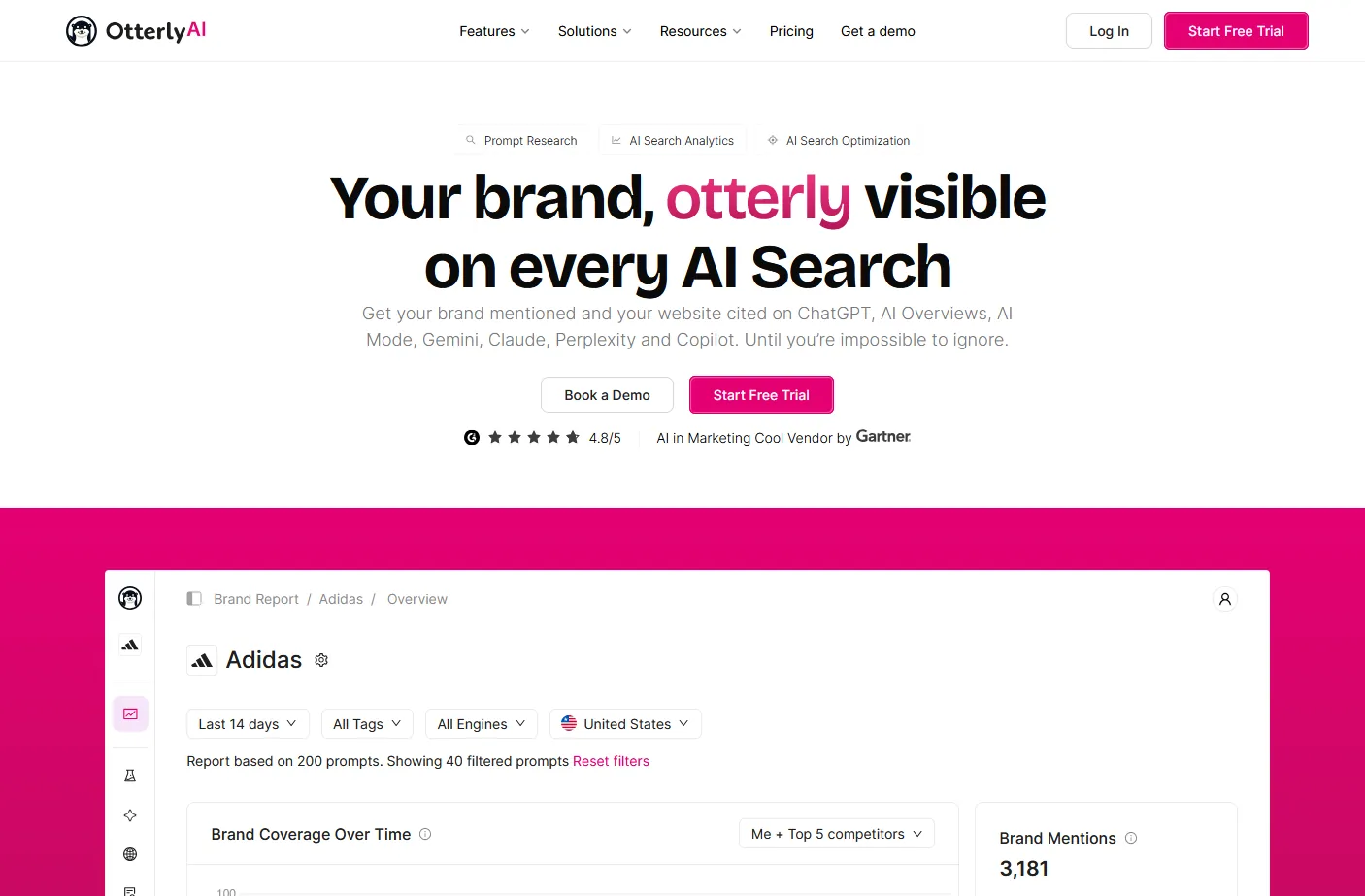
Otterly.AI homepage with a brand report
Otterly.AI monitors brand mentions and website citations across AI search platforms, and is often recommended as a more affordable option for smaller teams and agencies.
Tip: Use it for affordable monitoring of a small prompt set across several AI platforms.
Best for connecting prompts, citations and AI-referred traffic
PaidTool
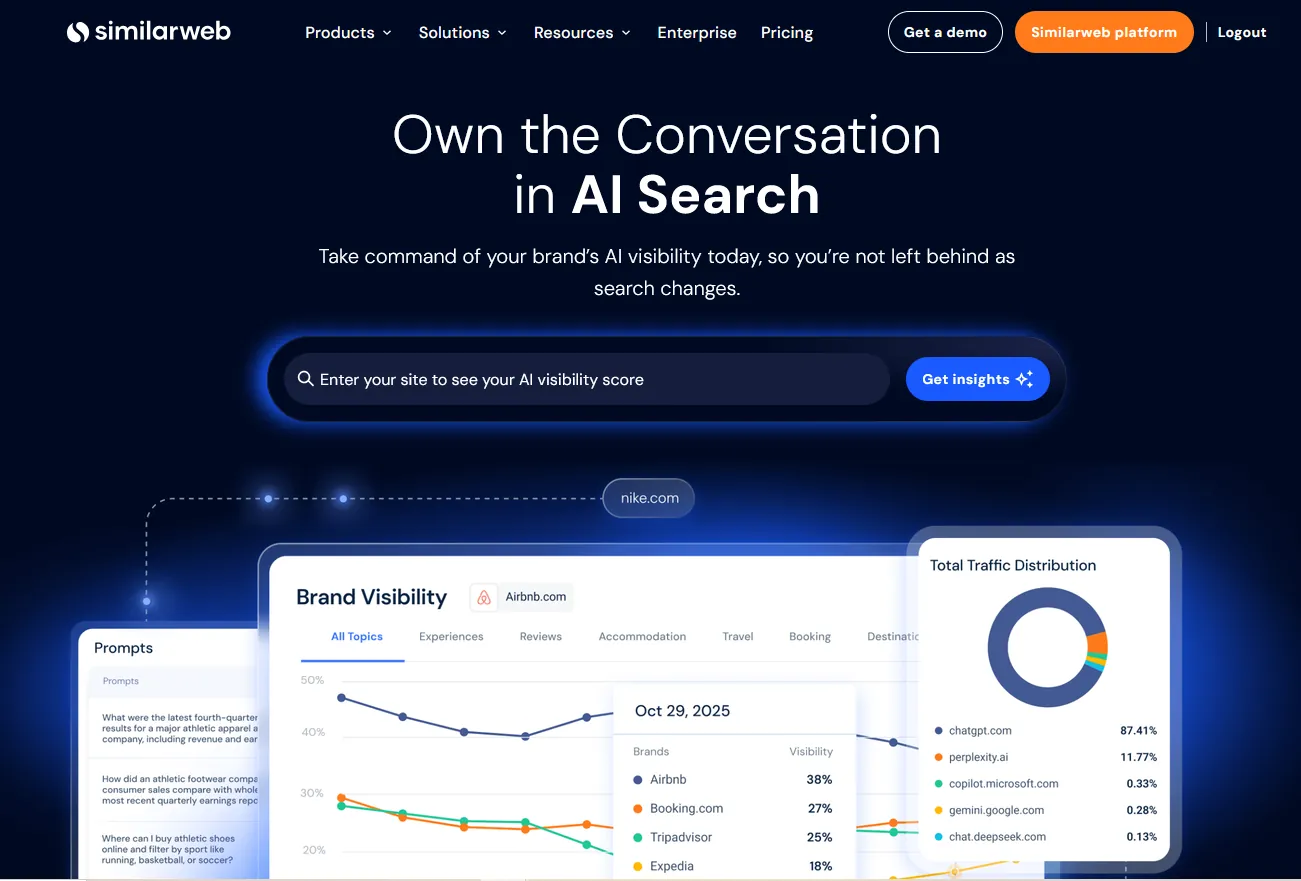
Similarweb AI Search Intelligence page
Similarweb AI Search Intelligence connects real-user prompts, AI answers, citations, sentiment and competitor visibility with the traffic AI platforms send to websites. Its figures are estimates, so review the methodology before treating them as exact.
Tip: Use it to show leadership how AI answers turn into visits, and which competitors gain the most AI traffic.
Best for broad multi-engine tracking on a credit budget
PaidTool
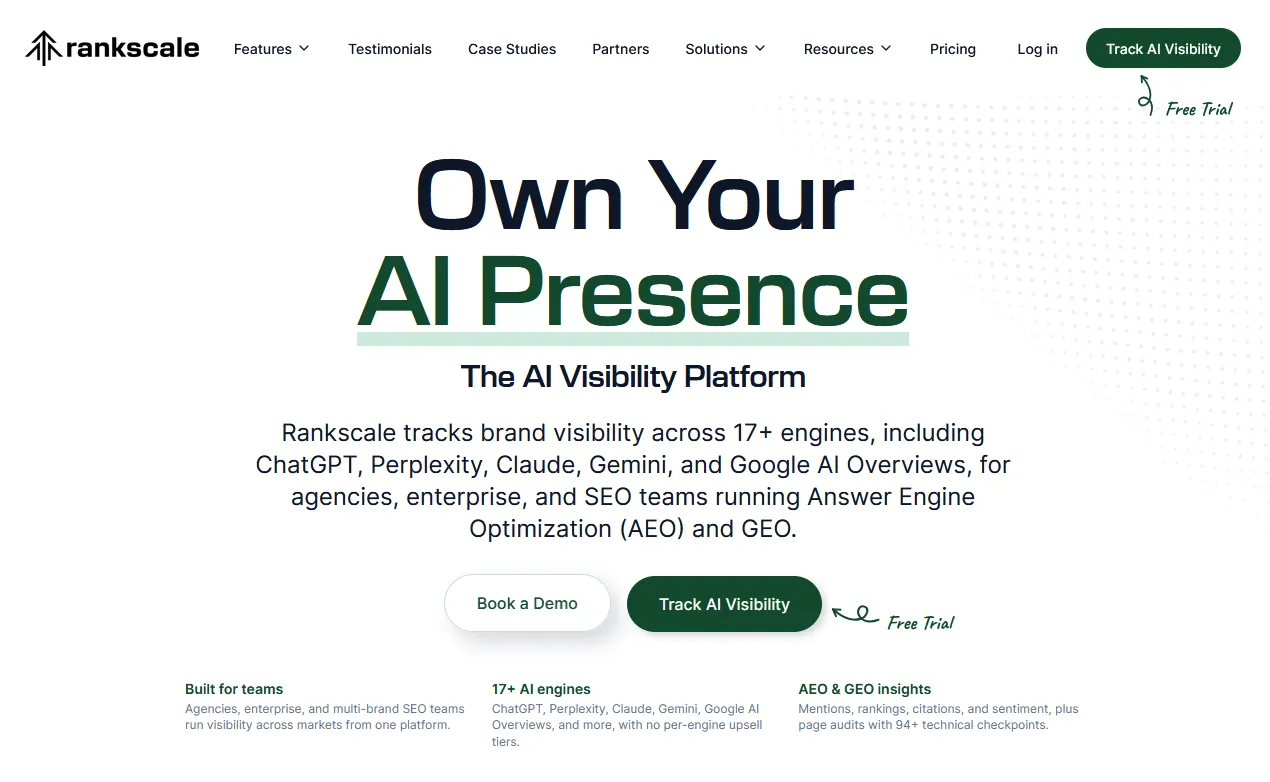
Rankscale homepage
Rankscale tracks brand visibility and citations across many AI engines, with fan-out, page audits, exports and agency dashboards. It runs on credits, so plan your prompt volume before you commit.
Tip: Use it for agency reporting across several clients and AI engines in one dashboard.
Best for funnel-stage visibility and AI agent experience
PaidTool
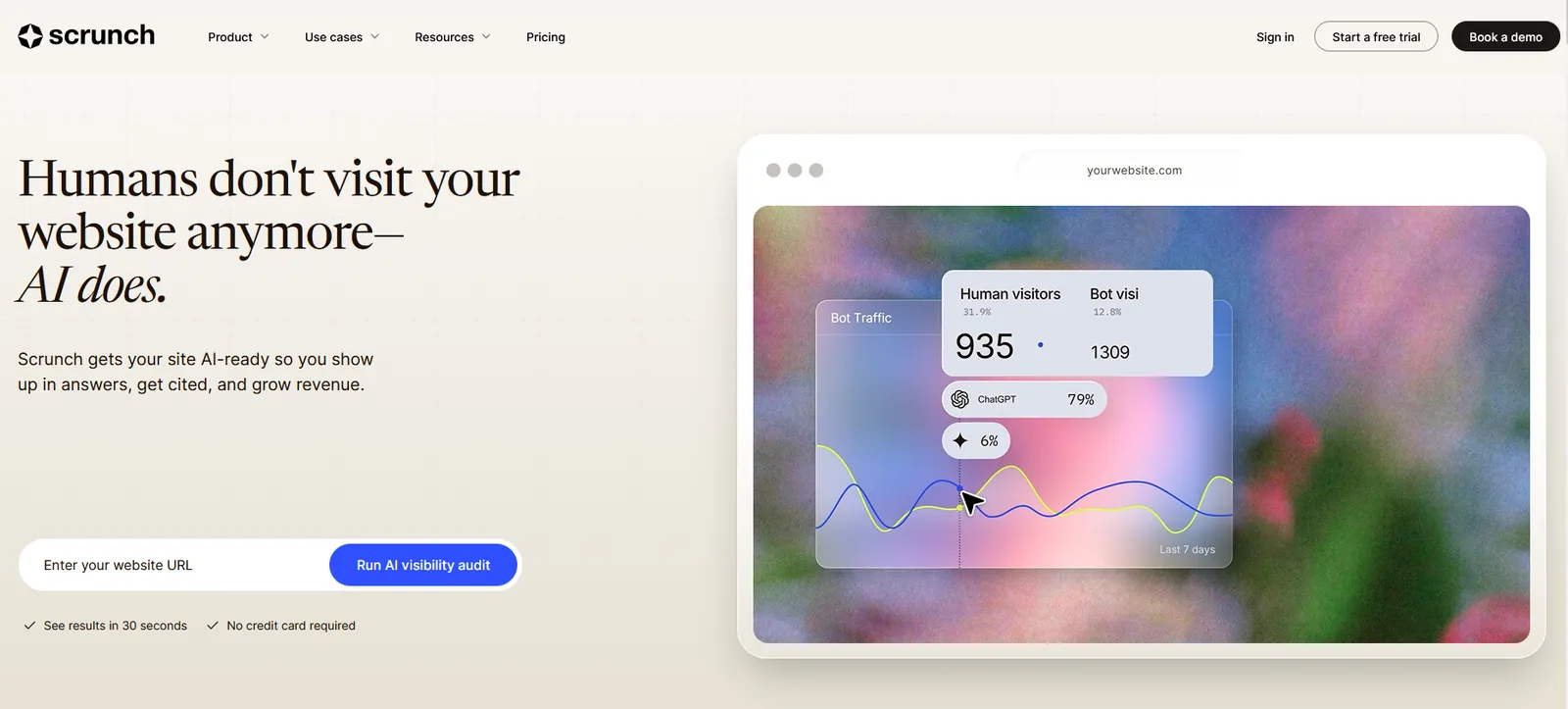
Scrunch homepage
Scrunch tracks prompts, competitors, citations and sentiment by funnel stage, and audits how AI agents experience your site. It offers a seven-day trial before paid plans.
Tip: Use it to see where you lose visibility between awareness and purchase-stage prompts.
Best for agencies tracking AI visibility for several clients on one plan
PaidTool
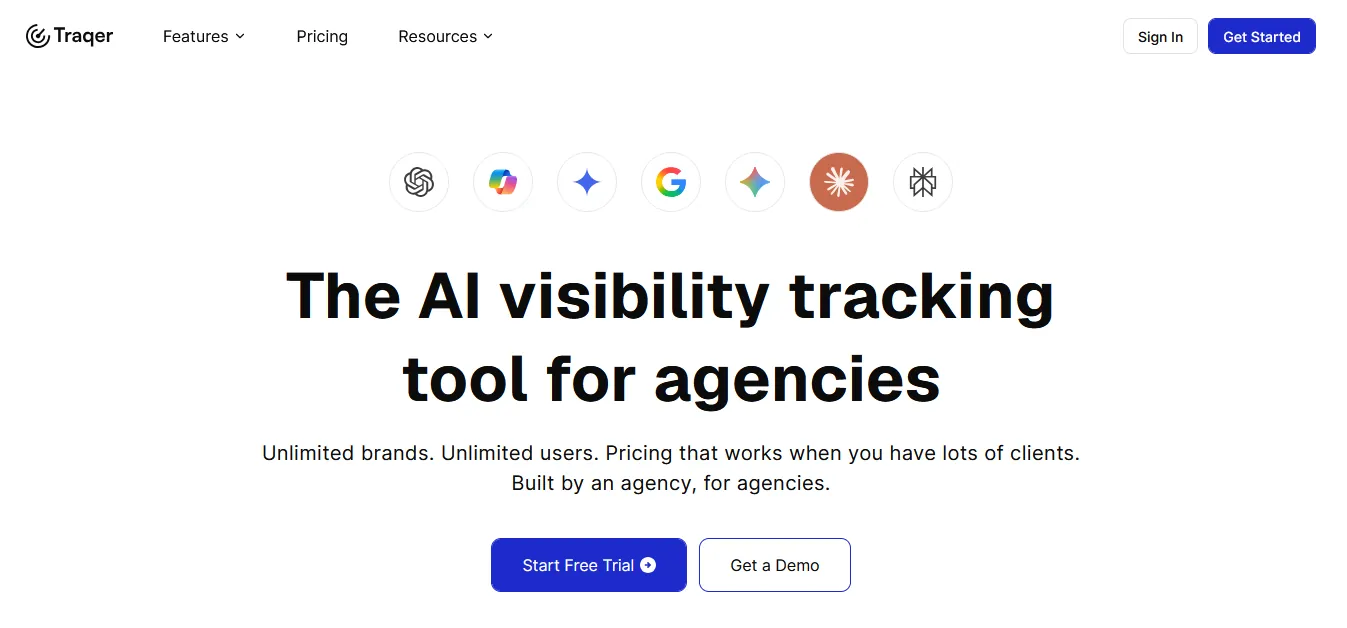
Traqer homepage
Traqer is the AI visibility tracker built by the content agency Grow and Convert. It tracks topics instead of single prompts, asking ChatGPT, Copilot, Gemini, AI Overviews and AI Mode several versions of the same buying question every week, then shows which brands and pages each one recommends. Plans start at $25 a month with unlimited brands and users, Claude and Perplexity are paid add-ons, and there is a free trial.
Tip: Group your prompts into buying topics, then use the cited pages it lists as your outreach and content list.
Best for monitoring AI answers across many engines, with every number traced back to the answer
PaidTool
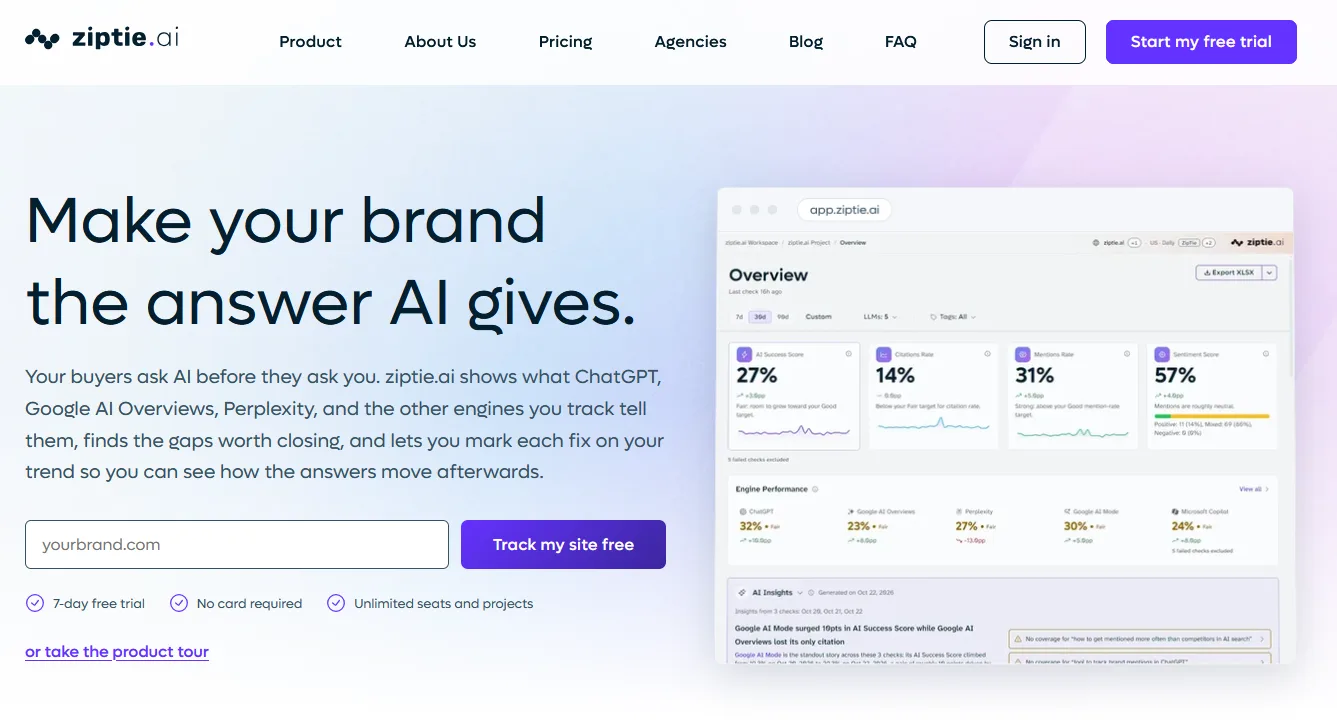
ziptie.ai homepage with its AI visibility dashboard
ZipTie tracks what ChatGPT, Google AI Overviews, Perplexity and other AI engines say about your brand. Every metric opens the answers behind it, so you can see the exact wording and sources rather than a score alone. Pricing depends on how many prompts you track, which engines you turn on and how often they run.
Tip: Start with a small set of buying prompts on the two engines your customers use most, then add engines once you know which answers matter.
Best for keyword-led tracking across many AI engines
PaidTool
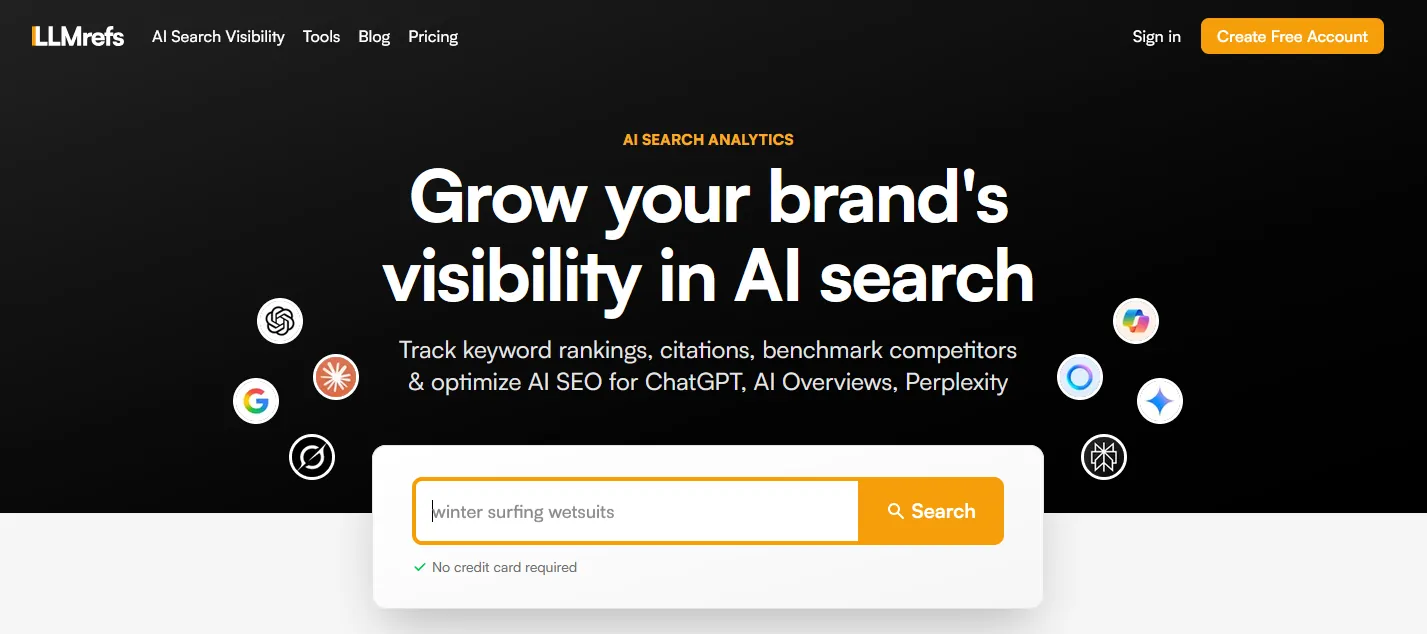
LLMrefs homepage
LLMrefs tracks keywords across ChatGPT, Google's AI features, Gemini, Perplexity, Claude, Grok, Copilot, Meta AI and DeepSeek. It suits SEO teams who want to start from a keyword list.
Tip: Load your priority keywords and track which AI engines cite you for each one.
Content optimization tools
Plan, write and refresh pages so they cover a topic fully and answer it clearly.
Best for grading drafts against the terms and topics top pages cover
PaidTool
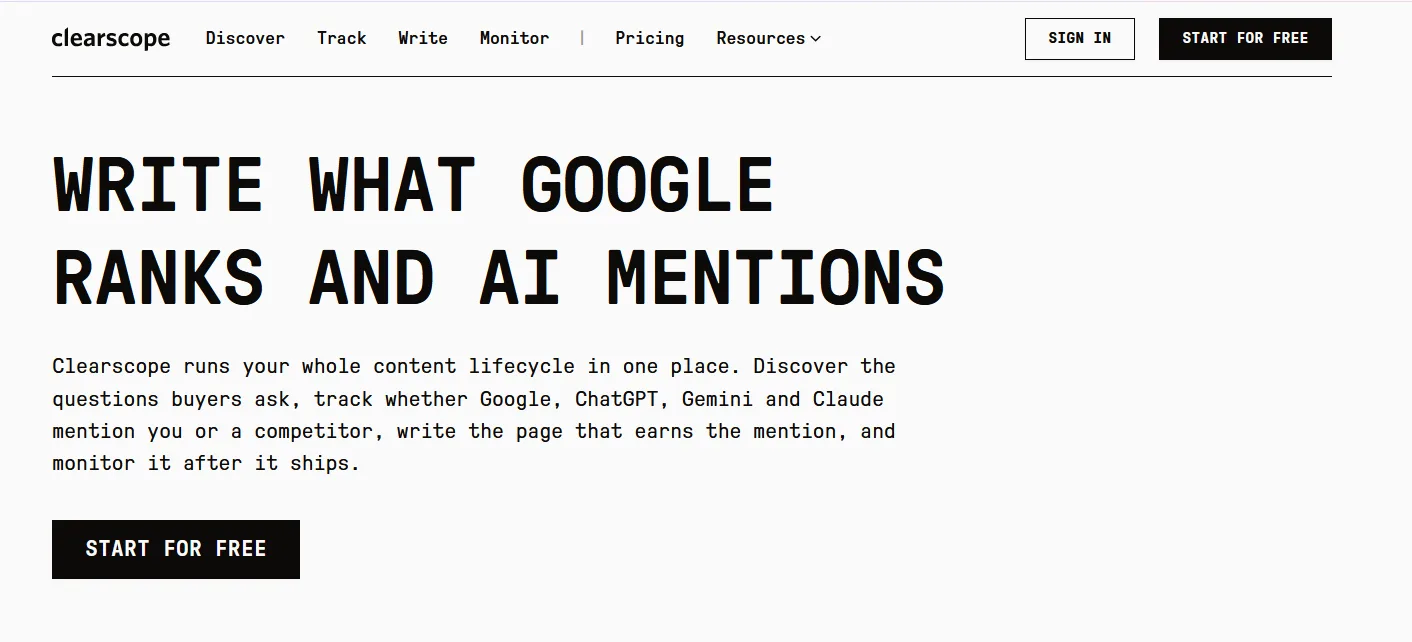
Clearscope homepage: write what Google ranks and AI mentions
Clearscope grades a draft against the pages that already rank and lists the terms and topics you have not covered yet. It works inside Google Docs and WordPress, and it also tracks how pages perform over time. Plans start at $129 a month.
Tip: Write the draft first, then use the report to find gaps in coverage, not to stuff in every suggested term.
Best for planning, writing and refreshing content with a live optimization score
PaidTool
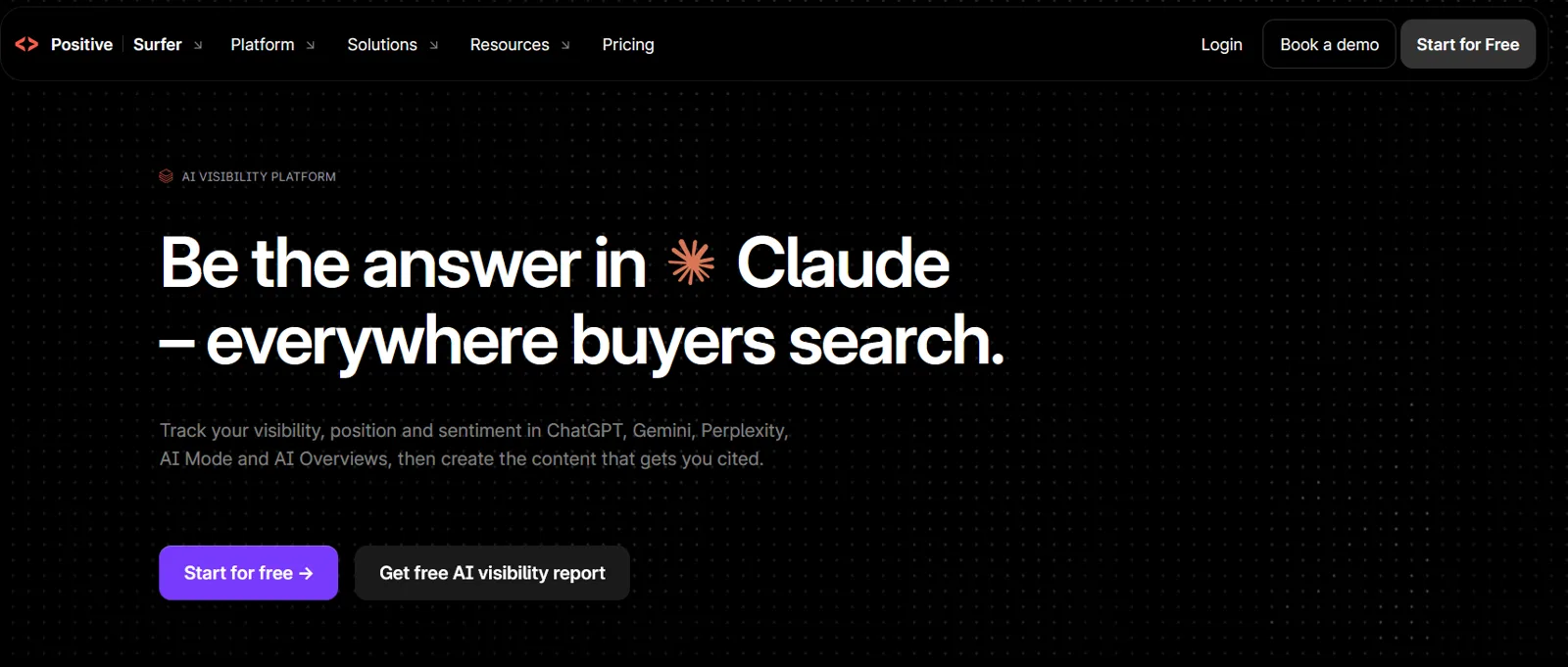
Surfer AI visibility platform homepage
Surfer combines a content editor with a live score, topical maps for planning and a content audit for refreshing old pages. It has added AI visibility tracking to its plans. Surfer is paid, with a free trial.
Tip: Run a content audit on pages that have lost traffic, then refresh the ones where Surfer shows clear gaps against the current results.
Best for research, briefs and optimization for SEO and AI search in one tool
PaidTool
Frase researches the top results for a query, builds a content brief and scores your draft as you write. It now positions itself as an SEO and GEO platform, and every plan starts with a 7-day free trial.
Tip: Generate a brief for your target query, then edit the outline by hand so it answers the question in the first section.
Best for topic modeling and finding gaps across a whole content library
Free tierTool
MarketMuse maps the topics around a subject and shows which ones your site covers well and which it misses. It suits teams planning a whole cluster rather than a single page. The free plan includes 10 queries a month for one user.
Tip: Run your main topic, then use the gaps it finds to plan the supporting pages in that cluster.
Best for affordable semantic content optimization for small teams
PaidTool
NeuronWriter analyzes the top results for a keyword and suggests the terms, questions and headings to cover, with a content score as you write. It is one of the cheaper options, with plans starting at $23 a month.
Tip: Use its question suggestions to build your FAQ section, and check its competitor view to see how long the ranking pages are.
Best for synthesizing research, reviewing drafts and analyzing long documents
Free tierTool
Claude is Anthropic's AI assistant. It handles long documents well, which makes it useful for summarizing research, comparing competitor pages and reviewing drafts for gaps and unclear claims. A free plan is available, and paid plans raise the limits.
Tip: Paste your draft and the top three ranking pages, then ask which questions the others answer that yours does not.
Best for asking questions across your own research sources
Free tierTool
NotebookLM is Google's research notebook. You upload sources such as PDFs, transcripts and web pages, and it answers questions using only those sources, with citations back to each one. It is free with a Google account.
Tip: Load customer interviews or sales call transcripts, then ask for the questions and objections buyers raise most often.
Technical SEO and crawler tools
Make sure search and AI crawlers can reach your pages and read your structured data.
Swetrix's free AI crawlability checker tests robots rules for common AI crawlers, llms.txt, sitemaps, canonicals, titles and structured data. Treat llms.txt as an emerging convention, not a requirement.
Tip: Run it on every new client site as the first technical check.
Rankability AI search indexability and crawlability checker
Rankability's free AI search indexability checker scores how crawlable and indexable a page is for AI search. Check its method before relying on the score.
Tip: Use it as a quick second opinion next to the Swetrix checker.
The Schema.org Markup Validator checks JSON-LD, Microdata and Schema.org entities for free. Valid markup helps machines read a page, but it does not guarantee rankings.
Tip: Run every key template through it after adding Article, FAQ or Organization schema.
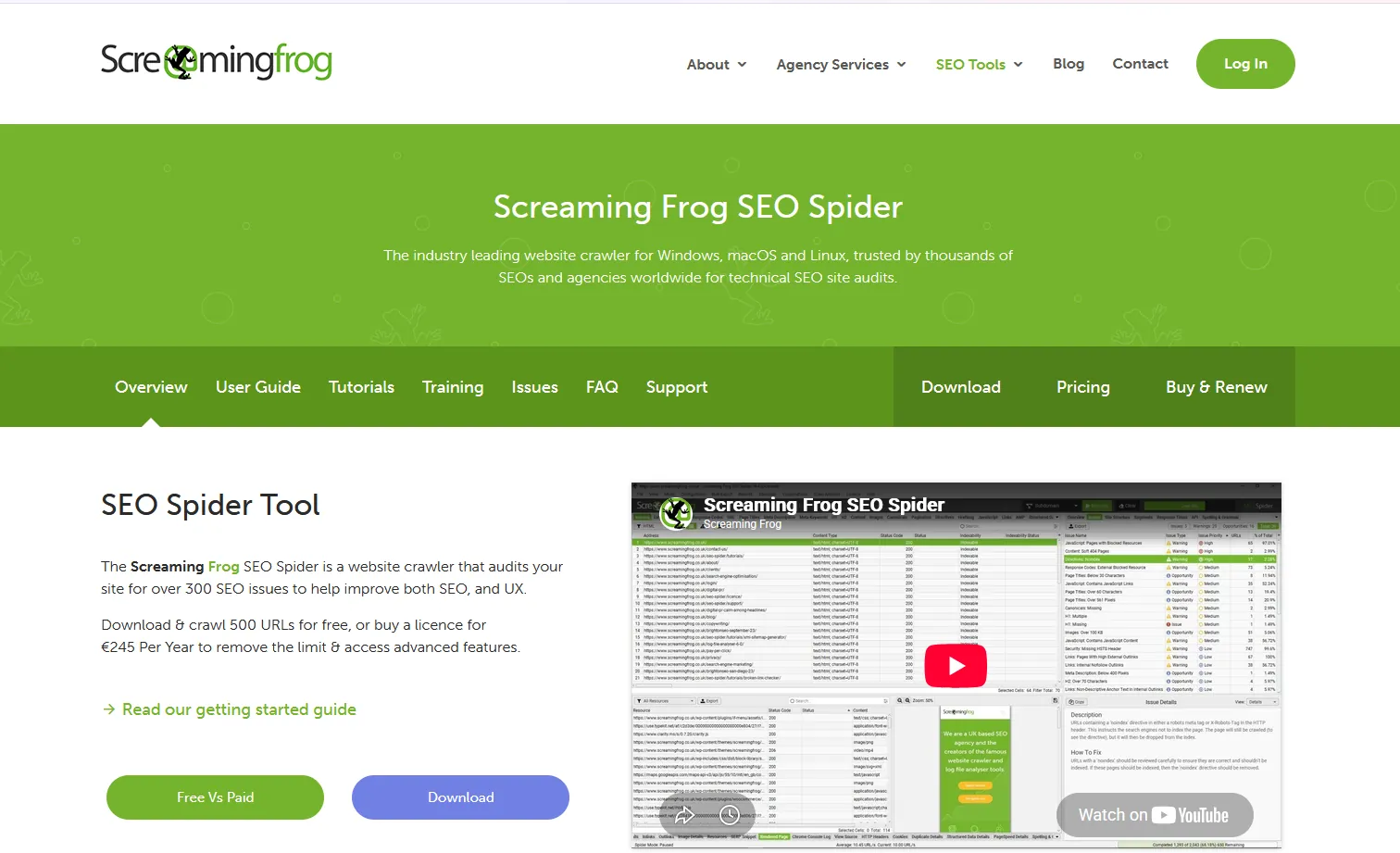
The Screaming Frog SEO Spider crawls up to 500 URLs for free, with a paid licence for larger sites. It is especially useful for comparing raw HTML with JavaScript-rendered HTML, which matters because many AI crawlers do not run JavaScript.
Tip: Crawl the site with JavaScript rendering on and off to find content AI crawlers cannot see.
Best for telling search engines about new or updated pages
FreeDocs
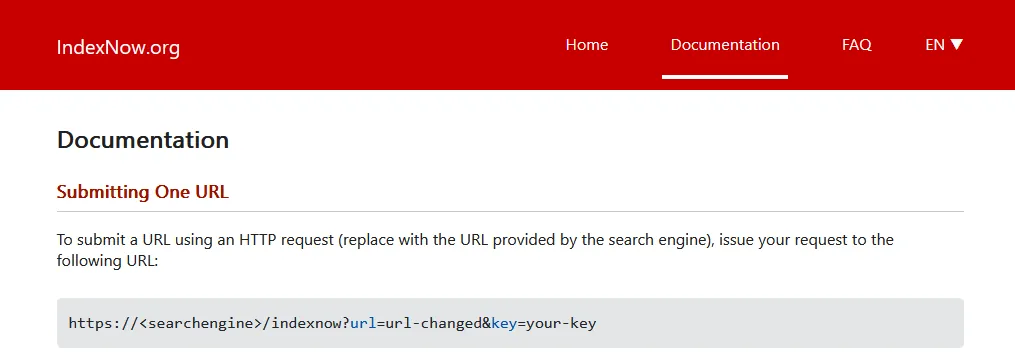
IndexNow documentation page
IndexNow is a free protocol for notifying participating search engines, including Bing, when pages are added, changed or deleted. It speeds up discovery but does not guarantee indexing.
Tip: Set it up so refreshed pages reach Bing, and so Copilot, faster.
Best for researching entities and their relationships
Free tierGuide
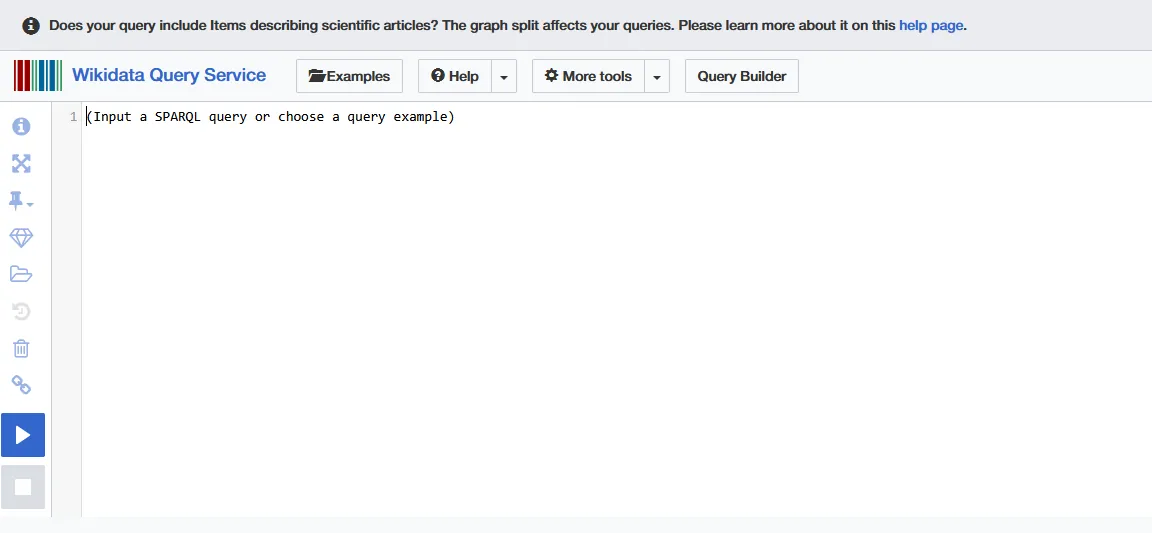
Wikidata Query Service editor
The Wikidata Query Service is a free playground for exploring how brands, people and products connect in the knowledge graph. Public-service limits apply.
Tip: Check how a client's brand, founders and products appear as entities, and spot missing or wrong facts.
Best for cleaning messy keyword, prompt or entity lists
Open sourceGuide
OpenRefine homepage
OpenRefine is a free, open-source tool for cleaning, clustering and normalizing messy data. It is handy when merging prompt or keyword lists from several tools.
Tip: Clean and merge prompt, keyword and citation lists from different tools before analysis.
Best for enterprise monitoring of AI crawler activity
PaidTool
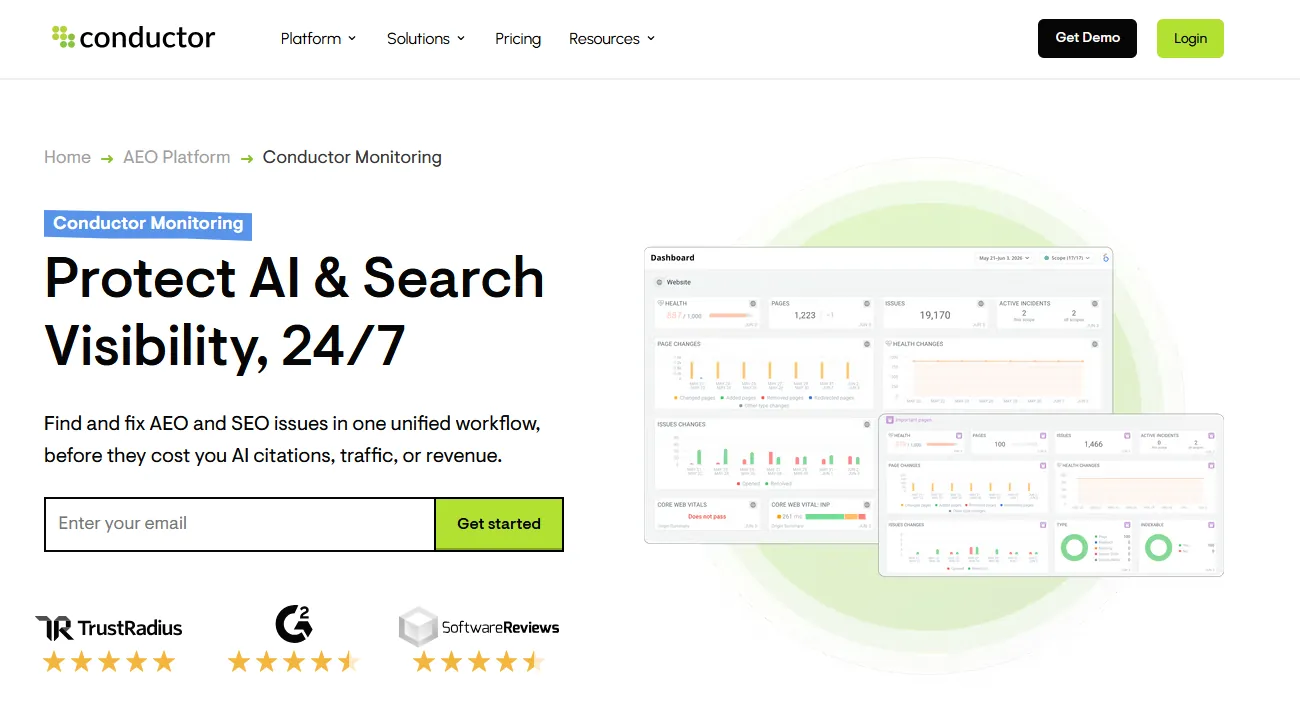
Conductor Monitoring page with its website health dashboard
Conductor Monitoring watches AI crawler activity, crawl frequency, schema changes and Core Web Vitals, and alerts you when something breaks. It is built for enterprise sites and offers a trial.
Tip: Use it on large sites where a broken template can quietly block AI crawlers.
Best for visual technical audits that explain each issue in plain language
PaidTool
Sitebulb is a website crawler that finds technical SEO problems and explains why each one matters, with charts of your site structure and internal links. It runs on your computer or in the cloud, and every new user gets a 14-day free trial with no card required.
Tip: Crawl your site, sort the hints by priority, and fix anything that stops pages from being crawled or indexed first.
Best for checking page speed and Core Web Vitals for any URL
FreeTool
Google PageSpeed Insights measures how fast a page loads and how stable it feels, using real visitor data from Chrome where it exists and a lab test where it does not. It also lists the specific fixes that would make the page faster.
Tip: Test your most important pages on mobile first, and fix the issues marked as the largest savings before the smaller ones.
Best for auditing performance, accessibility and basic SEO from inside Chrome
Open sourceTool
Lighthouse is Google's open-source page auditing tool, built into Chrome DevTools. It scores a page on performance, accessibility, best practices and SEO, and explains each failed check. It is the same engine that powers the lab results in PageSpeed Insights.
Tip: Open Chrome DevTools on a key page, run Lighthouse, and work through the SEO and accessibility failures, which are usually quick fixes.
Best for Bing search data, crawl checks and AI citation reporting in one free account
FreeTool
Bing Webmaster Tools is Microsoft's free console for site owners. It shows how your pages perform in Bing, lets you inspect and submit URLs, supports IndexNow and includes an AI Performance report on how often your content is cited in Copilot and Bing's AI answers. Bing results also feed several AI assistants, so it is worth setting up even if Bing sends you little traffic.
Tip: Verify your site, import it from Search Console, submit your sitemap, then check the AI Performance report each month.
Best for confirming Google can read your robots.txt file
FreeDocs
The robots.txt report in Search Console shows which robots.txt files Google found for your site, when it last crawled them and any errors or warnings. It replaced the older robots.txt Tester, which Google retired.
Tip: Check the report after every robots.txt change, especially if you have added rules for AI crawlers, to make sure Google still reads the file correctly.
Best for seeing and controlling which AI crawlers visit a site on Cloudflare
Free tierTool
Cloudflare AI Crawl Control shows which AI crawlers are visiting your site and how often, and lets you allow or block each one. It is available on all Cloudflare plans, including the free plan, but only works if your site runs through Cloudflare.
Tip: Before blocking anything, check that the crawlers behind the AI search tools you want to appear in, such as OAI-SearchBot and PerplexityBot, are allowed.
Best for tracking AI crawler activity across the web
FreeTool
Cloudflare Radar AI Insights publishes free data on AI crawler traffic across Cloudflare's network, including which bots crawl most and how often each platform crawls compared with how often it sends visitors back. It describes the whole web, not your own site.
Tip: Use it to explain to clients why some AI crawlers take far more than they send back, then decide crawler rules with that context.
Best for seeing which pages search and AI crawlers actually request
Free tierTool
The Screaming Frog Log File Analyser reads your server logs and shows which pages Googlebot, Bingbot and AI crawlers actually requested, how often and with what response. The free version handles 1,000 log events, and a licence removes the limit for £99 a year.
Tip: Upload a month of logs and compare the pages AI crawlers request with the pages you most want cited.
Best for checking the raw response a crawler gets from your page
Open sourceTool
curl is a free command-line tool for requesting a URL and seeing exactly what comes back, including status codes, redirects and headers. You can also send the request with an AI crawler's user agent to see whether your server treats it differently. Some firewalls verify crawlers by IP address, so treat a user agent test as a first check, not proof.
Tip: Run curl -I with your page URL to check the status code and headers, then repeat with the GPTBot or PerplexityBot user agent and compare.
Best for looking up the right structured data type and its properties
FreeDocs
Schema.org is the shared vocabulary that search engines use for structured data. Each type, such as Organization, Product, Article or FAQPage, has its own page listing the properties it supports, with examples.
Tip: Look up the type that matches your page, add the properties you can fill accurately, then test the markup in the Schema Markup Validator.
Brand monitoring and digital PR tools
Track where your brand is discussed and find the sites AI answers trust.
Best for a free look at the links pointing to any site
FreeTool
The Ahrefs Backlink Checker shows a sample of the links pointing to any website or page, along with its Domain Rating. The full link data sits in Ahrefs Site Explorer on a paid plan.
Tip: Check the sites linking to the competitors AI tools recommend most, and note the publications that link to them but not to you.
Best for tracking brand mentions across news, blogs, forums and social media
PaidTool
Brand24 monitors mentions of your brand, competitors and keywords across news sites, blogs, forums, podcasts and social media, with sentiment and reach estimates. It comes with a 14-day free trial.
Tip: Set up alerts for your brand and two competitors, then compare where each one gets discussed.
Best for social listening and brand monitoring for larger teams
PaidTool
Mention tracks brand and keyword mentions across the web and social media in real time, with reporting for teams and agencies. It is priced for larger teams rather than individuals.
Tip: Use its reports to find the sites and communities that discuss your category most, then plan outreach there.
Best for finding the most shared content, publishers and journalists in a topic
PaidTool
BuzzSumo shows which articles in a topic get the most engagement and links, which publishers write about it and which journalists cover it. There is no free plan, but there is a 7-day free trial.
Tip: Search your category to find the publications that cover it most, then pitch the ones AI answers already cite.
Best for finding the websites, podcasts and accounts your audience follows
Free tierTool
SparkToro shows what a given audience reads, watches, listens to and follows, based on the people who talk about a topic or follow an account. The free plan includes a small number of searches each month.
Tip: Search for people who talk about your category, then list the podcasts and publications they follow as targets for mentions.
Best for hearing how buyers really talk about a category and its brands
FreeCommunity
Threads on Reddit often appear as sources in AI answers, and it is where buyers ask candid questions and compare products. Reading the threads in your category shows the language buyers use and how they describe you and your competitors.
Tip: Search your category plus words like best, vs and alternative, and note the brands and complaints that come up.
Best for researching video coverage of your category and brand
FreeCommunity
YouTube is where many buyers learn how to use and compare products, and videos can appear in Google results and AI answers. Searching your category shows who explains it, which brands get reviewed and which questions have no good video yet.
Tip: Search your main how-to and comparison questions, and note any where you could publish the best answer.
Best for free email alerts when Google finds a new mention
FreeTool
Google Alerts emails you when Google indexes new pages that mention a term, such as your brand, a competitor or a product name. It misses a lot compared with paid tools, but it is free and takes a minute to set up.
Tip: Set alerts for your brand in quotes and your two main competitors, and send them to a separate folder you check weekly.
Analytics and reporting tools
Measure AI-referred visits, connect them to leads and report results.
Best for measuring visits, conversions and AI-referred traffic on your site
FreeTool
Google Analytics 4 measures traffic, engagement and conversions on your website. It now has an AI Assistant channel that groups visits from chatbots such as ChatGPT, Gemini, Copilot and Claude. Clicks from Google's AI Overviews and AI Mode are still counted as organic search, so AI visibility and AI-referred visits remain different measurements.
Tip: Open the traffic acquisition report, look for the AI Assistant channel, and compare its conversion rate with organic search.
Best for free client dashboards that combine Search Console, GA4 and sheets
FreeTool
Looker Studio is Google's free dashboard tool. It connects to Search Console, Google Analytics and Google Sheets, so you can show search performance, AI-referred visits and prompt tracking results in one report.
Tip: Build one page with Search Console clicks, the GA4 AI Assistant channel and your monthly prompt results from a sheet.
Best for seeing what visitors do on a page, and which AI bots crawl it
FreeTool
Microsoft Clarity is a free behavior analytics tool with heatmaps and session recordings. It also reports on AI bot activity and connects it with the visits that follow, so you can see which AI crawlers lead to real sessions.
Tip: Watch recordings of visits from AI assistants to see whether those visitors find the answer they came for.
Best for connecting marketing visits to leads and revenue
Free tierTool
HubSpot records where each contact first came from and what they did before they became a lead. That lets you connect AI-referred visits and organic traffic to pipeline, not just sessions. The core CRM is free.
Tip: Check the original source of new leads each month and tag those that came from AI assistants.
Best for keeping prompt trackers, keyword lists and report data
FreeTool
Google Sheets is where most AI search tracking starts: a list of prompts, the date you tested them, which brands appeared and which sources were cited. It connects to Looker Studio for reporting, and Excel works just as well if your team prefers it.
Tip: Set up one row per prompt per month, with columns for mention, recommendation, citation and accuracy.
Competitor and market research tools
See why competitors get recommended and which topics are rising.
Best for estimating a competitor's traffic and where it comes from
Free tierTool
Similarweb estimates how much traffic a website gets and how it splits across search, social, referral and direct. The free website checker allows a few lookups a day, and paid plans add deeper data. The numbers are modeled estimates, so use them to compare sites rather than as exact counts.
Tip: Compare your site with the competitors AI tools recommend, and look at which channels drive most of their traffic.
Best for seeing what technology powers any website
Free tierTool
BuiltWith shows the technology behind a website, including its CMS, analytics, ad tools and hosting. Individual lookups are free; paid plans add lead lists and market data.
Tip: Look up competitors to see which CMS and analytics they use, which can explain differences in speed and structured data.
Best for identifying a site's tech stack as you browse
Free tierTool
Wappalyzer is a browser extension that shows the technologies a site uses as you visit it. The extension is free, and paid plans add bulk lookups and data exports.
Tip: Keep it on while you review competitor sites, and note any that run tools you are missing, such as a schema plugin.
Best for spotting topics and products before they peak
Free tierTool
Exploding Topics lists topics whose search interest is growing fast, often before they become popular. You can browse some trends for free, and the paid version adds the full database, with a 7-day free trial.
Tip: Browse your industry's category every quarter and plan content on rising topics before competitors cover them.
Best for adding real search volume and growth figures to Google Trends
Free tierTool
Glimpse is a Google Trends add-on that shows absolute search volume, growth rates and forecasts, plus which channels people discuss a topic on. You can start for free, and paid plans unlock more data.
Tip: Install the extension, then use Google Trends as usual and read the volume and growth figures it adds.
Official guides from Google, OpenAI, Microsoft and other AI platforms
What the companies behind AI search say about how they crawl, choose and cite content.
Best for anyone who wants Google's own rules for AI Overviews and AI Mode
FreeDocs
Google Search Central homepage, where Google publishes its guidance on AI features
Before reading anyone's opinion on AI Overviews, read what Google says about them. Its page on AI features and your website explains how pages get shown in AI Overviews and AI Mode, how query fan-out works, which crawling and indexing rules still apply, and where AI traffic appears in Search Console. Any tactic that contradicts this page is worth questioning.
Tip: Check every AI search tactic against it before you pitch it, and use its Search Console notes to set up AI traffic reporting.
Best for knowing what Google says does and does not matter for AI features
FreeDocs
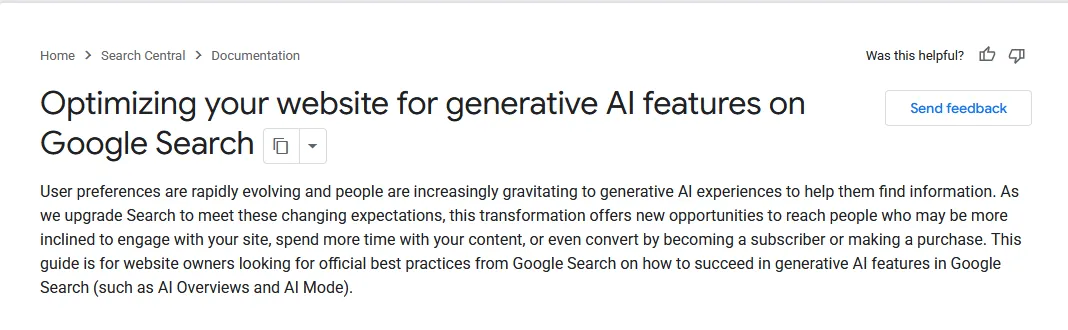
Google Search Central page: optimizing your website for generative AI features
Google's guide to optimizing for generative AI features covers helpful content, technical structure, local and ecommerce details, and crawlability. It also states that no special GEO markup exists, which is useful to know before buying a tool that claims otherwise.
Tip: Quote it when a client asks for special GEO markup or tricks, and use it as the baseline for your recommendations.
Best for getting the SEO basics right before anything else
FreeDocs
Google Search Central homepage, which introduces the SEO Starter Guide
AI search still runs on the basics. Google's SEO Starter Guide covers crawling, indexing, site structure and the words people search with. A page that Google cannot crawl or understand will not be cited in an AI answer either.
Tip: Run through it before any AI search work to make sure crawling, indexing and structure are not holding a site back.
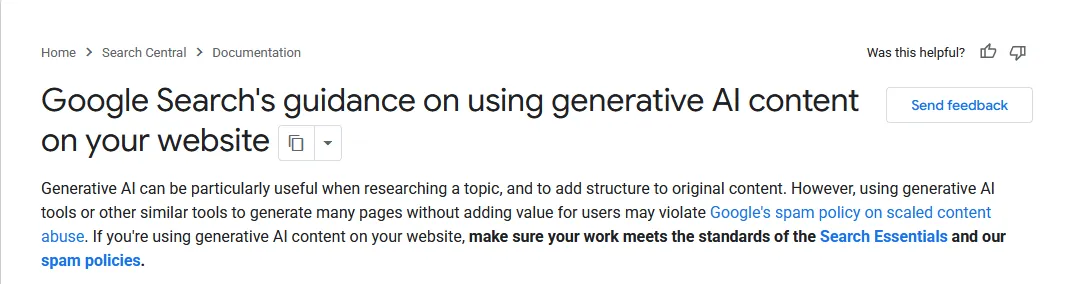
Google Search Central page: guidance on using generative AI content
Teams that write with AI should read Google's guidance on using generative AI content. It covers accuracy, originality, scaled content abuse, fact-checking and reviewing structured data.
Tip: Share it with content teams before they scale AI-written pages, and build its checks into your editorial process.
Best for understanding Google-Extended and Google's AI crawling
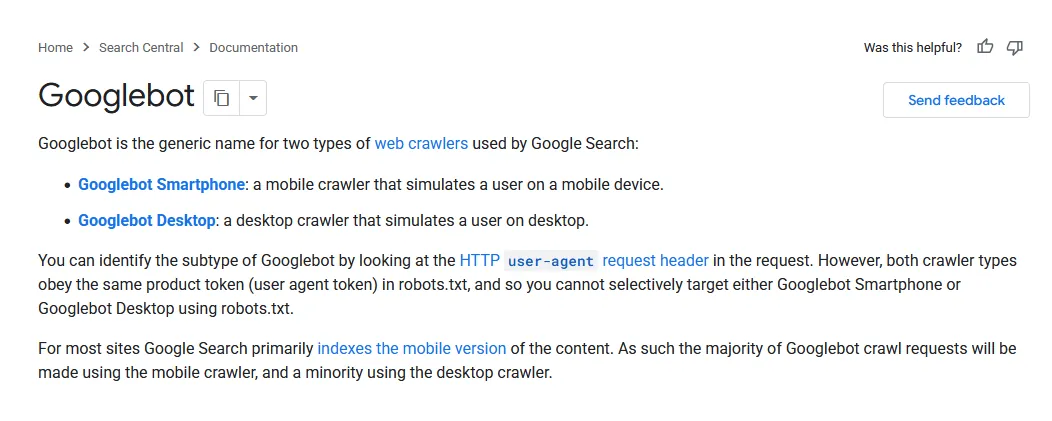
Free to readDocs
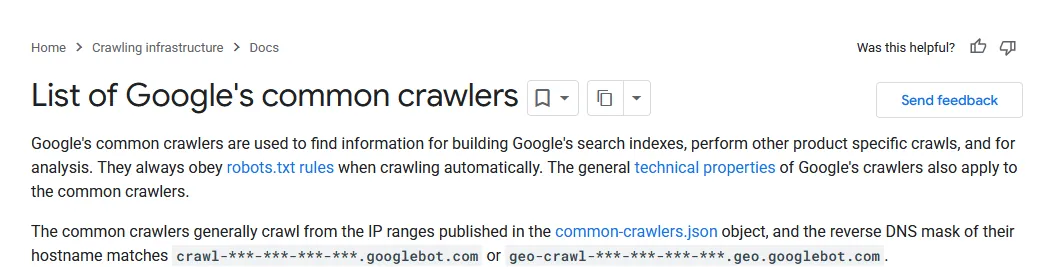
Google documentation: List of Google's common crawlers
Google's list of common crawlers explains each Google crawler, including Google-Extended, the token that controls whether your content is used for Gemini training without affecting Google Search.
Tip: Use it to answer client questions about blocking AI training without hurting Google Search.
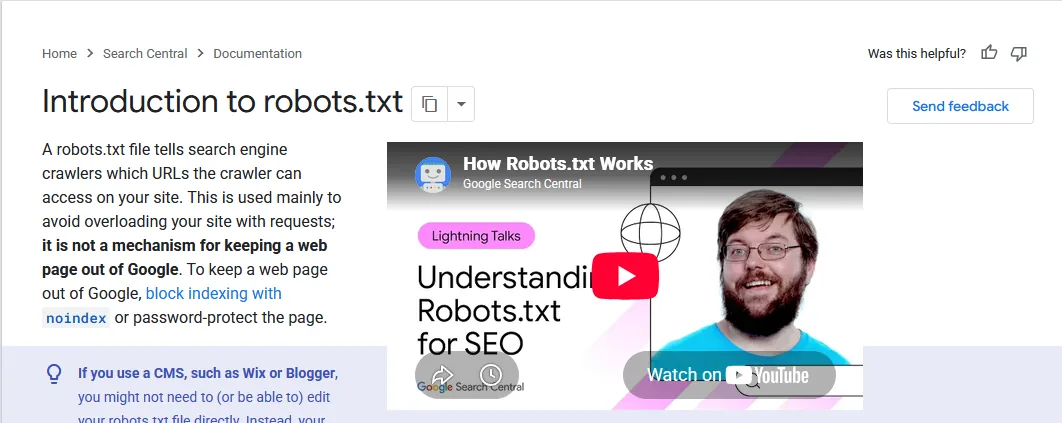
Google Search Central documentation: Introduction to robots.txt
Google's introduction to robots.txt explains what robots.txt can and cannot do, including the difference between blocking crawling and keeping a page out of the index.
Tip: Read it before you change any AI crawler rules in robots.txt.
Best for understanding how ChatGPT search shows sources
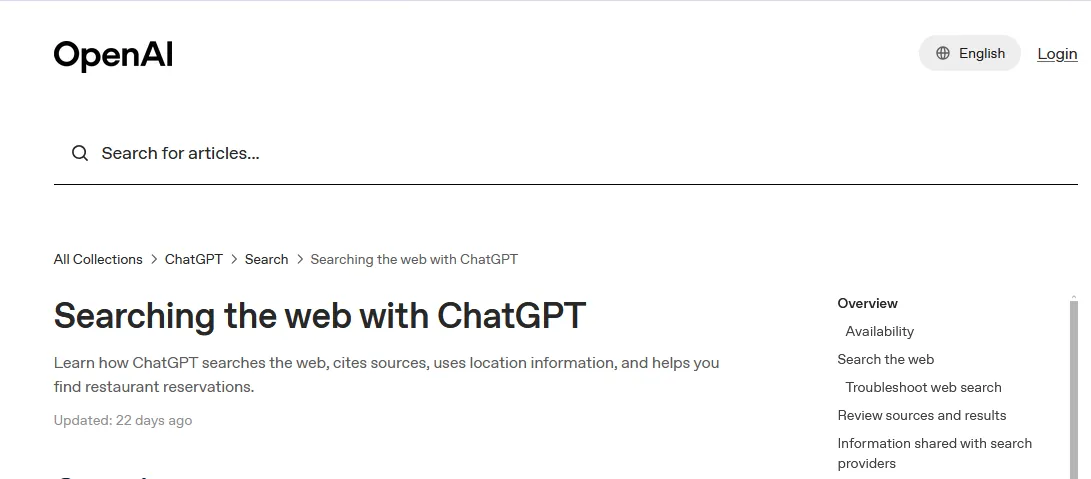
Free to readDocs
OpenAI help article: Searching the web with ChatGPT
OpenAI's help article on searching the web with ChatGPT explains how ChatGPT decides to search, how it rewrites queries and how it shows citations and sources.
Tip: Use it to explain to clients how ChatGPT picks and shows sources.
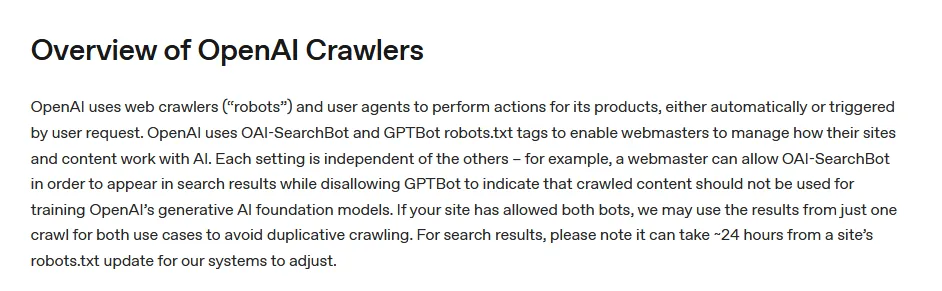
OpenAI runs more than one crawler, and its crawler documentation explains the difference between OAI-SearchBot, GPTBot and ChatGPT-User. Blocking the wrong one can remove a site from ChatGPT search, so check this page before editing robots.txt.
Tip: Audit a client's robots.txt against it to make sure OAI-SearchBot is allowed so pages can appear in ChatGPT search.
Best for understanding how ChatGPT deep research works
Free tierGuide
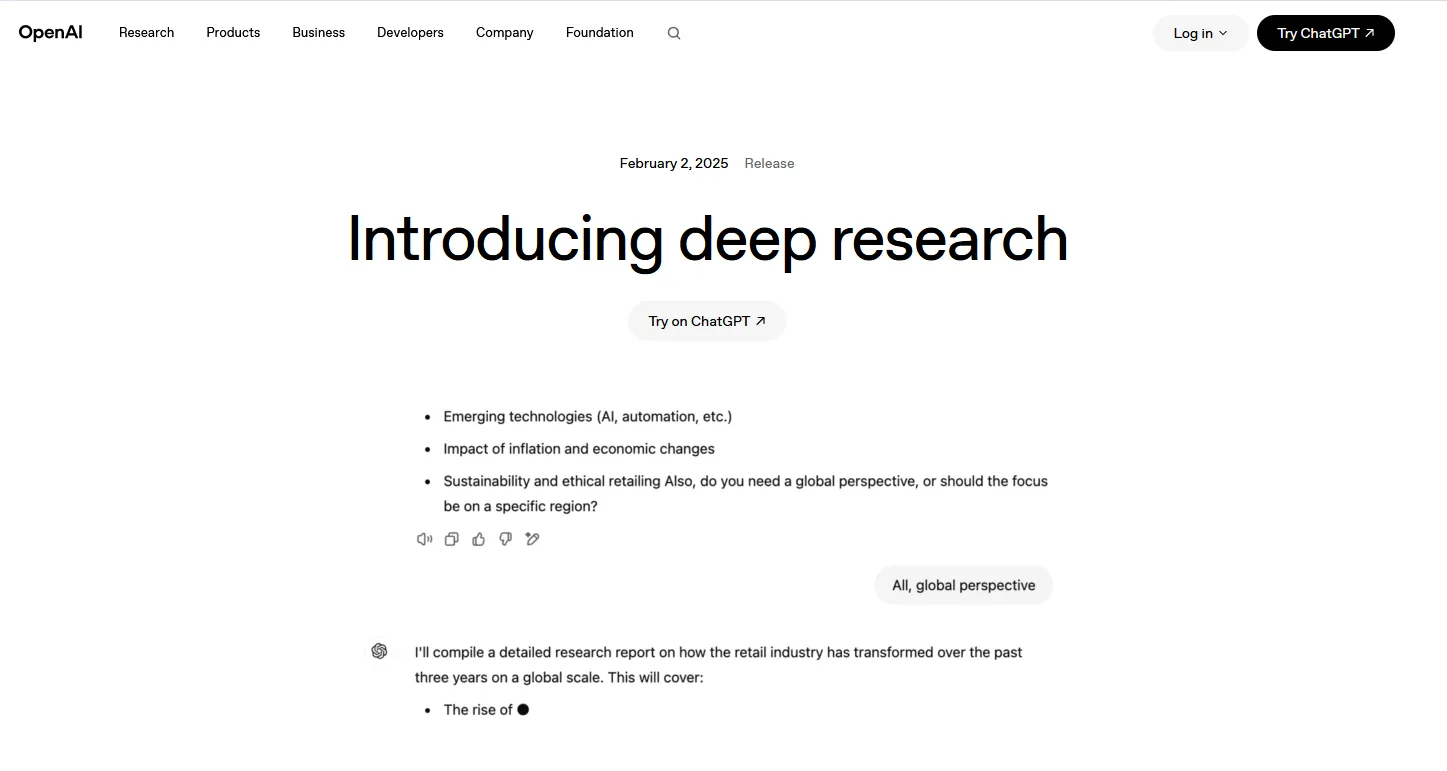
Screenshot: OpenAI: Introducing deep research
OpenAI's post introducing deep research describes how its agent plans, browses, changes direction, analyzes and reports. Access is freemium and limited, not unlimited.
Tip: Use it to explain to clients how ChatGPT researches a topic and why being a cited source matters.
Best for knowing Microsoft's official rules for AI search
Free to readDocs
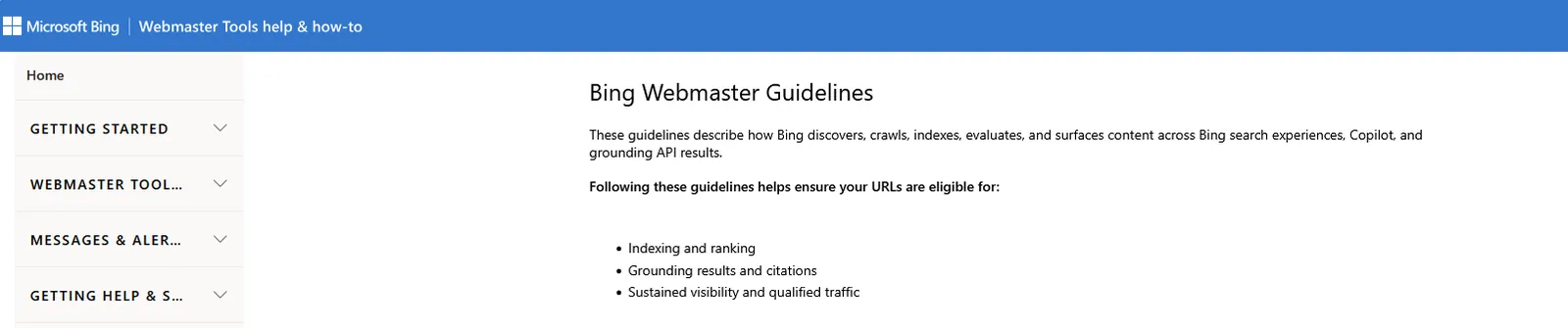
Screenshot: Bing Webmaster Guidelines
The Bing Webmaster Guidelines are Microsoft's official rules for Bing and its AI answers, including guidance on generative engine optimization and what counts as abuse.
Tip: Review it before any AI search project so recommendations stay within Microsoft's rules.
Best for making sure Perplexity can reach your pages
FreeDocs
Screenshot: Perplexity Crawlers
Perplexity's crawler documentation lists PerplexityBot and Perplexity-User, how each treats robots.txt, their IP ranges and how to set up a firewall so neither is blocked by accident.
Tip: Check robots.txt and firewall rules against it so Perplexity can reach and cite the site.
Best for making sure Claude can find and cite your pages
Free to readDocs
Screenshot: Anthropic: Claude crawlers and robots.txt
Anthropic's help article on its crawlers and robots.txt controls explains the difference between ClaudeBot, Claude-User and Claude-SearchBot, so you can allow search and citation while still deciding what is used for training.
Tip: Check robots.txt against it so Claude can search and cite the site.
Best for knowing which Meta crawlers visit your site
Free to readDocs
Screenshot: Meta Web Crawlers
Meta's web crawler documentation lists Meta-WebIndexer, Meta-ExternalAgent, Meta-ExternalFetcher and FacebookExternalHit, and how each treats robots rules.
Tip: Check your robots.txt against it so Meta AI can reach the pages you want it to cite.
Best for the full reference for how Google crawls, indexes and shows pages
FreeDocs
Google Search Central is Google's official documentation for site owners. It covers crawling, indexing, structured data, search appearance and spam policies, and it is where Google announces changes to its requirements.
Tip: Bookmark the crawling and indexing section and check it before you change robots.txt, canonicals or redirects.
Best for understanding when a sitemap helps and how to build one
FreeDocs
Google's sitemaps overview explains what an XML sitemap does, when a site needs one and how to format and submit it. Sitemaps help search engines and IndexNow find new and updated pages faster.
Tip: Make sure your sitemap only lists live, indexable pages, then submit it in Search Console and Bing Webmaster Tools.
Reports and research studies
Data from credible sources on how AI is changing search and clicks.
Best for understanding the click impact of AI Overviews
Free to readReport
Screenshot: Ahrefs: AI Overviews reduce clicks
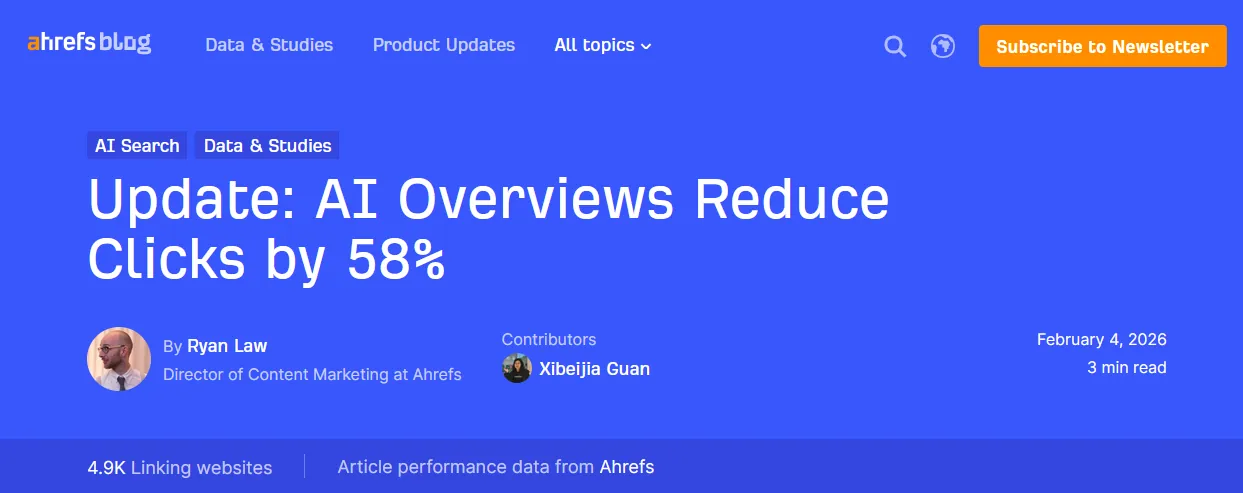
Ahrefs' updated study on how AI Overviews reduce clicks measures the drop in click-through rate for top-ranking pages when an AI Overview appears, based on a large keyword sample.
Tip: Use the figures to explain traffic drops to clients and to argue for AI visibility work.
Best for seeing the impact on both organic and paid clicks
Free to readReport
Screenshot: Seer Interactive: AI Overviews and Google CTR
Seer Interactive's research on the impact of AI Overviews on Google CTR looks at both organic and paid click-through rates, and at what happens when your brand is cited inside the AI Overview.
Tip: Use it to show clients that being cited inside an AI Overview helps clicks.
Best for seeing what correlates with brand mentions in AI Overviews
Free to readReport
Screenshot: Ahrefs: AI Overview brand visibility study
Ahrefs' AI Overview brand visibility study looks at which factors correlate with brands being mentioned in AI Overviews. It shows correlation, not cause.
Tip: Use its findings as hypotheses to test, not as rules.
Screenshot: Semrush: AI search and SEO traffic study
Semrush's AI search SEO traffic study forecasts how AI search traffic grows and compares the value of AI visitors with traditional organic visitors. It is useful for budget conversations, read with the knowledge that Semrush sells SEO tools.
Tip: Use the projections in budget conversations, with a note that Semrush sells SEO tools.
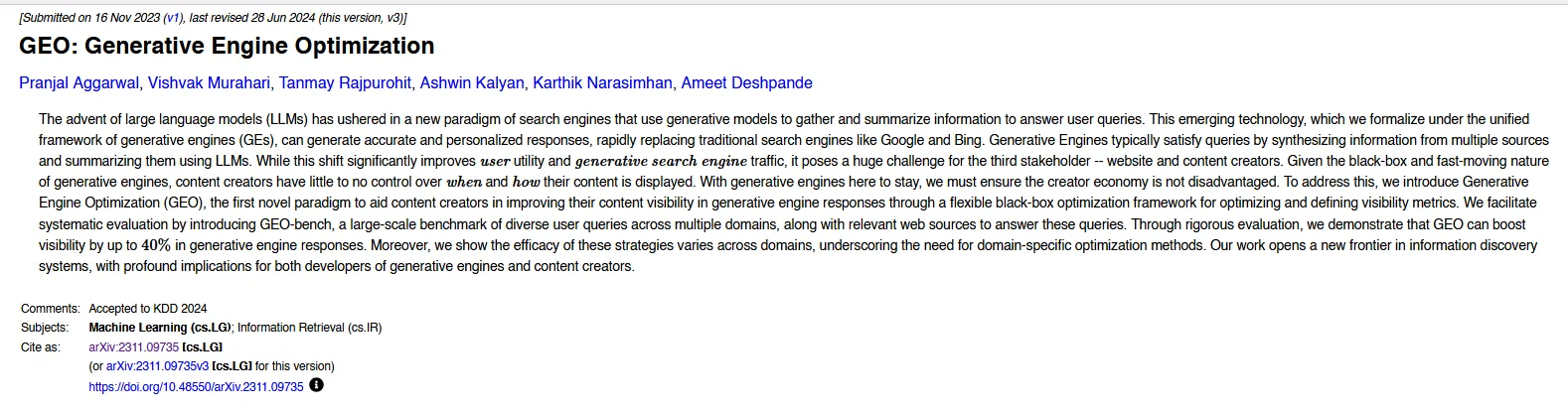
The term GEO comes from this paper. GEO: Generative Engine Optimization introduced the idea and the GEO-bench benchmark, and it is free to read. Knowing what the original study actually tested makes it easier to judge claims built on top of it.
Tip: Read the abstract and results tables so you can judge GEO claims that cite this paper.
Prompt writing guides
Write clearer prompts for research, audits and visibility checks.
Clearer prompts lead to more consistent visibility checks. OpenAI's prompt engineering guide covers instructions, examples, structured outputs, iteration and evaluation.
Tip: Write cleaner prompts for your visibility checks and research so results are easier to compare.
Best for testing prompts properly instead of guessing
FreeDocs
Claude Platform Docs: Prompt engineering overview
Anthropic's prompt engineering overview starts with defining success and testing before it gets to tips, which makes it a good fit for research work. It ends with a metaprompt recipe.
Tip: Use the success-criteria approach to set up repeatable prompt tests for AI visibility.
People to follow
Practitioners who share tests, data and practical advice on AI search.
Practical AI search and content strategy for B2B and SaaS
FreePerson
Dorcas Adisa is the content and AI search strategist behind this list. Follow her on LinkedIn for practical posts on SEO, AEO, GEO and content strategy for B2B and SaaS brands, based on real client work.
Tip: Follow for practical posts and examples you can apply to B2B and SaaS content.
Aleyda Solis is an international SEO consultant who publishes frameworks, checklists and the SEOFOMO newsletter, and is one of the clearest voices on how SEO is adapting to AI search.
Tip: Follow for frameworks and checklists you can reuse in client work.
Mike King founded iPullRank and writes some of the deepest material on how AI search retrieves and ranks content, including the AI Search Manual and his work on query fan-out.
Tip: Follow for deep technical explanations of how AI search retrieves content.
Kevin Indig is a growth advisor who writes about AI visibility, citations and how AI is changing the way buyers choose brands. He shares his research on LinkedIn and in his Growth Memo newsletter.
Tip: Follow him on LinkedIn for short takes, and read Growth Memo for the full data.
Dan Petrovic runs DEJAN, an Australian AI SEO agency, and shares experiments on LinkedIn about grounding, query fan-out and how AI models select the sources they cite.
Tip: Follow for experiments on grounding and fan-out that explain why some pages get cited.
Entities, Knowledge Panels and brand understanding
FreePerson
Jason Barnard, founder of Kalicube, specializes in entities and Knowledge Panels, and in how search engines and AI understand a brand. He posts about it often on LinkedIn.
Tip: Follow for help with how AI tools describe your brand and its people.
Emina Demiri-Watson, Head of Digital Marketing at Vixen Digital, shares a practical view on LinkedIn about brand consistency, digital PR, original content and agentic search.
Tip: Follow for ideas on earning third-party mentions that AI tools pick up.
Brand authority and the shift from position to preference
FreePerson
Irina Ginghina writes about brand authority, content structure, reviews and local signals, and the shift from ranking position to being the preferred answer.
Best for keeping up with AI search news every week
FreeGuide
SEOFOMO newsletter homepage
SEOFOMO is a free weekly newsletter, with an archive, covering SEO, AI search changes, research, tools and events. An easy way to stay current without daily reading.
Tip: Subscribe and skim it weekly to keep up with AI search changes in a few minutes.
Best for data-led analysis of AI search and organic growth
FreeNewsletter
Growth Memo newsletter page by Kevin Indig
Kevin Indig's Growth Memo newsletter digs into data on how AI search is changing organic growth, with original research and clear takeaways for marketing leaders.
Tip: Subscribe and save the issues with original data, so you have numbers to quote in strategy decks.
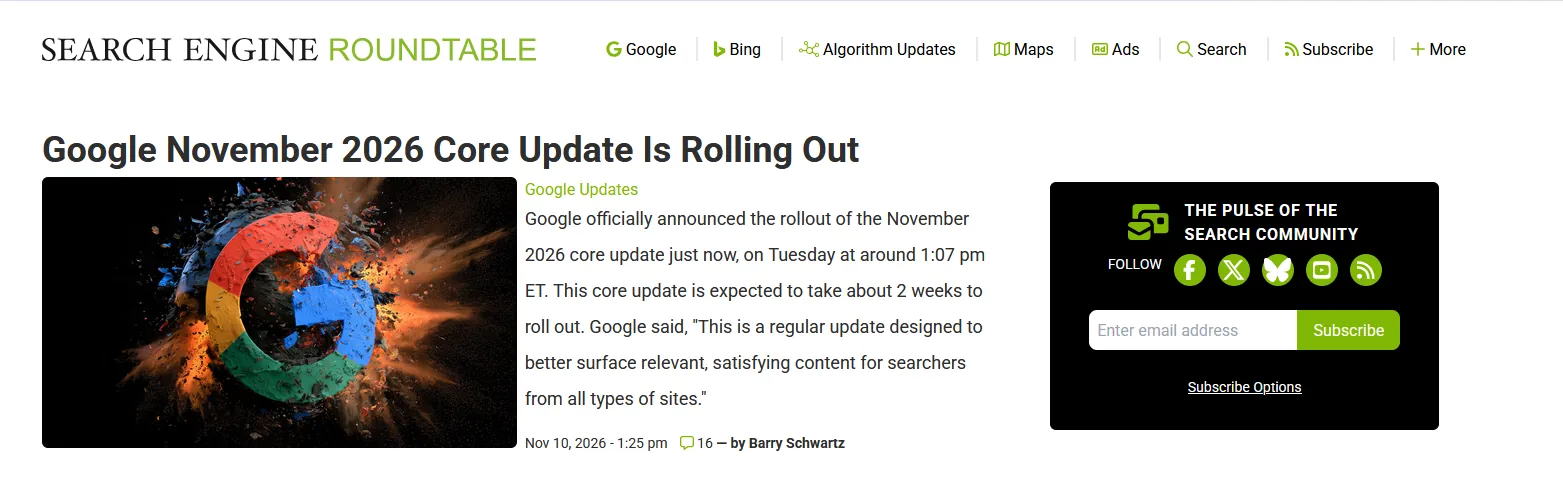
Search Engine Land publishes free daily news and regular coverage of AI search and GEO, plus newsletters and a glossary. Some reports and events are paid.
Tip: Follow its AI search coverage weekly to spot platform changes that affect clients.
The Google Search Central Blog is where Google announces changes to Search, including updates to AI Overviews, AI Mode and its guidance for site owners.
Tip: Subscribe so you hear official Google changes first, straight from the source.
The SEO Community runs a free Slack group and shares newsletters, tools and an AI and LLM testing checklist. A good place to ask questions alongside other practitioners.
Tip: Join the Slack to ask questions and compare notes on AI search tests with other SEOs.
Best for finding more GEO and AEO material in one place
Open sourceRepository
Awesome Generative Engine Optimization repository on GitHub
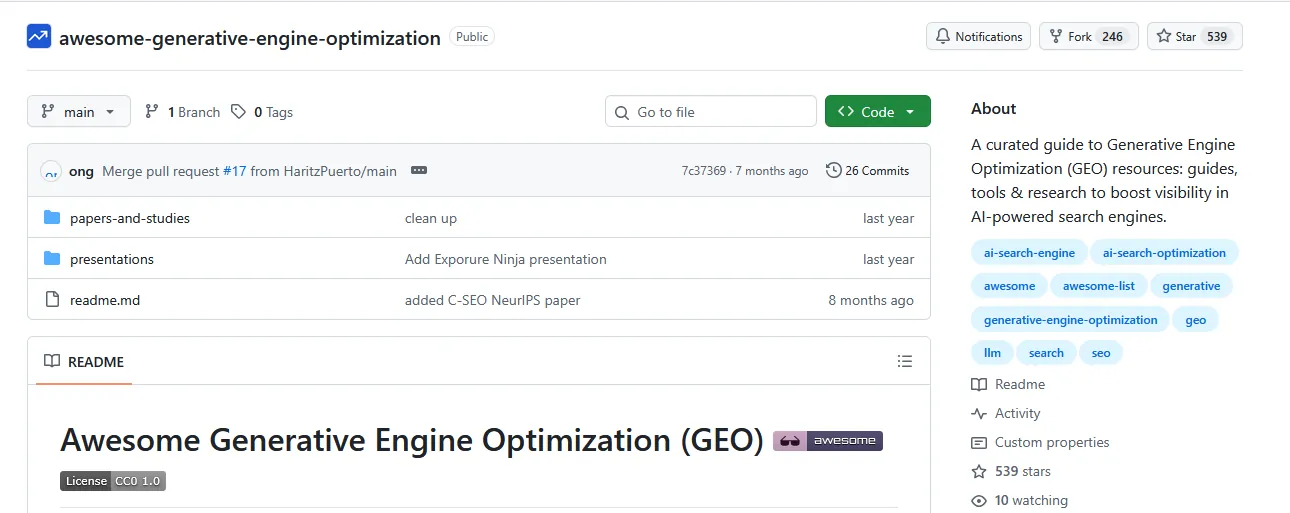
For more once this page is done, Awesome Generative Engine Optimization collects GEO and AEO research, guides, tools, newsletters, videos and platform documentation in one free, CC0-licensed list.
Tip: Bookmark it and check it when you need a source, tool or study on a specific GEO topic.
Best for testing prompts and AI answers in a repeatable way
Open sourceRepository
Promptfoo repository on GitHub
One screenshot of a ChatGPT answer proves very little. Promptfoo is a free, MIT-licensed tool that runs many prompts against many models, checks the answers against rules you set and flags when results change. It suits anyone who wants to track brand answers over time instead of guessing.
Tip: Set up a fixed list of buyer prompts and rerun it monthly to see whether AI answers about your brand change.
Ragas is an open-source framework for scoring AI answers on faithfulness, relevance and overall quality. It works well alongside Promptfoo for anyone tracking answer quality over time.
Tip: Use it with a developer to score AI answers for faithfulness and relevance over time.
Arize Phoenix is open source and runs on your own machine. It offers tracing, evaluations, datasets, experiments and a prompt playground. Hosted Arize plans are sold separately.
Tip: Only for teams running their own AI workflows who need tracing and evaluation.
Best for building your own test set for AI answers
FreeCourse
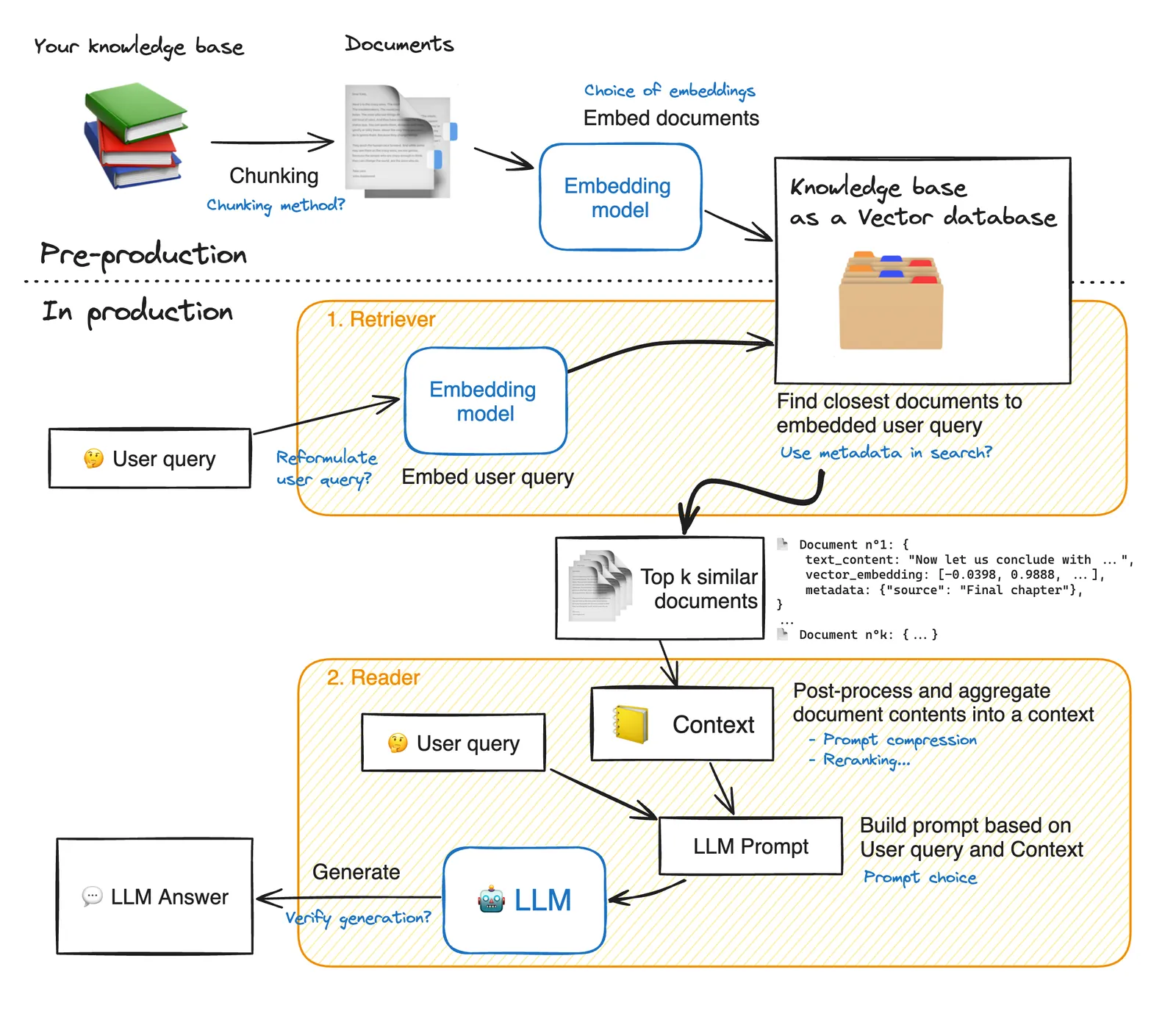
Hugging Face diagram of a RAG system, from chunking and embedding to retrieval and the LLM answer
Hugging Face's RAG evaluation cookbook builds a synthetic question-and-answer set, filters it, runs a RAG system and scores the results using a model as judge, all in one free notebook.
Tip: Only for teams building and testing their own RAG system.
Best for running a vector database on your own laptop
Open sourceDocs
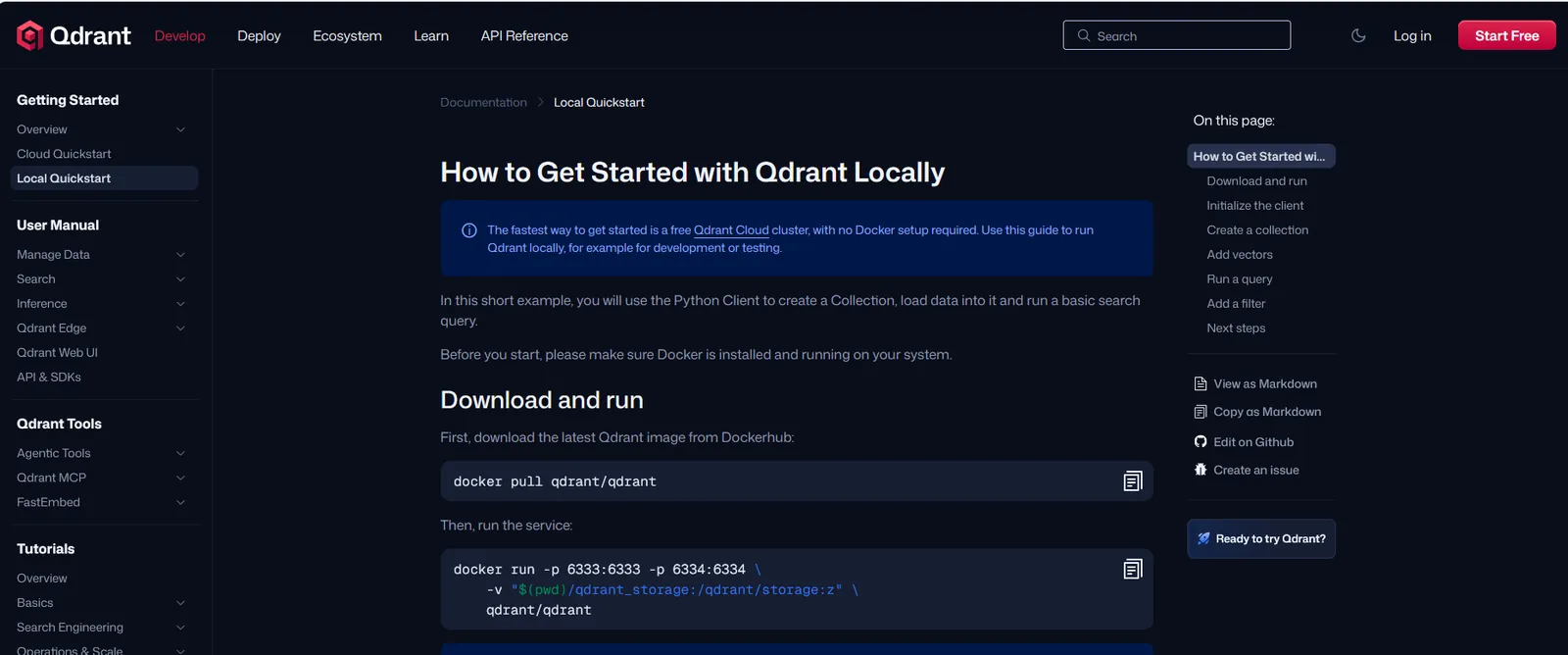
Qdrant documentation: How to get started with Qdrant locally
The Qdrant local quickstart gets a free vector database running on a laptop in minutes, with embeddings, metadata filters and similarity search. Seeing retrieval first-hand makes the theory stick.
Tip: Try it once if you want to see vector search with your own eyes; it makes the concept click.
Google AI Studio is Google's free workspace for testing Gemini models in the browser. You can try prompts, compare answers and build small prototypes without writing code. The free tier covers most tests, though limits vary by model and heavy use needs paid billing.
Tip: Use the free tier to test prompts and small automations before paying for API usage.
Best for seeing how one complex question gets split into smaller ones
FreeGuide
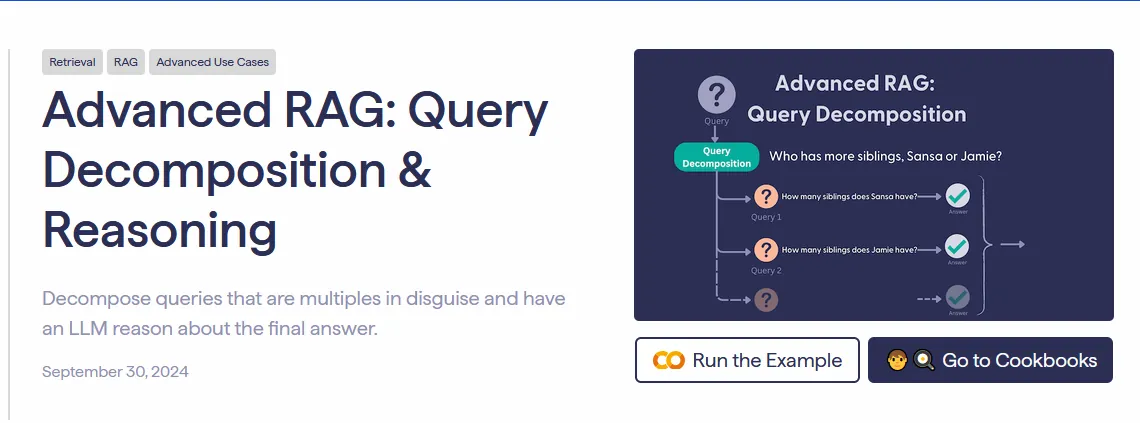
Haystack article: Advanced RAG, query decomposition and reasoning
Query fan-out sounds abstract until you see it in code. Haystack's article on query decomposition and reasoning shows a compound question being split into smaller questions, each searched on its own, with the answers combined at the end. The explanation holds up even if you skip the code.
Tip: Copy the idea, not the code: split a buyer question into sub-questions and make sure your page answers each one.
Best for covering more ways a question can be asked
FreeGuide
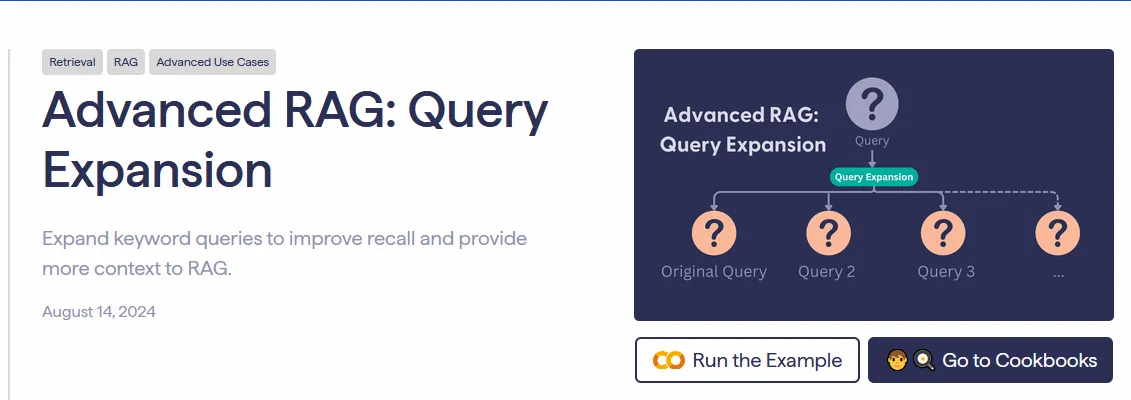
Screenshot: Haystack: Query Expansion
Haystack's article on query expansion shows how one query becomes several to find more relevant results. The same thinking helps when mapping the different ways buyers phrase a question. The code is free; model APIs may not be.
Tip: Use the idea to list the different ways buyers phrase the same question before you build a prompt set.
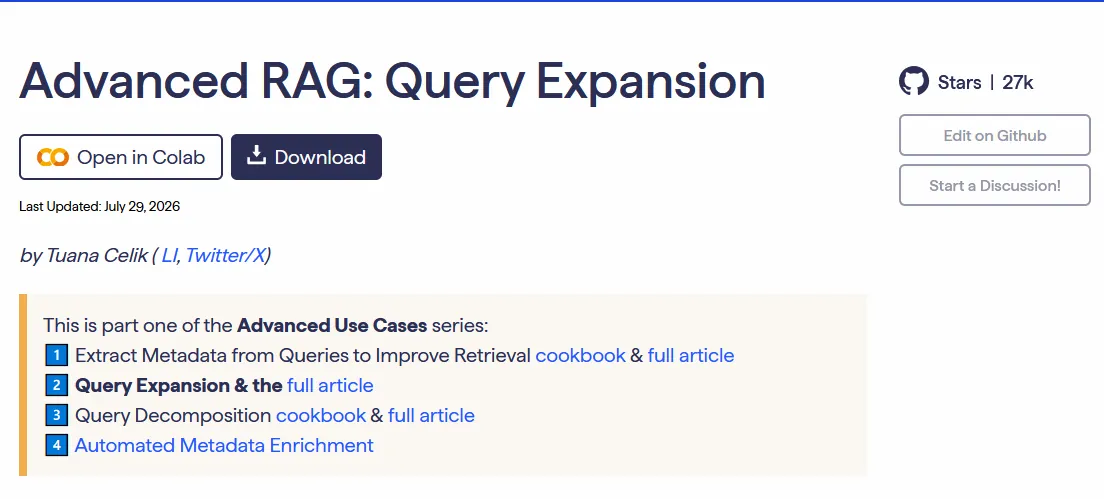
The query expansion cookbook from Haystack is a runnable version of the idea: one query becomes several, each one retrieves its own results. A natural next step after the article in the previous section.
Tip: Only for hands-on testing in code; the article version covers the idea.
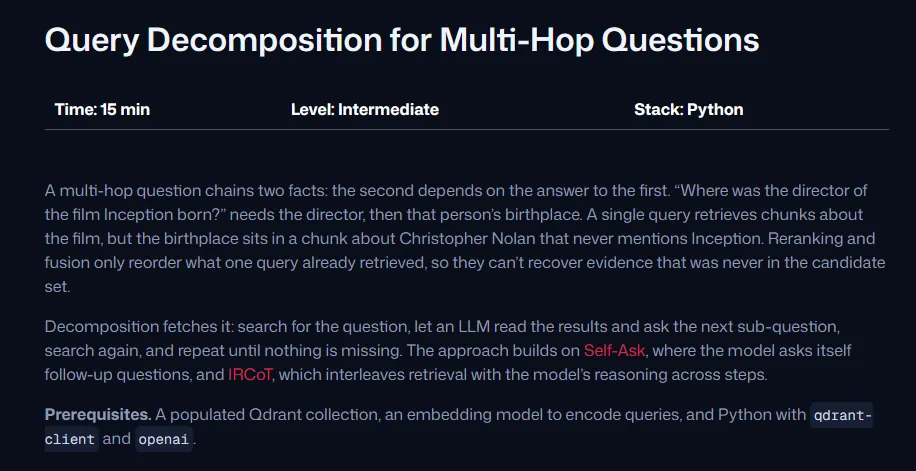
Screenshot: Qdrant: Query Decomposition for Multi-Hop Questions
Qdrant's tutorial on query decomposition for multi-hop questions covers splitting a question, retrieving for each part, checking the results and following up. It turns fan-out into something you can see.
Tip: Read the walkthrough to see multi-hop questions in action, then apply the idea to content planning.
Best for seeing sub-questions answered from different sources
FreeDocs
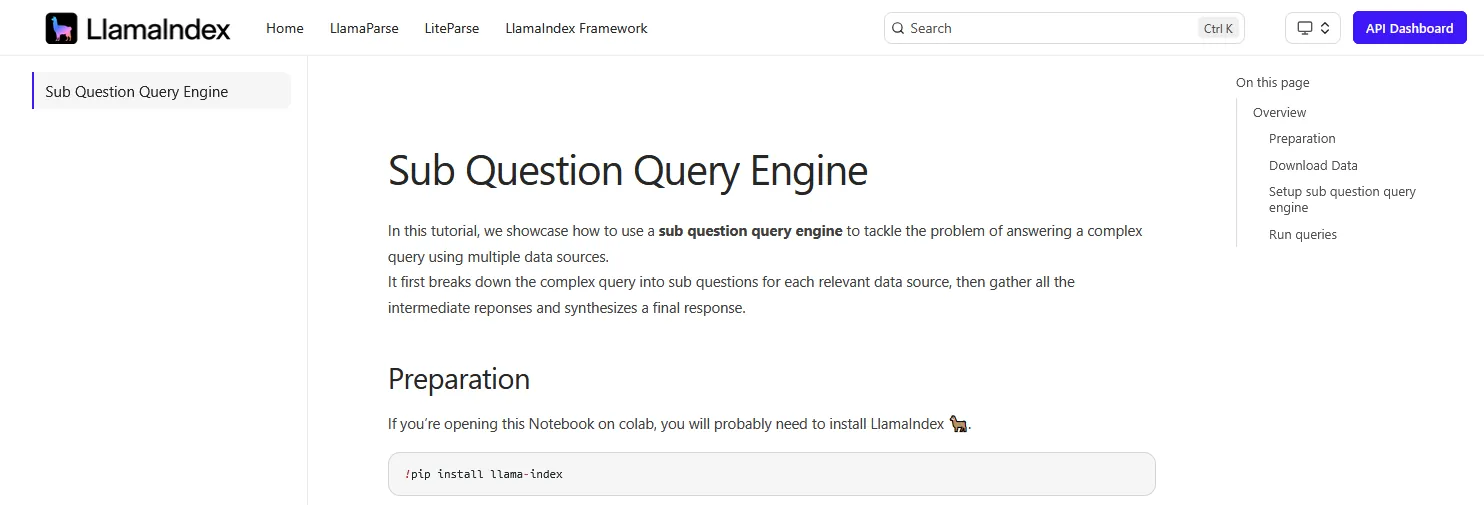
LlamaIndex documentation: Sub Question Query Engine
LlamaIndex's Sub Question Query Engine splits a question into parts, sends each to the right source and combines the answers. It is fan-out in a small, readable example.
Tip: Look at the example output to see how one question becomes several, then map those to page sections.
Best for watching an AI research system plan, search and cite
Open sourceRepository
STORM repository on GitHub
STORM is an open-source project from Stanford that writes cited reports the way a careful researcher would. It asks questions from several perspectives, searches the web, builds an outline and then writes. Its companion, Co-STORM, adds group discussion and mind maps. Watching it work gives a good idea of which sources AI systems lean on.
Tip: Run a topic through it, look at the outline and sources it picks, and compare them with your own content coverage.
Best for an open-source research agent you can run
Open sourceRepository
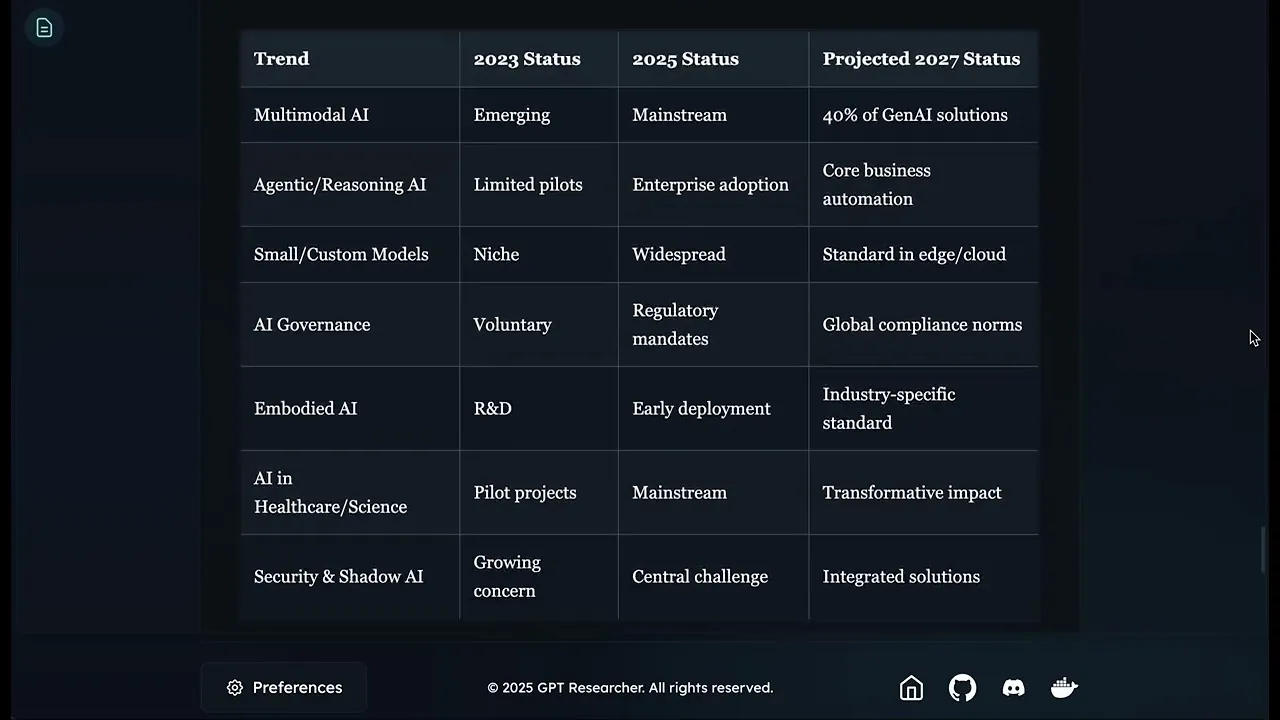
Screenshot: GPT Researcher
GPT Researcher is an open-source research agent that plans, tracks sources, researches in parallel and digs deeper where needed. The code is free under Apache-2.0; the model and search APIs it calls are not.
Tip: Run a research task and review which sources it cites, as a quick proxy for what AI agents might pick.
Best for a small deep research build you can read in one go
Open sourceRepository
Screenshot: Duet Open Deep Research
Duet's Open Deep Research is short enough to read in one sitting. This MIT-licensed project shows breadth and depth controls, multiple search queries, recursion and report writing.
Tip: Only for developers who want a small research agent to study or adapt.
LangChain's Open Deep Research explains a full research agent design, with scoping, a supervisor, parallel sub-agents and gap filling, and shares the reference code for free.
Tip: Read the architecture diagram to understand how research agents plan and fill gaps.
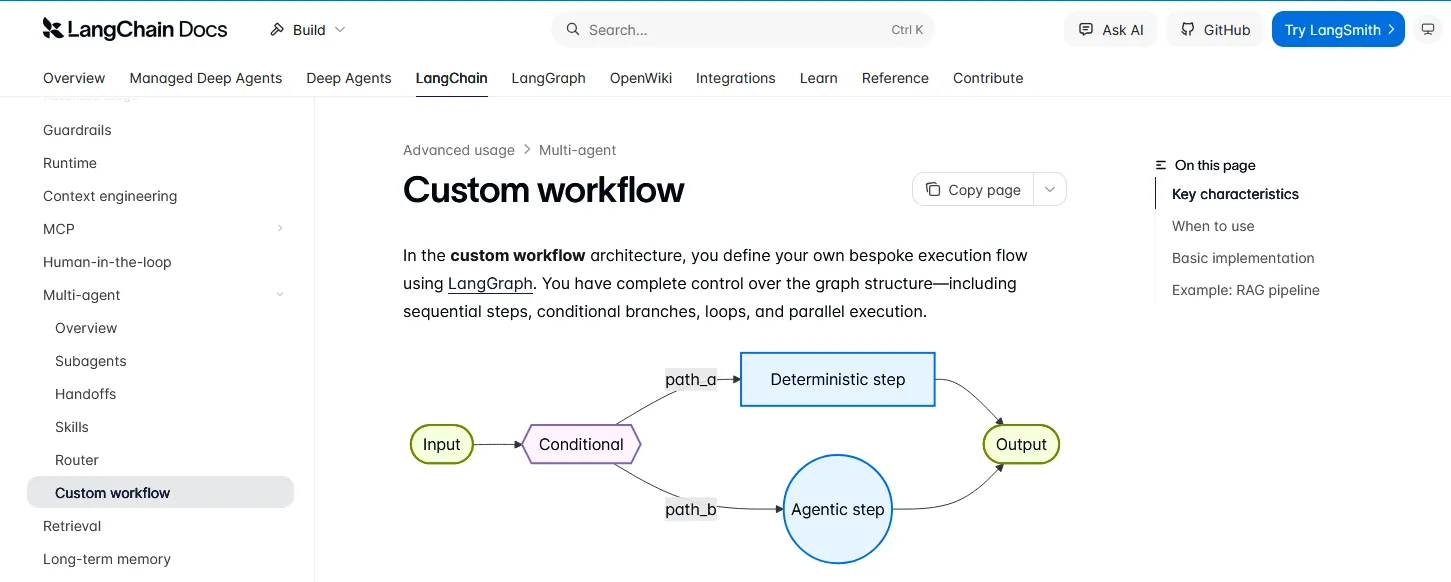
LangChain's documentation on custom workflows covers sequential steps, branches, loops, parallel runs, query rewriting and synthesis, for anyone designing their own research process.
Tip: Only for building custom research automations; strategists can skip it.
The OpenAI Cookbook holds MIT-licensed examples for prompting, retrieval, evaluation, structured outputs and apps that cite sources. API calls may cost money.
Tip: Only for building with the OpenAI API; skip it unless you automate workflows.
Best for marketers building AI research or content workflows
FreeGuide
Anthropic's Building effective agents article page
AI research tools do not answer in one step, and Anthropic's Building Effective Agents shows how they plan the work. The guide breaks agent design into a handful of patterns, from prompt chaining and routing to parallel workers and evaluator loops, and is honest about when an agent is not worth building.
Tip: Use the patterns to understand how AI research tools gather sources, and to design your own research or content workflows.
Best for strategists who want to understand search from the ground up
FreeCourse
Stanford CS 276 Information Retrieval and Web Search course page
Stanford keeps the slides, assignments and reading list for CS 276: Information Retrieval and Web Search open to everyone. The course covers indexing, ranking models, evaluation, crawling, link analysis and learning to rank. Even two or three lectures will make it clearer why one page gets picked over another.
Tip: Watch the ranking and evaluation lectures to understand why some passages win, then explain it to clients in plain words.
Best for a practical textbook on how search engines work
FreeBook
Cover of Search Engines: Information Retrieval in Practice
Written by people who build search engines, Search Engines: Information Retrieval in Practice from UMass is free online and more hands-on than most textbooks. It makes a good second read after the Stanford book.
Tip: Use the chapters on ranking and evaluation as a practical reference when you need to explain how search engines score pages.
Best for understanding how language models read text
FreeCourse
Welcome to the Hugging Face Course
The free Hugging Face course explains how language models read text, from tokenizers to Transformers and datasets. The later chapters get technical, but the first few are approachable for marketers.
Tip: Read chapter one to understand tokens and transformers, then stop unless you plan to build with models.
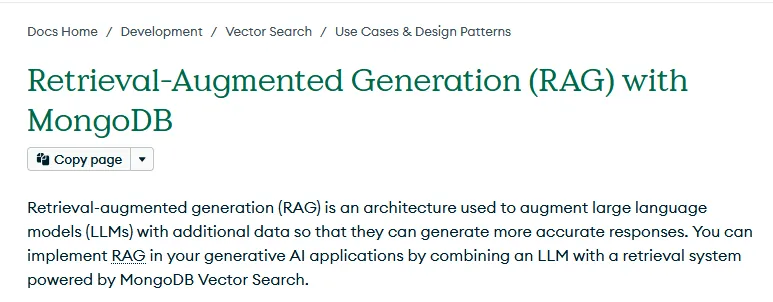
MongoDB's RAG tutorial walks through a full build with free documentation and notebooks. The hosted services and APIs it uses can cost money, so read before you run.
Tip: Useful only if you or your developers want to build a RAG demo; skim the diagrams for the concepts.
Best for learning vector search through a small project
FreeGuide
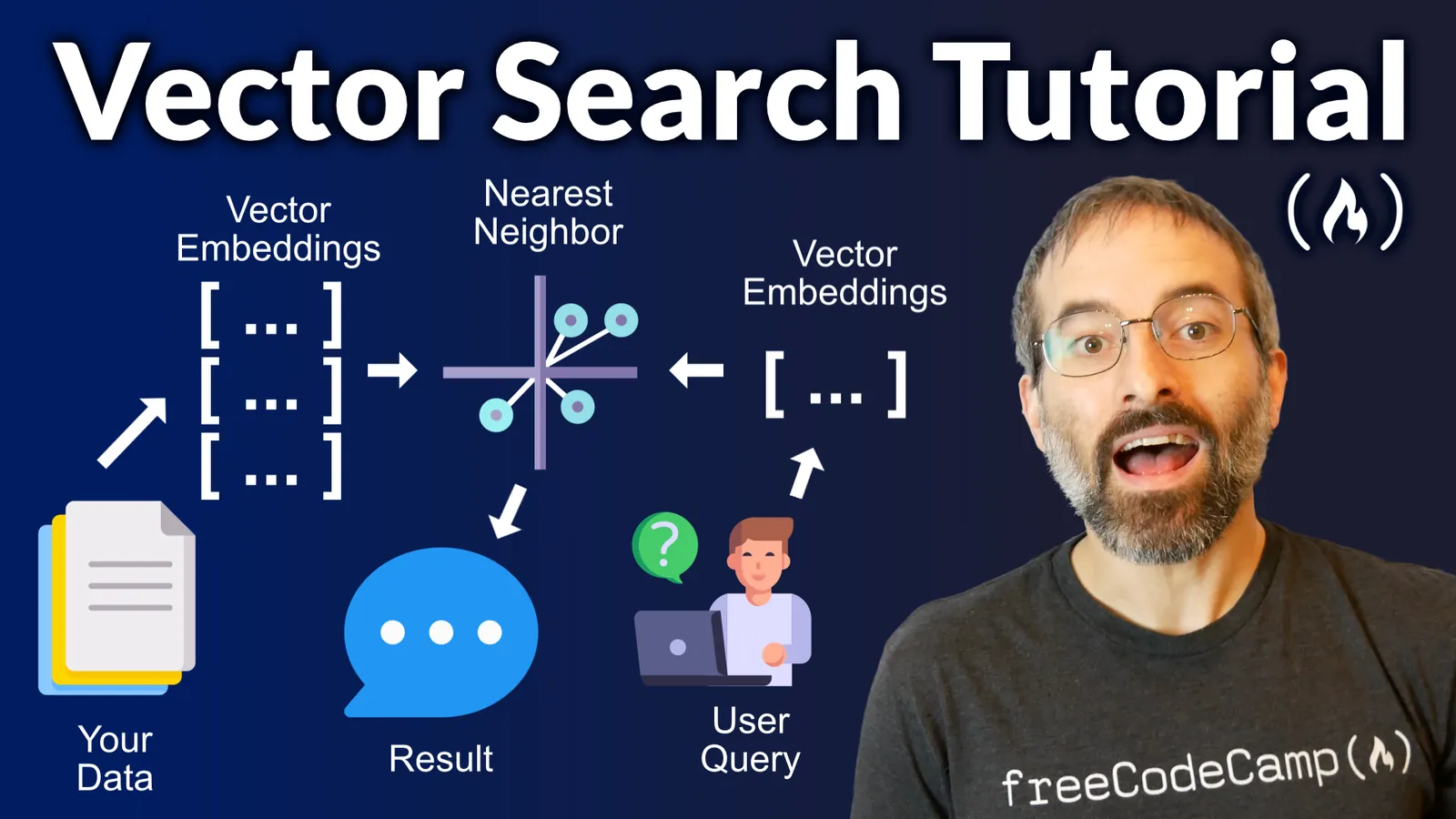
freeCodeCamp vector search tutorial thumbnail
freeCodeCamp's vector search and RAG tutorial teaches by building a small project, with both a written guide and a video course. It suits people who learn by doing.
Tip: Follow along if you want hands-on practice with vector search; otherwise read the intro for the concepts.
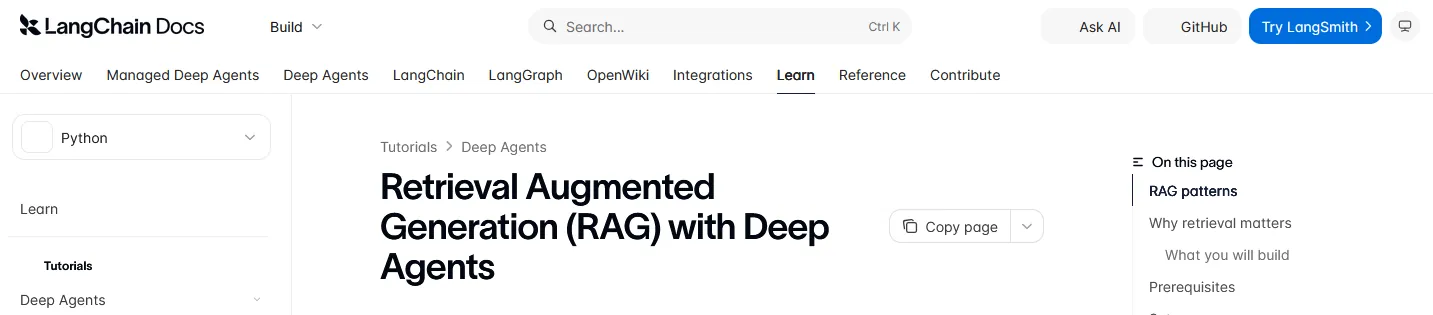
LangChain's free RAG tutorial covers indexing, retrieval, analysis, synthesis and citations in working code. It pairs well with the LangChain videos further down the page.
Tip: Only for building; strategists can skip it unless a client's team is creating its own AI assistant.
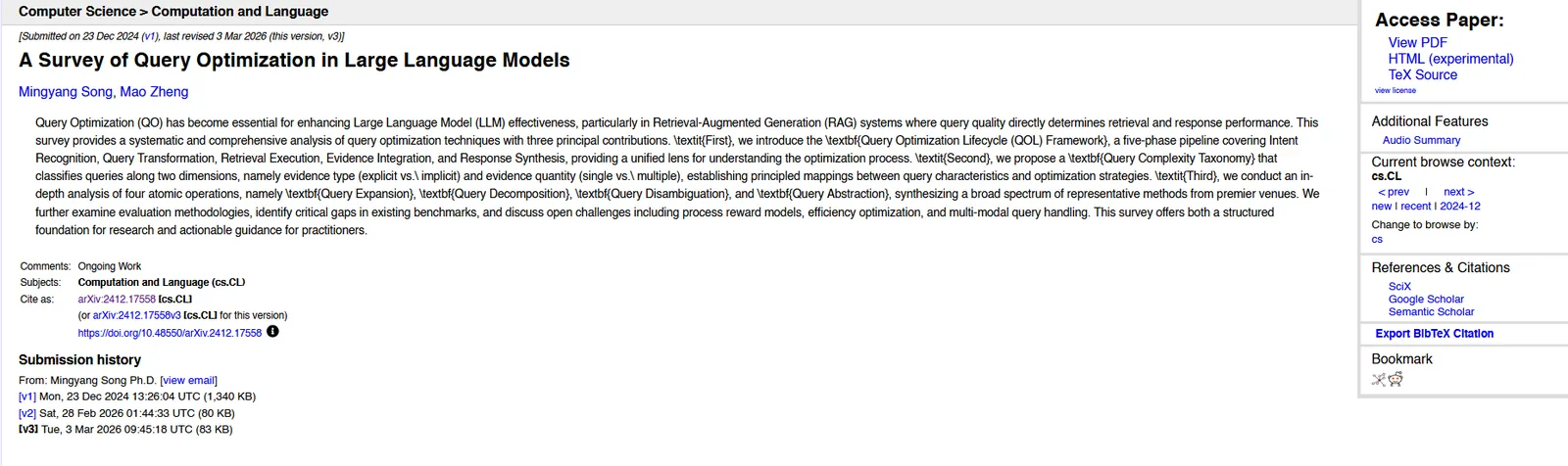
arXiv: A Survey of Query Optimization in Large Language Models
Before any search runs, AI systems often rewrite the prompt. A Survey of Query Optimization in LLMs covers how that happens, through expansion, decomposition, disambiguation and abstraction.
Tip: Read the overview to understand how AI rewrites queries before searching, then plan content for those rewrites.
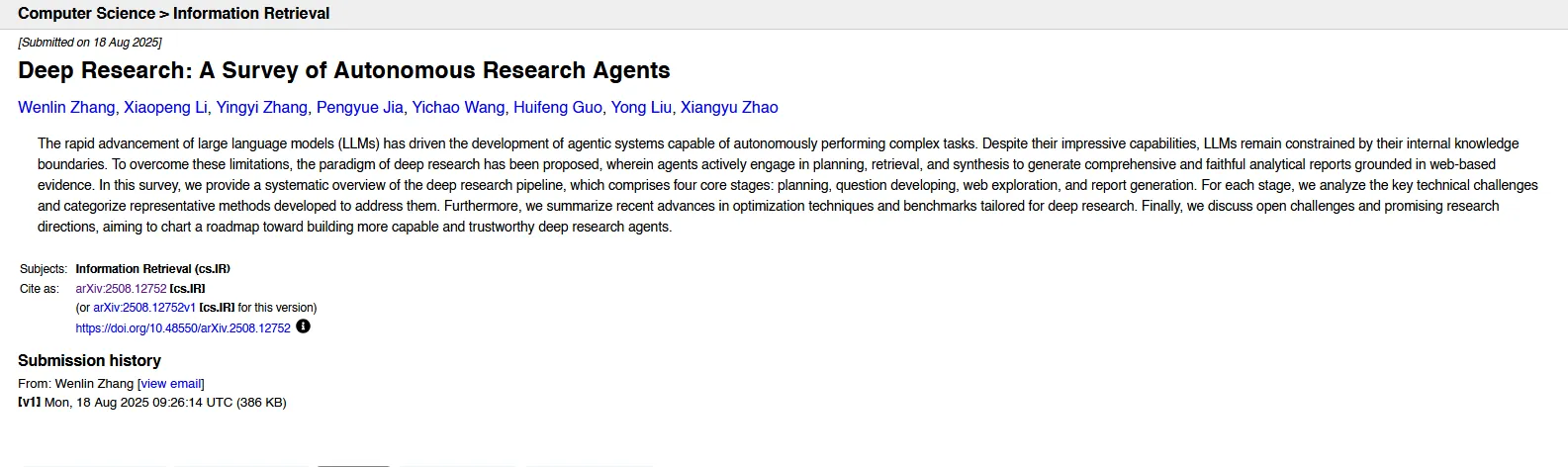
arXiv: Deep Research, a survey of autonomous research agents
Deep Research: A Survey of Autonomous Research Agents reviews how these agents plan, develop questions, explore the web and write reports, along with the main methods and benchmarks. The overview sections are readable even without a technical background.
Tip: Read the introduction and figures to understand how research agents pick and cite sources.
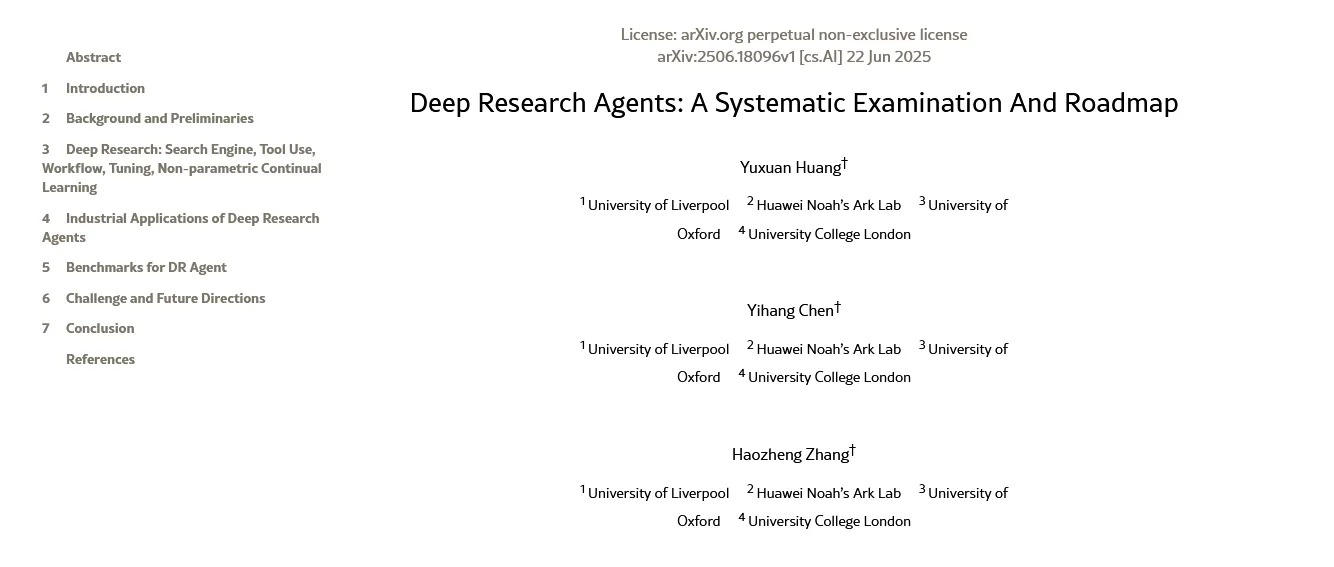
arXiv: Deep Research Agents, a systematic examination and roadmap
The Deep Research Agents roadmap is a free academic survey of adaptive planning, multi-hop retrieval, repeated tool use and single-agent versus multi-agent designs.
Tip: Skim the overview if you want the academic view of research agents; otherwise skip it.
Best for a disciplined research method you can borrow
FreePaper
PubMed Central article page
This open-access paper sets out a 15-step systematic approach to searching, built for academic literature reviews. Its steps for defining concepts, finding synonyms and refining searches work just as well for prompt and topic research.
Tip: Borrow the steps for synonyms and refinement when you build keyword and prompt lists.
What the access tags mean
Free does not always mean unlimited.
Free
Public to read, watch or use. Some examples may call paid APIs.
Open source
Run it locally or self-host. You supply compute, models or API keys.
Free tier
Free with an account, but rate limits or quotas apply.
Restricted
Free, but with license terms such as academic or non-commercial use only.
Paid
A paid product. Included because it is one of the main tools teams use for the job.
Where to start, depending on your role
Pick the route that matches your job and work through it in order.
Route 1
An AI search strategist
Google AI search documentation, Google SEO Starter Guide, Moz on search intent, Aleyda Solis's AI search worksheet, the Query Fan Out video, then Bing AI Performance.
Route 2
A technical search or RAG builder
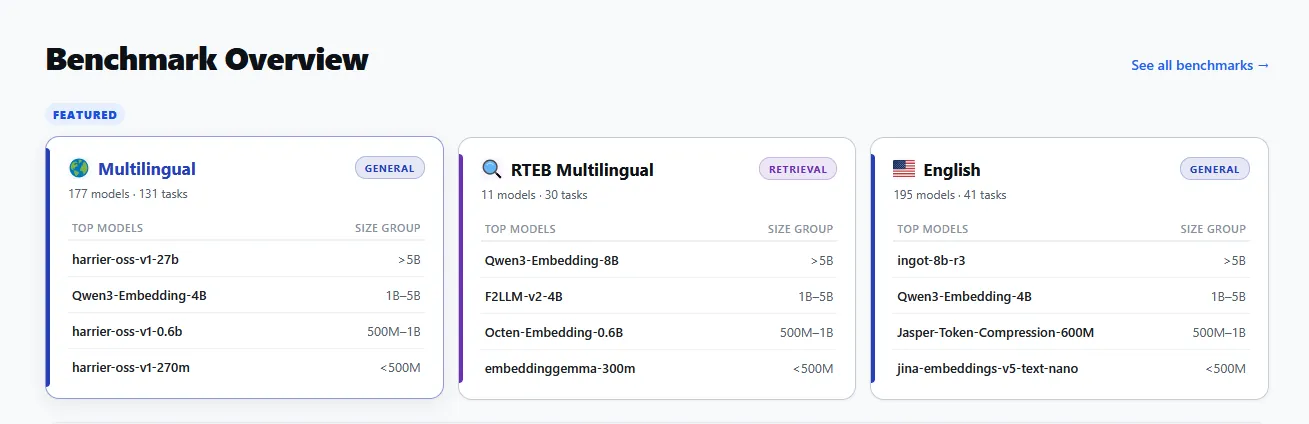
Stanford CS 276, Microsoft's RAG lesson, Haystack query expansion and decomposition, the Qdrant local quickstart, Promptfoo with Ragas, then the MTEB leaderboard.
Route 3
Prompt and fan-out research design
OpenAI's and Anthropic's prompt guides, Haystack decomposition, LlamaIndex sub-questions, STORM, then Anthropic's agent patterns.
Route 4
A video-first learner
Stanford CS25 on RAG, iPullRank on query fan-out, the Ahrefs AI SEO course, Ethan Smith on Lenny's Podcast, then the Webflow introduction to AEO.
Vendor guides are useful, but they also sell a product. Keep first-party platform rules separate from vendor claims, and do not treat any ranking or citation claim as a guarantee. My own templates and tools are on the free resources page.
 Dorcas AdisaOrganic and AI Search Strategist