AI searchNov 12, 2026
The best query fan-out and prompt research tools
Tools that show the hidden searches AI runs behind one question, and the prompts your buyers actually type.
6 minute read Dorcas AdisaOrganic and AI Search Strategist
Tools that show the hidden searches AI runs behind one question, and the prompts your buyers actually type.
6 minute readDorcas AdisaOrganic and AI Search StrategistWhen you ask an AI tool a question, it often runs several searches behind the scenes before writing the answer. This is called query fan-out. Each of those searches is a chance for your page to be found, or missed.
Some tools on this list simulate the sub-queries an engine is likely to run. Others record the real searches from your own ChatGPT sessions. The rest help you find the questions buyers ask in the first place.
In this guide, I share the tools that simulate or record those hidden searches, plus the tools I use to find the questions buyers ask in the first place.
Jump to any tool, or scan what each one is best for.
| Tool | Best for | Access |
|---|---|---|
| 1. Qforia, by iPullRank | Simulating the sub-queries Google's AI Mode and AI Overviews may run | Free tier |
| 2. LLMrefs free query fan-out tool | Seeing the sub-queries behind a single prompt | Free |
| 3. FanoutFox, by Suganthan Mohanadasan | Seeing the searches ChatGPT ran and the sources it cited for your own prompts | Free |
| 4. FanOutSpy | Collecting ChatGPT fan-out queries, citations and brand mentions | Free |
| 5. ChatGPT | Generating, grouping and testing the prompts your buyers are likely to type | Free tier |
| 6. Perplexity | Manual checks of answers and citations | Free tier |
| 7. Google Search Console | First-party search data for your own site | Free |
| 8. AlsoAsked | Mapping the questions buyers ask on Google | Free tier |
| 9. AnswerThePublic | Finding question and comparison phrasings | Free tier |
| 10. QuestionDB | Questions people ask on Reddit and Quora | Free tier |
| 11. Otterly.AI | Small teams and agencies on a tighter budget | Paid |
Free to use, or free with limits.
Best for simulating the sub-queries Google's AI Mode and AI Overviews may run
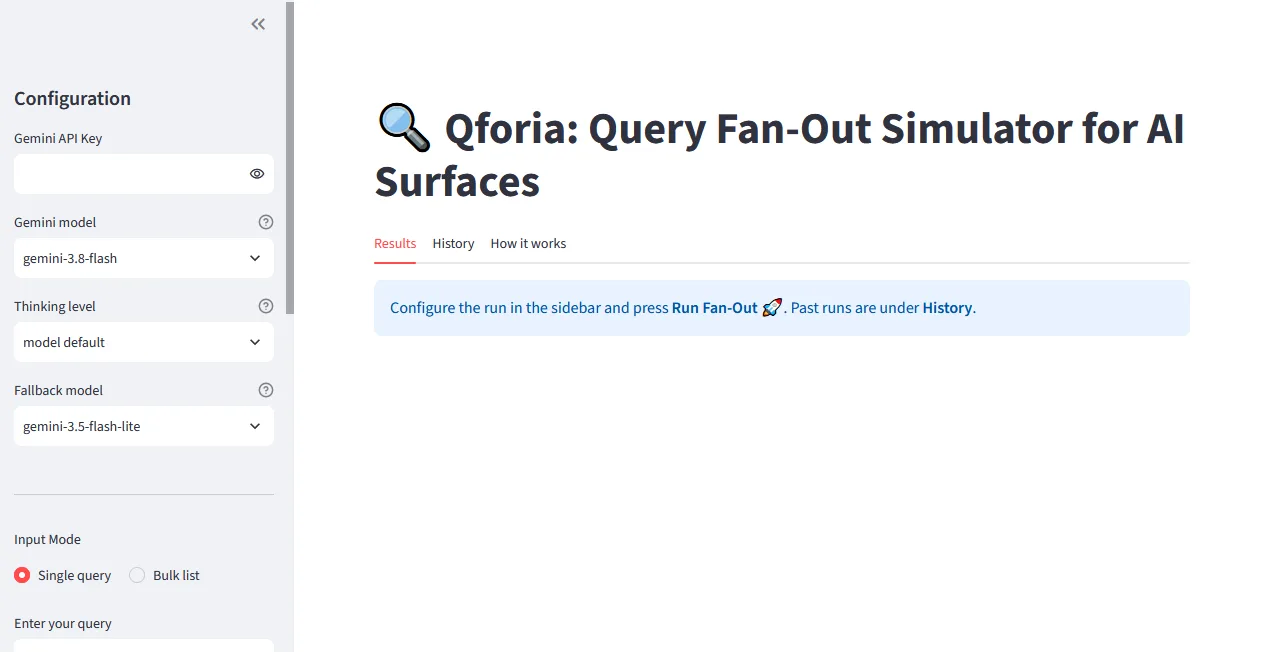
Qforia is Mike King's query fan-out simulator. You enter a question and it uses Gemini, the model family behind AI Overviews and AI Mode, to predict the related searches Google may run before it writes an answer. The tool itself is free, but you need your own Gemini API key, and the output is a prediction, not a record of what Google actually ran.
Tip: Run your main topic through it, then check which predicted sub-queries your page already answers and which need their own section.
Best for seeing the sub-queries behind a single prompt
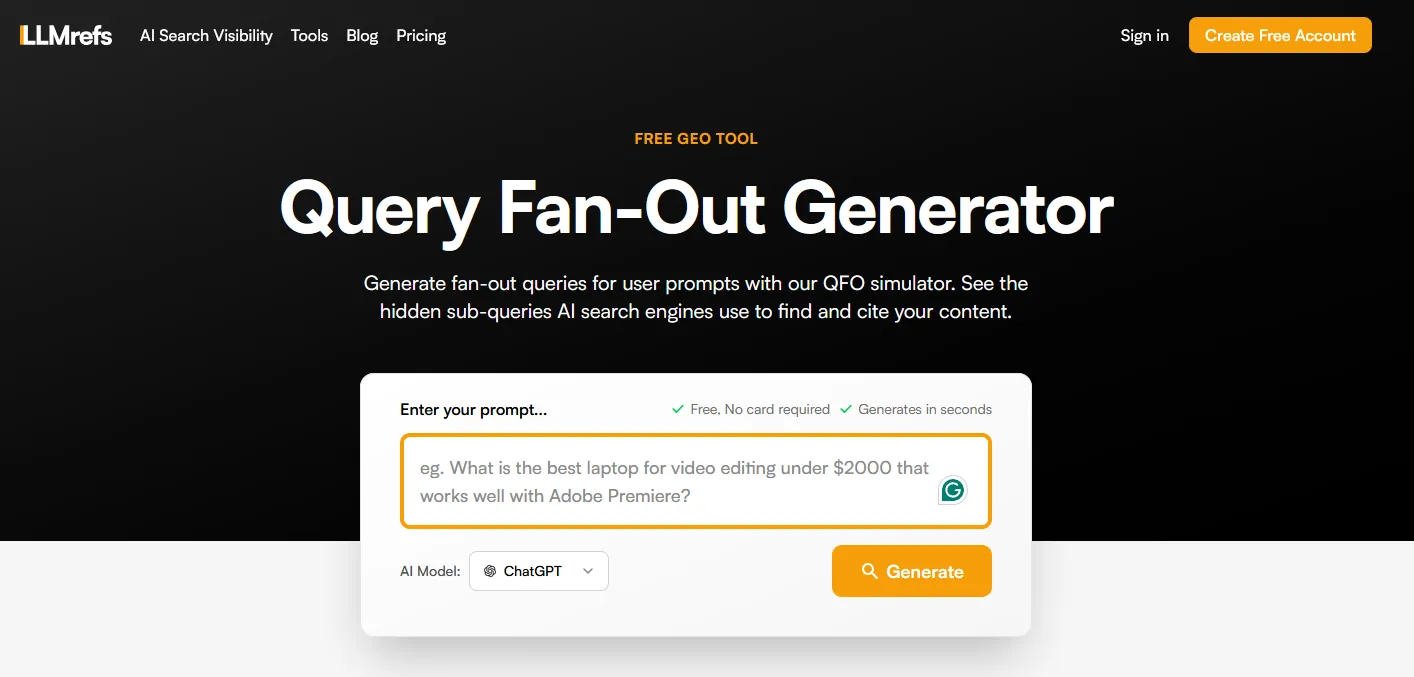
Type a question into the free query fan-out tool from LLMrefs and it shows the related sub-queries an AI system may run to answer it. Each one is a section, FAQ or page your content may need.
Tip: Run your main buyer questions through it and turn the sub-queries into headings and FAQs.
Best for seeing the searches ChatGPT ran and the sources it cited for your own prompts
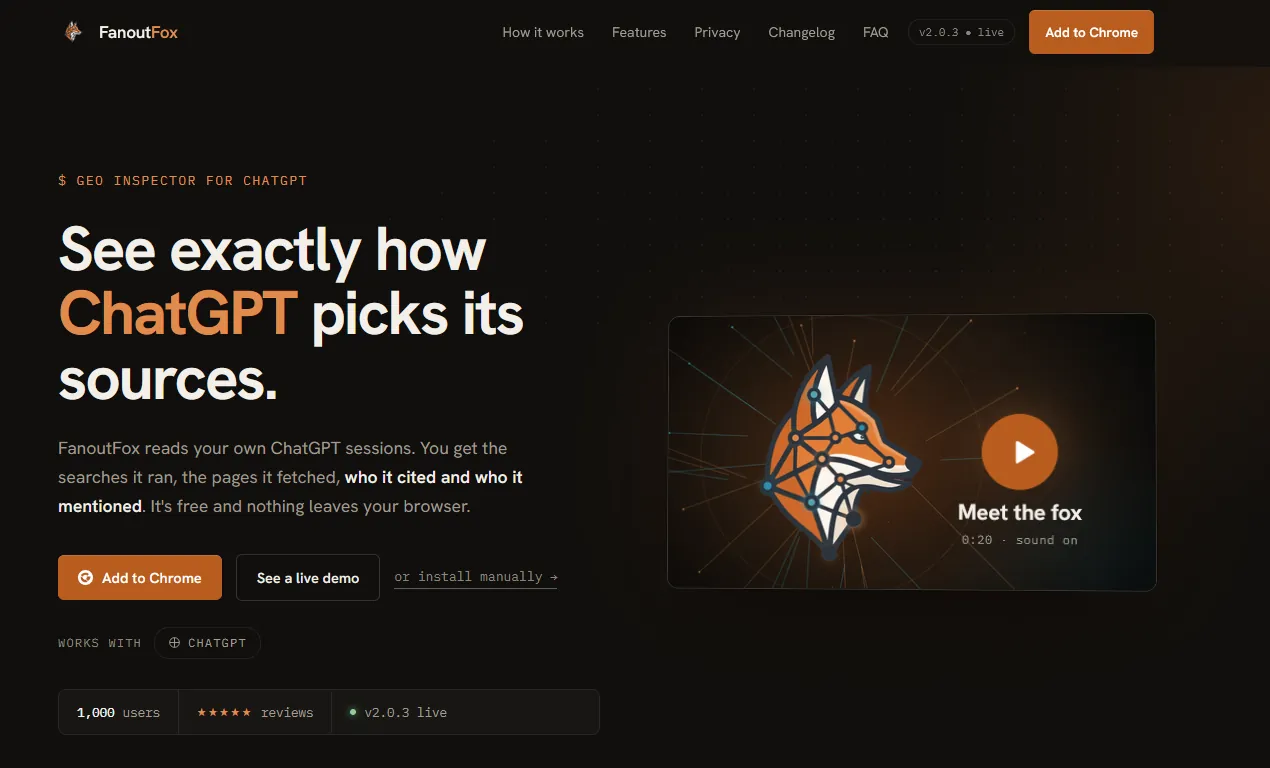
FanoutFox is a free Chrome extension built by Suganthan Mohanadasan. It reads your own ChatGPT sessions and shows the searches ChatGPT ran, the pages it fetched, which ones it cited and which brands it mentioned. You can pin an answer, rerun the prompt later and compare who entered or dropped out. It works with ChatGPT only, and everything stays in your browser.
Tip: Ask ChatGPT the questions your buyers ask, open FanoutFox, then compare the sub-queries it wrote with the headings on your page.
Best for collecting ChatGPT fan-out queries, citations and brand mentions
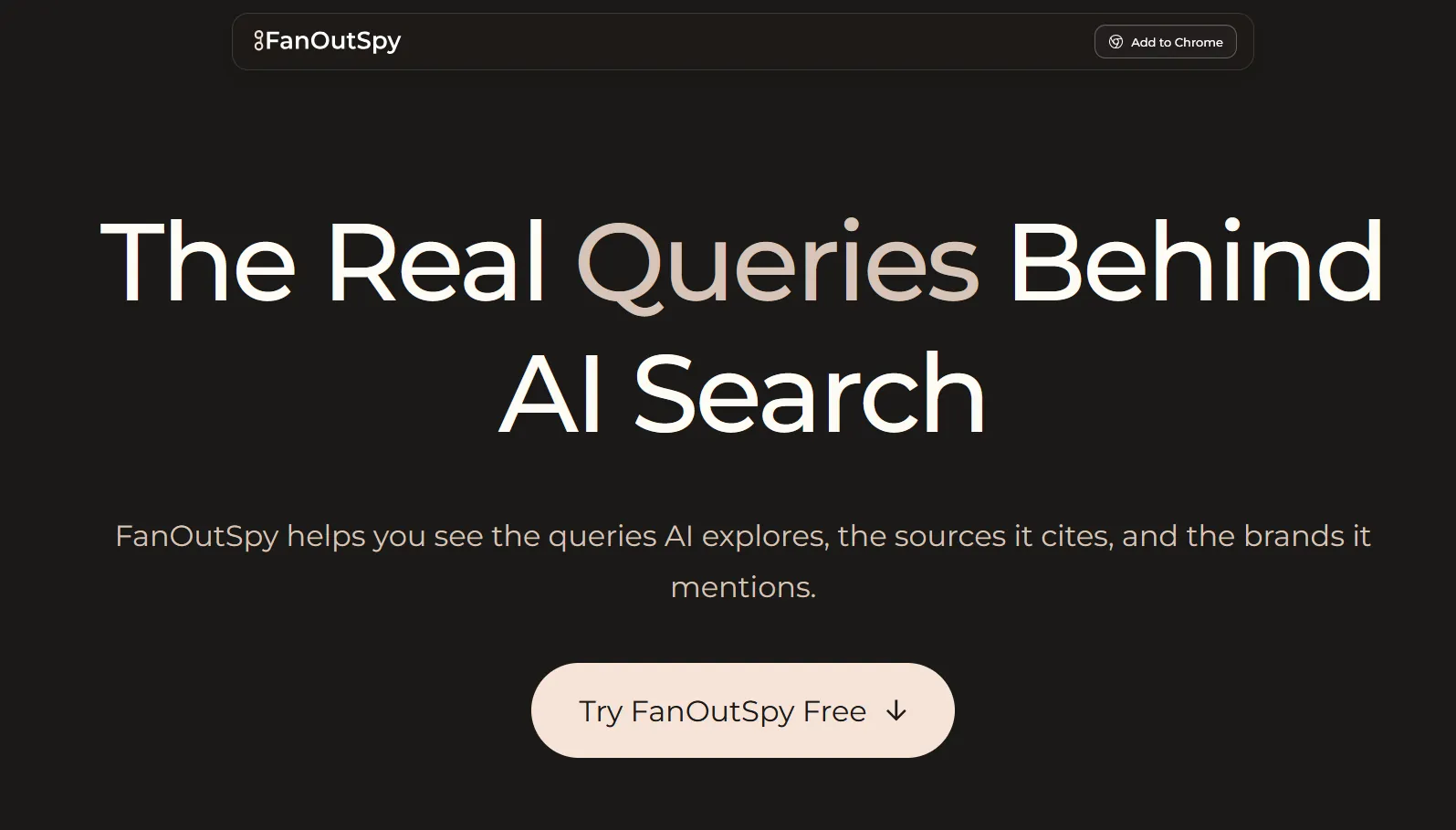
FanOutSpy is a free Chrome extension that captures the fan-out queries ChatGPT generates during a web search, along with the pages it cites, the source domains and the brands it mentions. Your data stays in your browser, and you can export what you capture.
Tip: Run a batch of buyer prompts, export the fan-out queries, and use them as a checklist of subtopics your content should cover.
Best for generating, grouping and testing the prompts your buyers are likely to type
ChatGPT is the AI assistant most buyers already use, which makes it both a research tool and a place to test your visibility. Use it to draft prompt lists from customer language, group them by intent and then ask them with search turned on to see which brands and sources come back. The free plan is enough for this; paid plans raise the usage limits.
Tip: Paste in sales call notes or reviews, ask for the questions a buyer would type, then run the best ten with search on and record who gets named.
Best for manual checks of answers and citations
Perplexity shows its sources next to every answer, which makes it one of the easiest places to check by hand whether you or your competitors are cited.
Tip: Ask your top buyer questions, note which sources it cites, and look at what those pages do well.
Best for first-party search data for your own site
Google Search Console is your own first-party data from Google: queries, pages, clicks, impressions and indexing. Long, question-like queries in it are often the closest thing to real AI prompts you can see.
Tip: Filter for long queries that start with how, what, which or best to find prompt-like searches for your content plan.
Best for mapping the questions buyers ask on Google
AlsoAsked turns Google's People Also Ask boxes into a map of connected questions. The free tier allows a small number of searches a month, which is enough to plan the question headings for a key page.
Tip: Map question clusters for a topic, then use them as H2s and FAQ entries.
Best for finding question and comparison phrasings
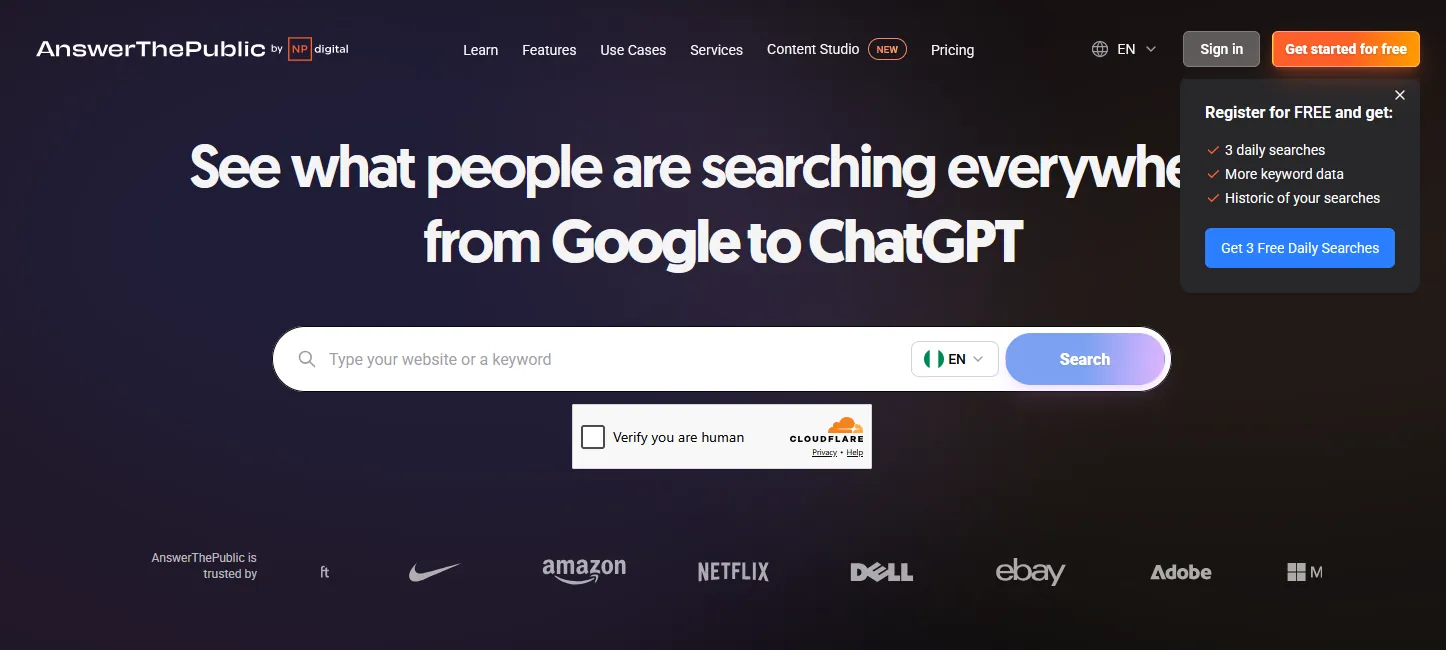
AnswerThePublic groups the questions, comparisons and prepositions people search around a topic. Registered users get three free searches a day.
Tip: Pull the question and comparison lists into your prompt set as real buyer phrasing.
Best for questions people ask on Reddit and Quora
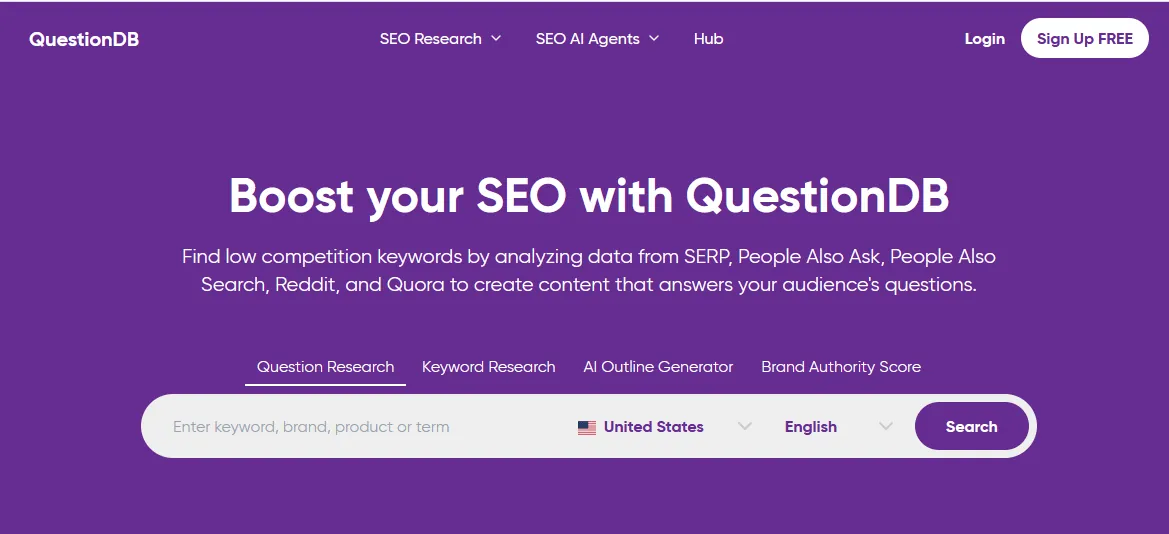
QuestionDB collects real questions from search results, People Also Ask, Reddit and Quora. The free plan allows a few searches a month.
Tip: Use it to find the language buyers use in communities, then answer those questions on your pages.
Paid platforms, most with a free trial.
Best for small teams and agencies on a tighter budget
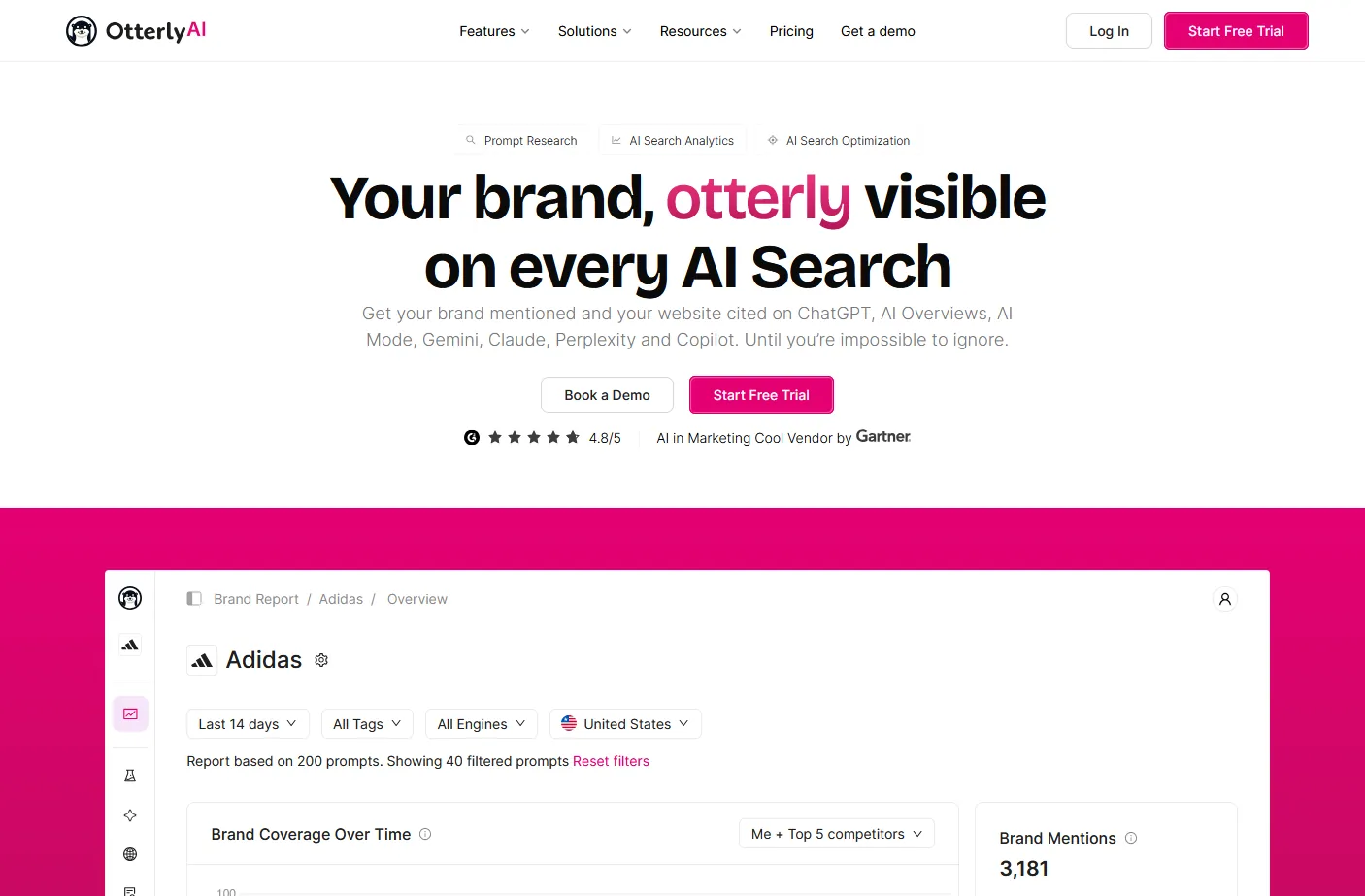
Otterly.AI monitors brand mentions and website citations across AI search platforms, and is often recommended as a more affordable option for smaller teams and agencies.
Tip: Use it for affordable monitoring of a small prompt set across several AI platforms.
Query fan-out is when an AI search system turns one question into several related searches, gathers results for each, and combines them into one answer. Google has described this for AI Mode, and ChatGPT does something similar when it searches the web.
For your own sessions, yes. Free extensions such as FanoutFox and FanOutSpy read the searches ChatGPT ran in your browser. Nobody can see the queries run for other users.
A keyword tool shows what people type into a search engine and how often. A fan-out tool shows the follow-up searches an AI system runs on the user's behalf, which helps you plan the sections of a page.
Fan-out tools are most useful when they change your page outline. Run your main topics through one simulator and one recorder, then add sections for the sub-questions you have not answered.
This guide is part of The AI Search Stack, my list of the best free and paid resources for SEO, AEO and GEO.
I will check how your brand shows up in Google and AI answers today, and show you what to fix first.