SEONov 12, 2026
The best technical SEO tools for AI search
Tools and references to check that search engines and AI crawlers can reach, read and trust your pages.
10 minute read Dorcas AdisaOrganic and AI Search Strategist
Tools and references to check that search engines and AI crawlers can reach, read and trust your pages.
10 minute readDorcas AdisaOrganic and AI Search StrategistIf a crawler cannot reach a page, no amount of content work will get it cited. Technical SEO for AI search covers the same basics as before, crawling, indexing, speed and structured data, plus a newer question: which AI crawlers can get in.
This list covers site crawlers, Google and Bing's own tools, AI crawler checks and the references you need to set the rules correctly.
In this guide, I share the crawlers, checkers and official references I use to answer that question, with a practical tip for each one.
Jump to any tool, or scan what each one is best for.
| Tool | Best for | Access |
|---|---|---|
| 1. Screaming Frog SEO Spider | Comparing raw and rendered HTML at scale | Free tier |
| 2. Bing Webmaster Tools | Bing search data, crawl checks and AI citation reporting in one free account | Free |
| 3. Swetrix AI Search and LLM Crawlability Checker | A fast technical screen for AI crawlers | Free |
| 4. Rankability AI Search Indexability Checker | A second free indexability check | Free |
| 5. Cloudflare AI Crawl Control | Seeing and controlling which AI crawlers visit a site on Cloudflare | Free tier |
| 6. Cloudflare Radar AI Insights | Tracking AI crawler activity across the web | Free |
| 7. Screaming Frog Log File Analyser | Seeing which pages search and AI crawlers actually request | Free tier |
| 8. curl | Checking the raw response a crawler gets from your page | Open source |
| 9. Google PageSpeed Insights | Checking page speed and Core Web Vitals for any URL | Free |
| 10. Lighthouse | Auditing performance, accessibility and basic SEO from inside Chrome | Open source |
| 11. Sitebulb | Visual technical audits that explain each issue in plain language | Paid |
| 12. Semrush Site Audit | Marketing-friendly technical audits | Paid |
| 13. Ahrefs Site Audit | Technical audits alongside backlink data | Paid |
| 14. Conductor Monitoring | Enterprise monitoring of AI crawler activity | Paid |
| 15. Google Search Console robots.txt report | Confirming Google can read your robots.txt file | Free |
| 16. Schema.org Markup Validator | Checking your structured data | Free |
| 17. Google Rich Results Test | Checking eligibility for Google rich results | Free |
| 18. Schema.org | Looking up the right structured data type and its properties | Free |
| 19. IndexNow | Telling search engines about new or updated pages | Free |
| 20. Google: Sitemaps overview | Understanding when a sitemap helps and how to build one | Free |
| 21. Google Search Central documentation | The full reference for how Google crawls, indexes and shows pages | Free |
Free to use, or free with limits.
Best for comparing raw and rendered HTML at scale
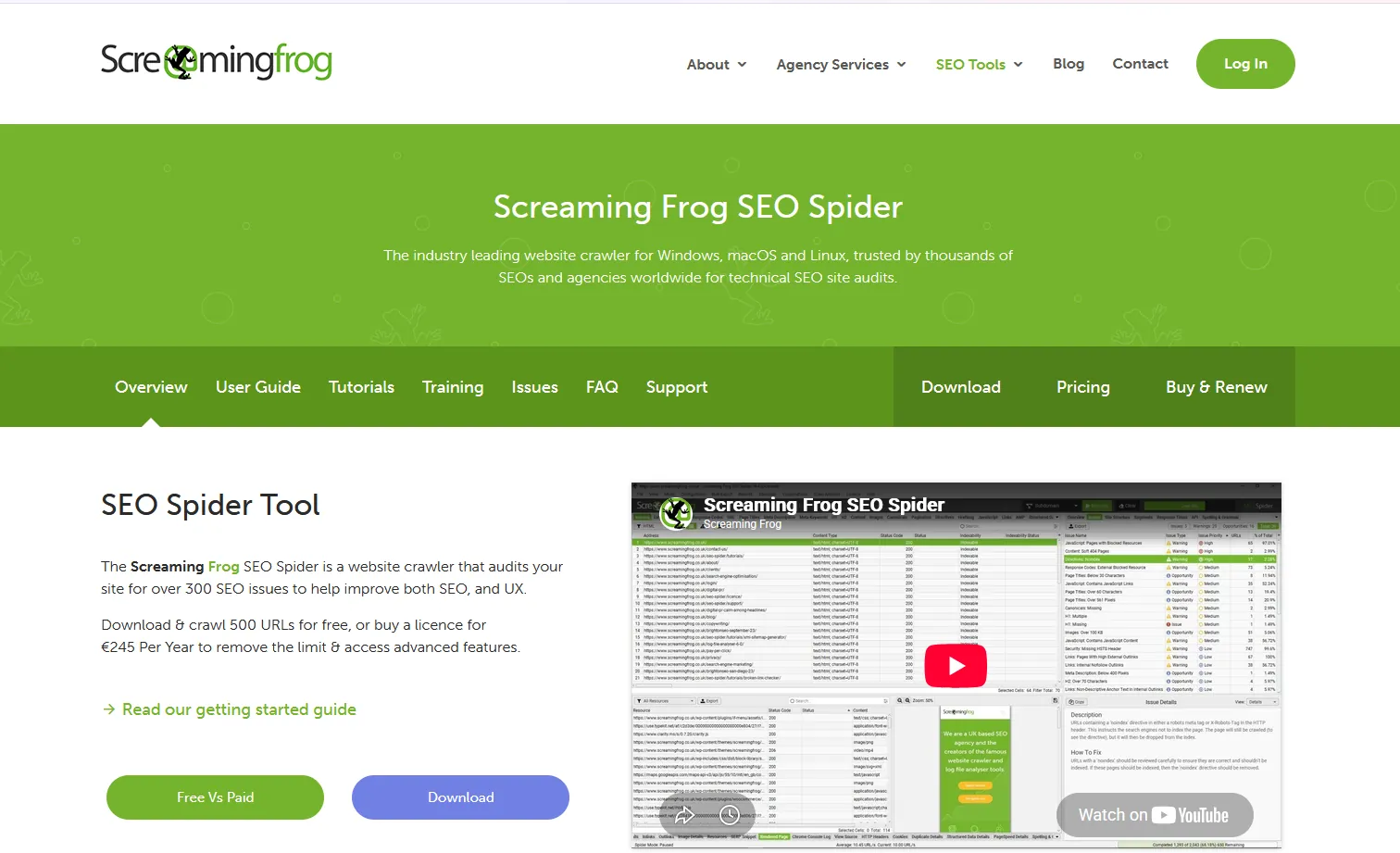
The Screaming Frog SEO Spider crawls up to 500 URLs for free, with a paid licence for larger sites. It is especially useful for comparing raw HTML with JavaScript-rendered HTML, which matters because many AI crawlers do not run JavaScript.
Tip: Crawl the site with JavaScript rendering on and off to find content AI crawlers cannot see.
Best for Bing search data, crawl checks and AI citation reporting in one free account
Bing Webmaster Tools is Microsoft's free console for site owners. It shows how your pages perform in Bing, lets you inspect and submit URLs, supports IndexNow and includes an AI Performance report on how often your content is cited in Copilot and Bing's AI answers. Bing results also feed several AI assistants, so it is worth setting up even if Bing sends you little traffic.
Tip: Verify your site, import it from Search Console, submit your sitemap, then check the AI Performance report each month.
Best for a fast technical screen for AI crawlers
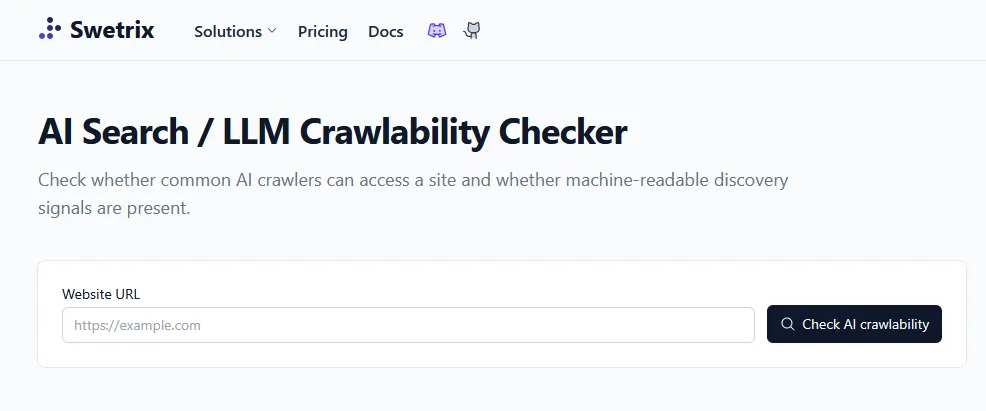
Swetrix's free AI crawlability checker tests robots rules for common AI crawlers, llms.txt, sitemaps, canonicals, titles and structured data. Treat llms.txt as an emerging convention, not a requirement.
Tip: Run it on every new client site as the first technical check.
Best for a second free indexability check
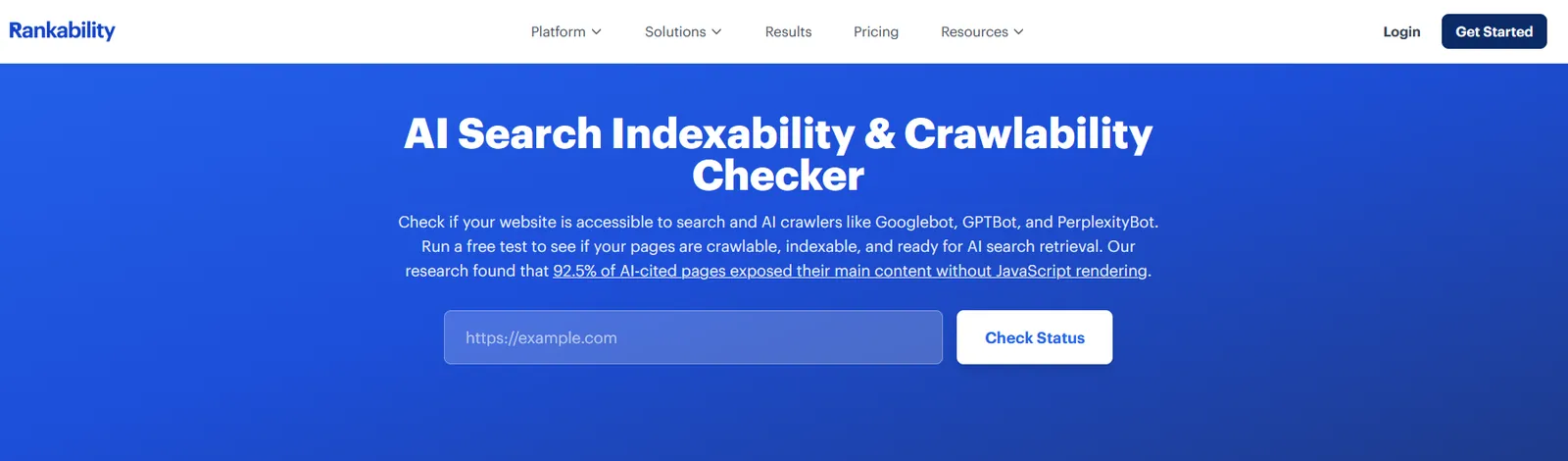
Rankability's free AI search indexability checker scores how crawlable and indexable a page is for AI search. Check its method before relying on the score.
Tip: Use it as a quick second opinion next to the Swetrix checker.
Best for seeing and controlling which AI crawlers visit a site on Cloudflare
Cloudflare AI Crawl Control shows which AI crawlers are visiting your site and how often, and lets you allow or block each one. It is available on all Cloudflare plans, including the free plan, but only works if your site runs through Cloudflare.
Tip: Before blocking anything, check that the crawlers behind the AI search tools you want to appear in, such as OAI-SearchBot and PerplexityBot, are allowed.
Best for tracking AI crawler activity across the web
Cloudflare Radar AI Insights publishes free data on AI crawler traffic across Cloudflare's network, including which bots crawl most and how often each platform crawls compared with how often it sends visitors back. It describes the whole web, not your own site.
Tip: Use it to explain to clients why some AI crawlers take far more than they send back, then decide crawler rules with that context.
Best for seeing which pages search and AI crawlers actually request
The Screaming Frog Log File Analyser reads your server logs and shows which pages Googlebot, Bingbot and AI crawlers actually requested, how often and with what response. The free version handles 1,000 log events, and a licence removes the limit for £99 a year.
Tip: Upload a month of logs and compare the pages AI crawlers request with the pages you most want cited.
Best for checking the raw response a crawler gets from your page
curl is a free command-line tool for requesting a URL and seeing exactly what comes back, including status codes, redirects and headers. You can also send the request with an AI crawler's user agent to see whether your server treats it differently. Some firewalls verify crawlers by IP address, so treat a user agent test as a first check, not proof.
Tip: Run curl -I with your page URL to check the status code and headers, then repeat with the GPTBot or PerplexityBot user agent and compare.
Best for checking page speed and Core Web Vitals for any URL
Google PageSpeed Insights measures how fast a page loads and how stable it feels, using real visitor data from Chrome where it exists and a lab test where it does not. It also lists the specific fixes that would make the page faster.
Tip: Test your most important pages on mobile first, and fix the issues marked as the largest savings before the smaller ones.
Best for auditing performance, accessibility and basic SEO from inside Chrome
Lighthouse is Google's open-source page auditing tool, built into Chrome DevTools. It scores a page on performance, accessibility, best practices and SEO, and explains each failed check. It is the same engine that powers the lab results in PageSpeed Insights.
Tip: Open Chrome DevTools on a key page, run Lighthouse, and work through the SEO and accessibility failures, which are usually quick fixes.
Paid platforms, most with a free trial.
Best for visual technical audits that explain each issue in plain language
Sitebulb is a website crawler that finds technical SEO problems and explains why each one matters, with charts of your site structure and internal links. It runs on your computer or in the cloud, and every new user gets a 14-day free trial with no card required.
Tip: Crawl your site, sort the hints by priority, and fix anything that stops pages from being crawled or indexed first.
Best for marketing-friendly technical audits
Semrush Site Audit combines a technical audit, structured data checks and an AI Search Health feature in a dashboard that marketing teams can read.
Tip: Use the AI Search Health report to show clients which technical issues block AI visibility.
Best for technical audits alongside backlink data
Ahrefs Site Audit finds technical and content issues and sits next to Ahrefs' backlink and keyword data.
Tip: Use it if you already pay for Ahrefs, so technical fixes and link data live in one place.
Best for enterprise monitoring of AI crawler activity
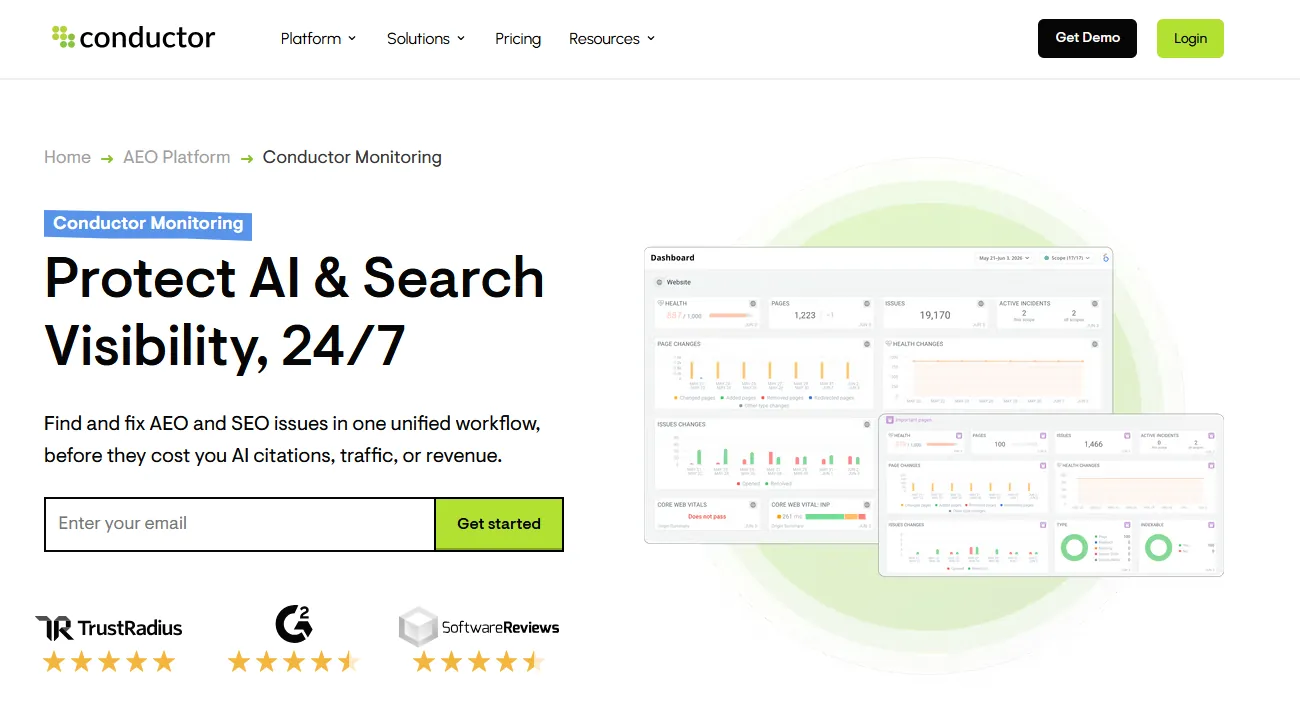
Conductor Monitoring watches AI crawler activity, crawl frequency, schema changes and Core Web Vitals, and alerts you when something breaks. It is built for enterprise sites and offers a trial.
Tip: Use it on large sites where a broken template can quietly block AI crawlers.
Official documentation and communities worth bookmarking.
Best for confirming Google can read your robots.txt file
The robots.txt report in Search Console shows which robots.txt files Google found for your site, when it last crawled them and any errors or warnings. It replaced the older robots.txt Tester, which Google retired.
Tip: Check the report after every robots.txt change, especially if you have added rules for AI crawlers, to make sure Google still reads the file correctly.
Best for checking your structured data
The Schema.org Markup Validator checks JSON-LD, Microdata and Schema.org entities for free. Valid markup helps machines read a page, but it does not guarantee rankings.
Tip: Run every key template through it after adding Article, FAQ or Organization schema.
Best for checking eligibility for Google rich results
Google's Rich Results Test shows whether a page's structured data qualifies for rich results in Search. It is free and takes a few seconds.
Tip: Test pages after schema changes to confirm Google can read them.
Best for looking up the right structured data type and its properties
Schema.org is the shared vocabulary that search engines use for structured data. Each type, such as Organization, Product, Article or FAQPage, has its own page listing the properties it supports, with examples.
Tip: Look up the type that matches your page, add the properties you can fill accurately, then test the markup in the Schema Markup Validator.
Best for telling search engines about new or updated pages
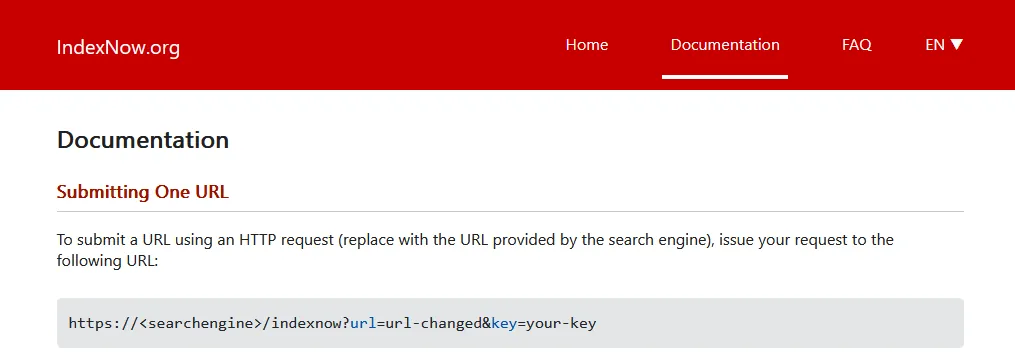
IndexNow is a free protocol for notifying participating search engines, including Bing, when pages are added, changed or deleted. It speeds up discovery but does not guarantee indexing.
Tip: Set it up so refreshed pages reach Bing, and so Copilot, faster.
Best for understanding when a sitemap helps and how to build one
Google's sitemaps overview explains what an XML sitemap does, when a site needs one and how to format and submit it. Sitemaps help search engines and IndexNow find new and updated pages faster.
Tip: Make sure your sitemap only lists live, indexable pages, then submit it in Search Console and Bing Webmaster Tools.
Best for the full reference for how Google crawls, indexes and shows pages
Google Search Central is Google's official documentation for site owners. It covers crawling, indexing, structured data, search appearance and spam policies, and it is where Google announces changes to its requirements.
Tip: Bookmark the crawling and indexing section and check it before you change robots.txt, canonicals or redirects.
Check your robots.txt rules for each crawler, then check firewall or CDN settings, which can block bots even when robots.txt allows them. Free checkers such as Swetrix and Rankability test this from the outside, and server logs show which crawlers actually visited.
Structured data helps search engines understand what a page is about and which entity it describes. It is not a guarantee of citation, but accurate schema removes ambiguity, so validate it and keep it consistent with the visible content.
Block training crawlers if you do not want your content used to train models, but keep the crawlers that power AI search, such as OAI-SearchBot and PerplexityBot, if you want to be cited. Each platform documents its crawlers separately.
Check crawler access first, then indexing, then structured data. Most AI visibility problems I find on audits start with a crawler that cannot get in.
This guide is part of The AI Search Stack, my list of the best free and paid resources for SEO, AEO and GEO.
I will check how your brand shows up in Google and AI answers today, and show you what to fix first.