Content strategyNov 12, 2026
The best content optimization tools for SEO and AI search
Tools to plan, write and refresh pages so they cover a topic fully and answer it clearly.
5 minute read Dorcas AdisaOrganic and AI Search Strategist
Tools to plan, write and refresh pages so they cover a topic fully and answer it clearly.
5 minute readDorcas AdisaOrganic and AI Search StrategistContent optimization tools compare your page with the pages that already rank and show what you have missed. Used well, they help you cover a topic completely. Used badly, they lead to pages stuffed with terms that read worse than before.
This list covers the dedicated optimization platforms and the AI assistants I use for research and review. None of them replace subject expertise, original data or fact-checking.
In this guide, I share the dedicated optimization platforms and the AI assistants that help with research and review, with a tip for using each one without writing for the tool.
Jump to any tool, or scan what each one is best for.
| Tool | Best for | Access |
|---|---|---|
| 1. MarketMuse | Topic modeling and finding gaps across a whole content library | Free tier |
| 2. Claude | Synthesizing research, reviewing drafts and analyzing long documents | Free tier |
| 3. ChatGPT | Generating, grouping and testing the prompts your buyers are likely to type | Free tier |
| 4. NotebookLM | Asking questions across your own research sources | Free tier |
| 5. Clearscope | Grading drafts against the terms and topics top pages cover | Paid |
| 6. Surfer | Planning, writing and refreshing content with a live optimization score | Paid |
| 7. Frase | Research, briefs and optimization for SEO and AI search in one tool | Paid |
| 8. NeuronWriter | Affordable semantic content optimization for small teams | Paid |
Free to use, or free with limits.
Best for topic modeling and finding gaps across a whole content library
MarketMuse maps the topics around a subject and shows which ones your site covers well and which it misses. It suits teams planning a whole cluster rather than a single page. The free plan includes 10 queries a month for one user.
Tip: Run your main topic, then use the gaps it finds to plan the supporting pages in that cluster.
Best for synthesizing research, reviewing drafts and analyzing long documents
Claude is Anthropic's AI assistant. It handles long documents well, which makes it useful for summarizing research, comparing competitor pages and reviewing drafts for gaps and unclear claims. A free plan is available, and paid plans raise the limits.
Tip: Paste your draft and the top three ranking pages, then ask which questions the others answer that yours does not.
Best for generating, grouping and testing the prompts your buyers are likely to type
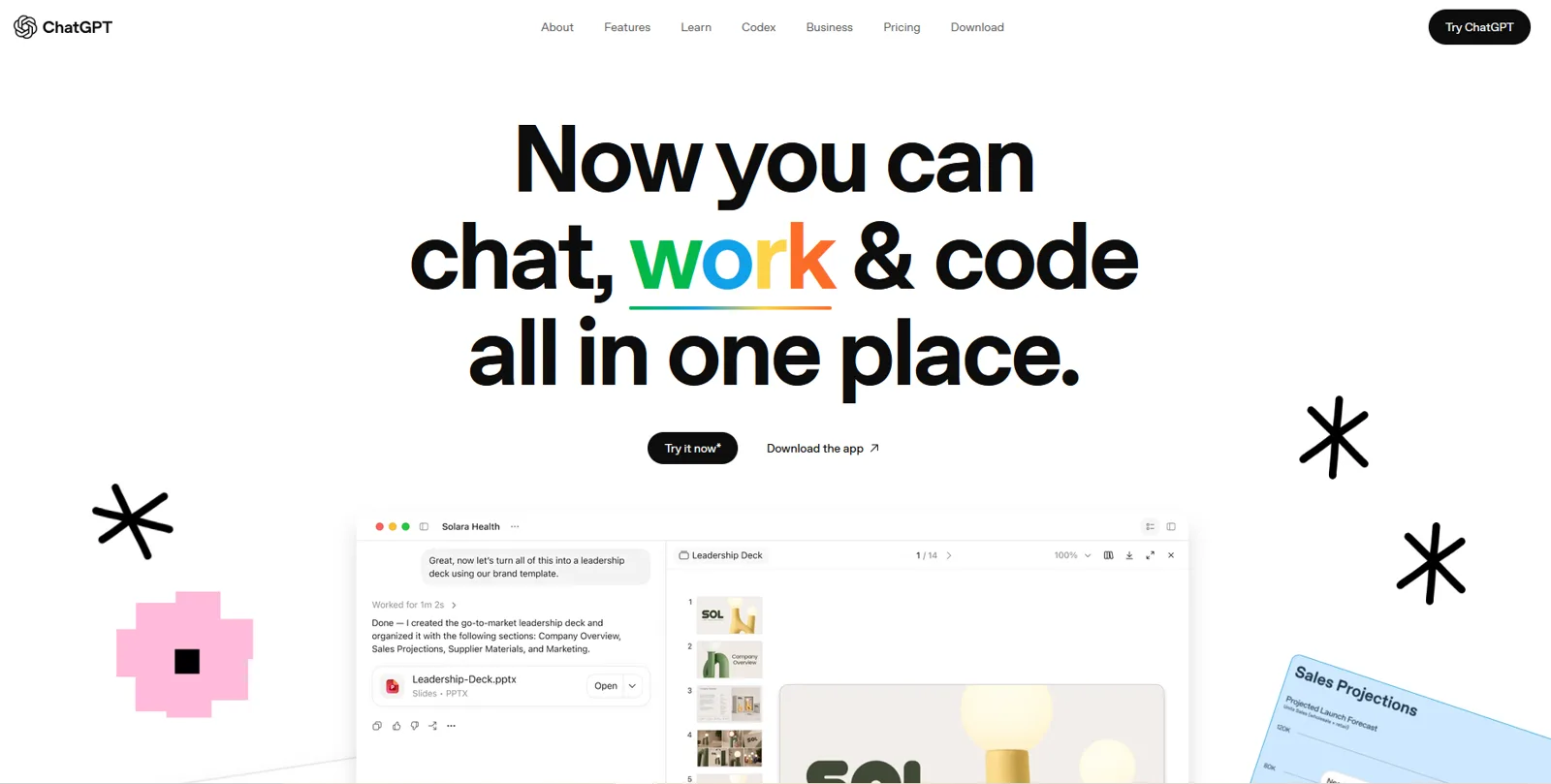
ChatGPT is the AI assistant most buyers already use, which makes it both a research tool and a place to test your visibility. Use it to draft prompt lists from customer language, group them by intent and then ask them with search turned on to see which brands and sources come back. The free plan is enough for this; paid plans raise the usage limits.
Tip: Paste in sales call notes or reviews, ask for the questions a buyer would type, then run the best ten with search on and record who gets named.
Best for asking questions across your own research sources
NotebookLM is Google's research notebook. You upload sources such as PDFs, transcripts and web pages, and it answers questions using only those sources, with citations back to each one. It is free with a Google account.
Tip: Load customer interviews or sales call transcripts, then ask for the questions and objections buyers raise most often.
Paid platforms, most with a free trial.
Best for grading drafts against the terms and topics top pages cover
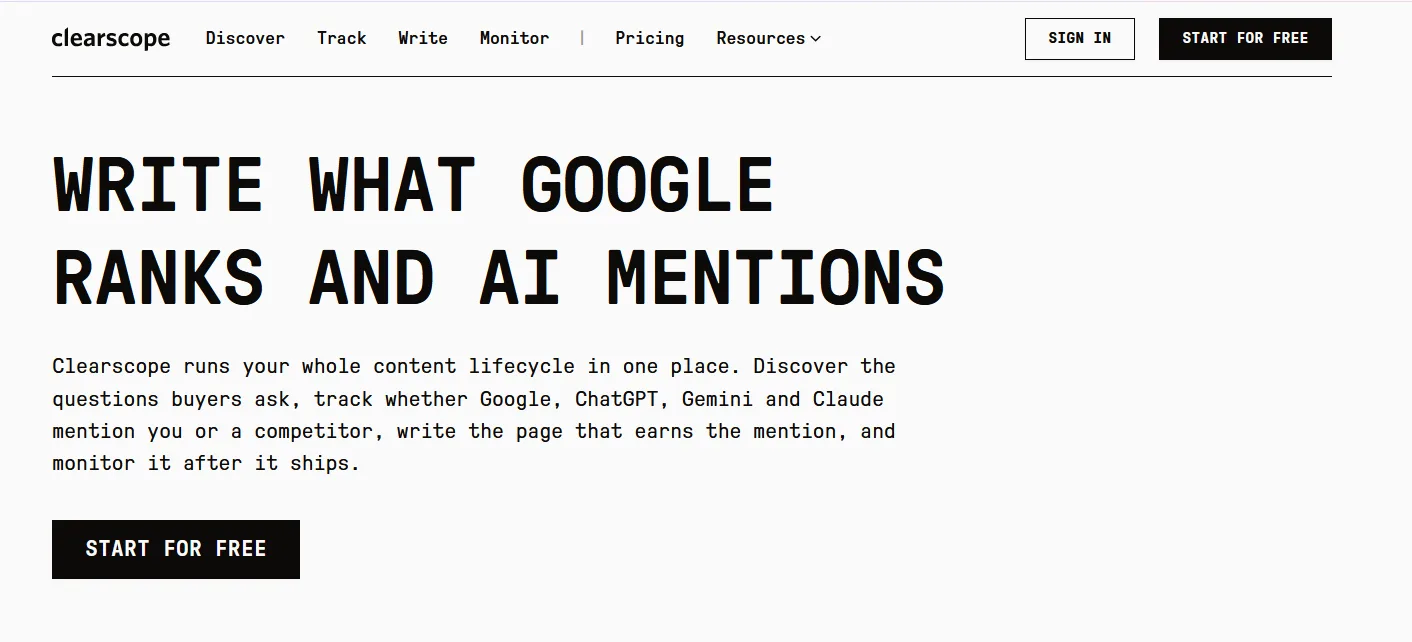
Clearscope grades a draft against the pages that already rank and lists the terms and topics you have not covered yet. It works inside Google Docs and WordPress, and it also tracks how pages perform over time. Plans start at $129 a month.
Tip: Write the draft first, then use the report to find gaps in coverage, not to stuff in every suggested term.
Best for planning, writing and refreshing content with a live optimization score
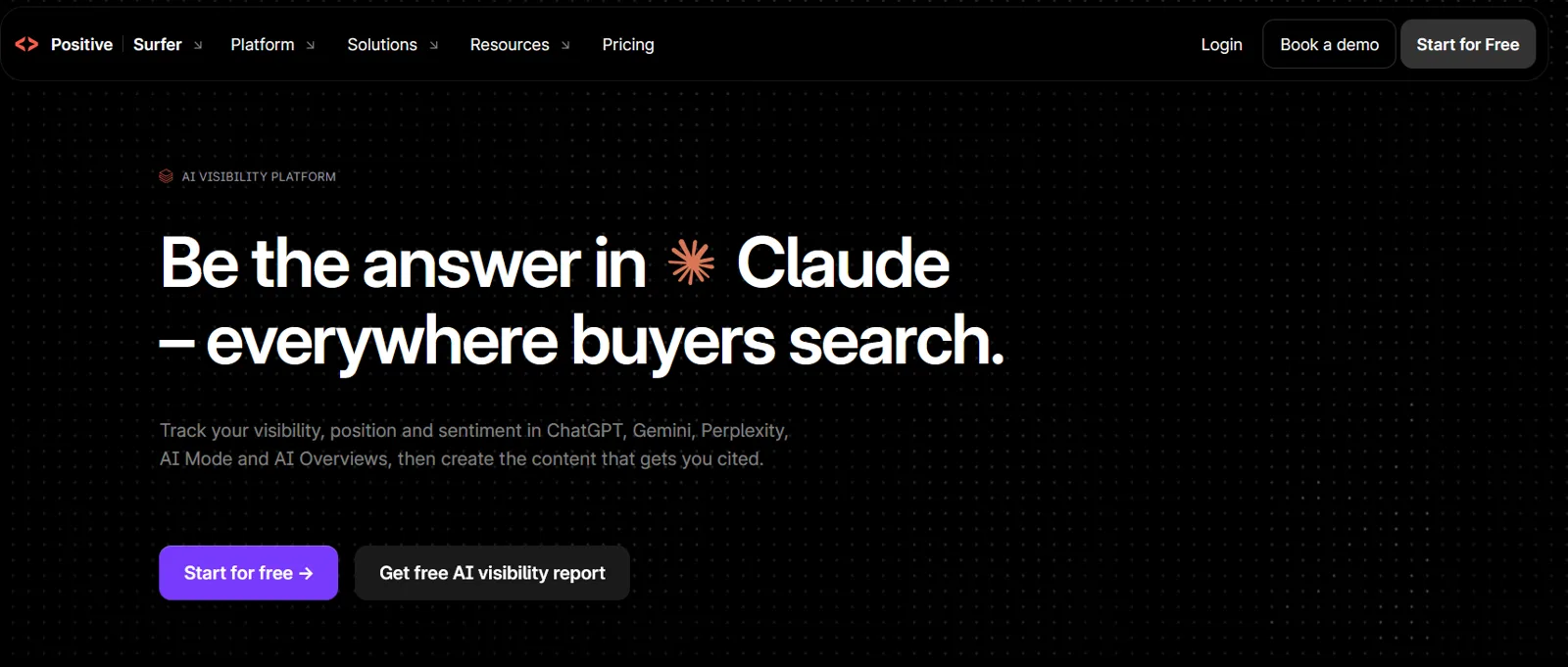
Surfer combines a content editor with a live score, topical maps for planning and a content audit for refreshing old pages. It has added AI visibility tracking to its plans. Surfer is paid, with a free trial.
Tip: Run a content audit on pages that have lost traffic, then refresh the ones where Surfer shows clear gaps against the current results.
Best for research, briefs and optimization for SEO and AI search in one tool
Frase researches the top results for a query, builds a content brief and scores your draft as you write. It now positions itself as an SEO and GEO platform, and every plan starts with a 7-day free trial.
Tip: Generate a brief for your target query, then edit the outline by hand so it answers the question in the first section.
Best for affordable semantic content optimization for small teams
NeuronWriter analyzes the top results for a keyword and suggests the terms, questions and headings to cover, with a content score as you write. It is one of the cheaper options, with plans starting at $23 a month.
Tip: Use its question suggestions to build your FAQ section, and check its competitor view to see how long the ranking pages are.
It analyzes the pages that rank for a query and lists the topics, terms and questions they cover, then scores your draft against them. Some also build briefs and audit existing pages.
They help you cover a topic fully, which matters for both rankings and citations. They do not check whether your answer is clear, accurate or quotable, so pair them with an editorial review.
For research, outlining and reviewing drafts, yes. They do not show live search data the way dedicated tools do, and you still need to check every fact they give you.
Use these tools to find gaps after you have written from your own expertise. A page that answers the question clearly in its first section will do more for you than a perfect content score.
If you want a quicker read on your own brand, my free tools can help:
This guide is part of The AI Search Stack, my list of the best free and paid resources for SEO, AEO and GEO.
I will check how your brand shows up in Google and AI answers today, and show you what to fix first.