SEONov 12, 2026
The best competitor analysis tools
Tools to see why competitors get recommended, where their traffic comes from and which topics are rising.
5 minute read Dorcas AdisaOrganic and AI Search Strategist
Tools to see why competitors get recommended, where their traffic comes from and which topics are rising.
5 minute readDorcas AdisaOrganic and AI Search StrategistWhen an AI answer recommends a competitor instead of you, there is usually a reason: more coverage on trusted sites, clearer pages, better structured data or simply more content on the topic.
This list covers the tools I use to find that reason, from traffic and technology lookups to audience research and trend data.
In this guide, I share the tools I use to find that reason, from traffic and technology lookups to audience research and trend data.
Jump to any tool, or scan what each one is best for.
| Tool | Best for | Access |
|---|---|---|
| 1. Similarweb | Estimating a competitor's traffic and where it comes from | Free tier |
| 2. BuiltWith | Seeing what technology powers any website | Free tier |
| 3. Wappalyzer | Identifying a site's tech stack as you browse | Free tier |
| 4. SparkToro | Finding the websites, podcasts and accounts your audience follows | Free tier |
| 5. Exploding Topics | Spotting topics and products before they peak | Free tier |
| 6. Glimpse | Adding real search volume and growth figures to Google Trends | Free tier |
| 7. Google Trends | Seeing whether interest in a topic is rising, falling or seasonal | Free |
| 8. Similarweb AI Search Intelligence | Connecting prompts, citations and AI-referred traffic | Paid |
| 9. Ahrefs Brand Radar | Teams that already use Ahrefs for SEO | Paid |
| 10. BuzzSumo | Finding the most shared content, publishers and journalists in a topic | Paid |
Free to use, or free with limits.
Best for estimating a competitor's traffic and where it comes from
Similarweb estimates how much traffic a website gets and how it splits across search, social, referral and direct. The free website checker allows a few lookups a day, and paid plans add deeper data. The numbers are modeled estimates, so use them to compare sites rather than as exact counts.
Tip: Compare your site with the competitors AI tools recommend, and look at which channels drive most of their traffic.
Best for seeing what technology powers any website
BuiltWith shows the technology behind a website, including its CMS, analytics, ad tools and hosting. Individual lookups are free; paid plans add lead lists and market data.
Tip: Look up competitors to see which CMS and analytics they use, which can explain differences in speed and structured data.
Best for identifying a site's tech stack as you browse
Wappalyzer is a browser extension that shows the technologies a site uses as you visit it. The extension is free, and paid plans add bulk lookups and data exports.
Tip: Keep it on while you review competitor sites, and note any that run tools you are missing, such as a schema plugin.
Best for finding the websites, podcasts and accounts your audience follows
SparkToro shows what a given audience reads, watches, listens to and follows, based on the people who talk about a topic or follow an account. The free plan includes a small number of searches each month.
Tip: Search for people who talk about your category, then list the podcasts and publications they follow as targets for mentions.
Best for spotting topics and products before they peak
Exploding Topics lists topics whose search interest is growing fast, often before they become popular. You can browse some trends for free, and the paid version adds the full database, with a 7-day free trial.
Tip: Browse your industry's category every quarter and plan content on rising topics before competitors cover them.
Best for adding real search volume and growth figures to Google Trends
Glimpse is a Google Trends add-on that shows absolute search volume, growth rates and forecasts, plus which channels people discuss a topic on. You can start for free, and paid plans unlock more data.
Tip: Install the extension, then use Google Trends as usual and read the volume and growth figures it adds.
Best for seeing whether interest in a topic is rising, falling or seasonal
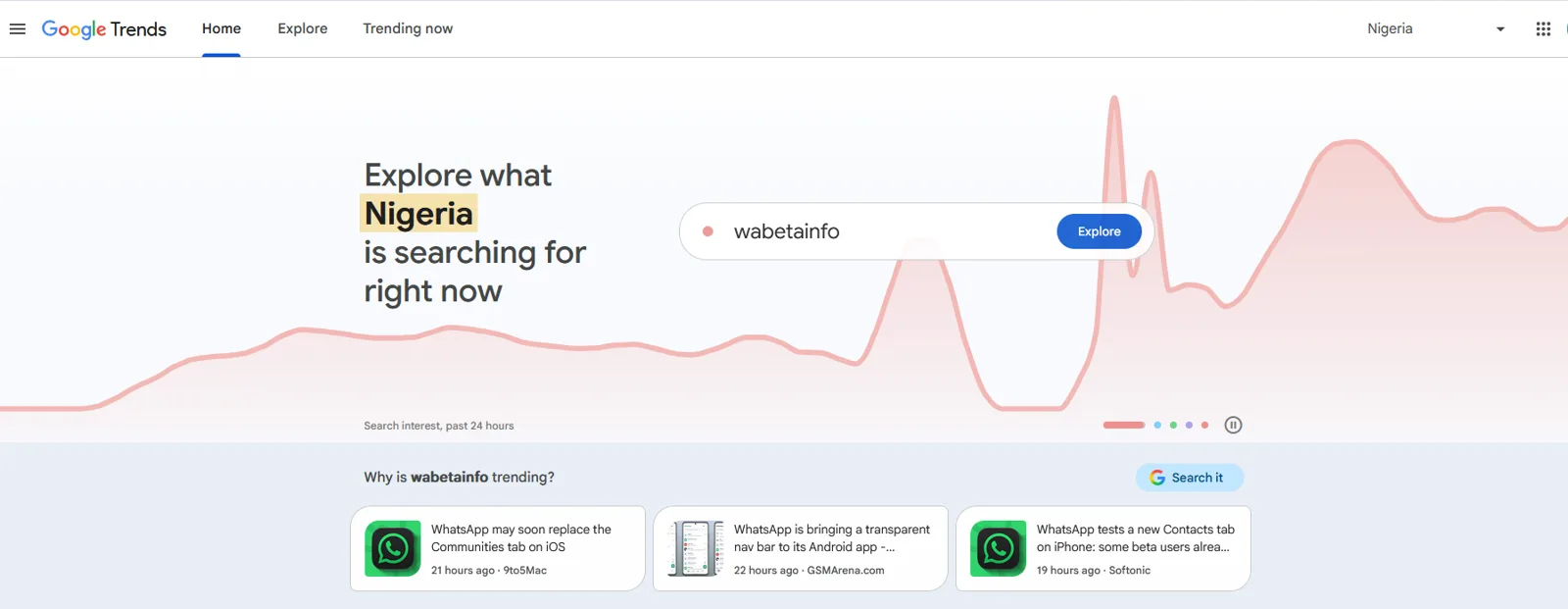
Google Trends shows how search interest in a term changes over time and by region, on a scale of 0 to 100 rather than in absolute numbers. It is useful for spotting rising topics and seasonal patterns, and for comparing two terms against each other.
Tip: Compare your category's old and new names, such as SEO and AEO, to see which one your market is moving toward.
Paid platforms, most with a free trial.
Best for connecting prompts, citations and AI-referred traffic
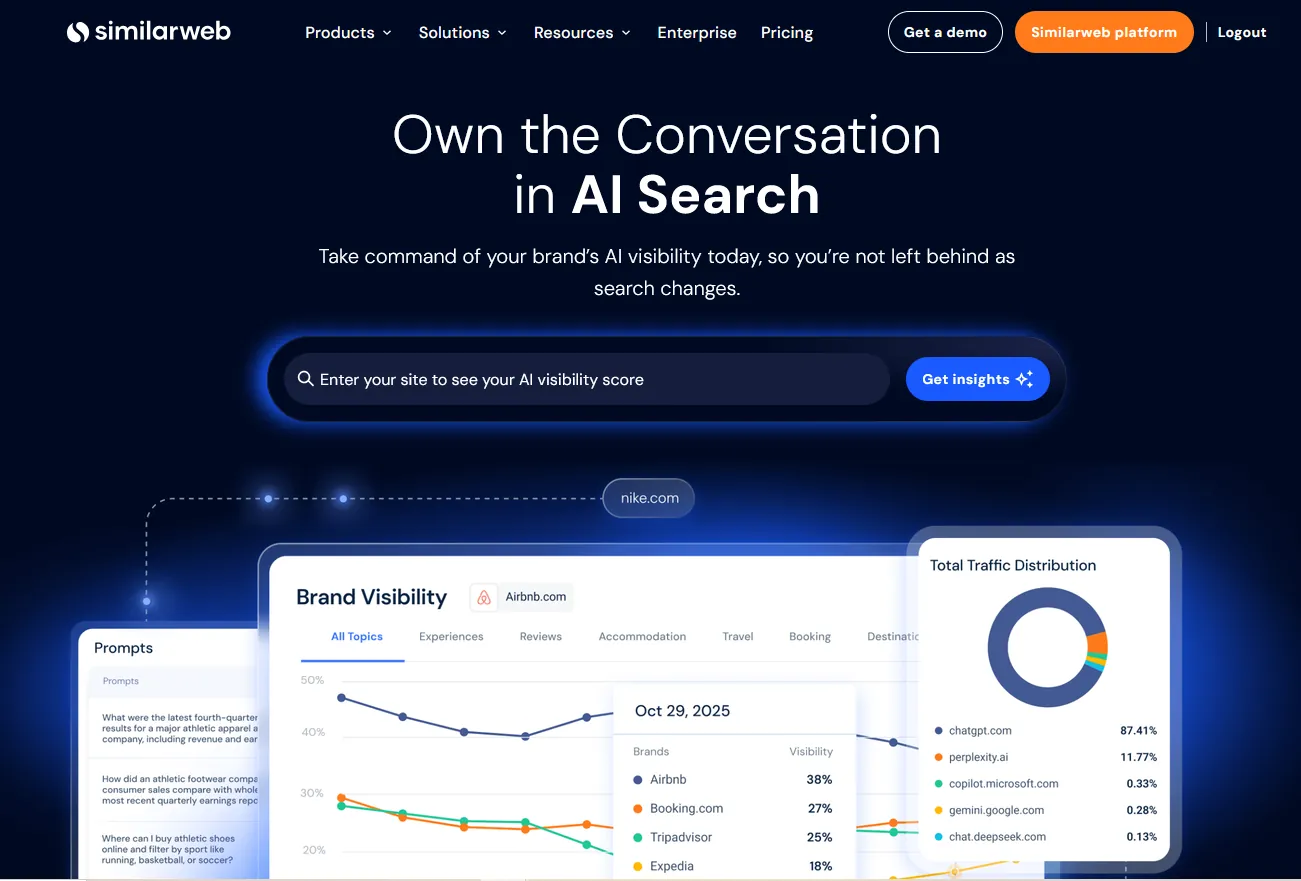
Similarweb AI Search Intelligence connects real-user prompts, AI answers, citations, sentiment and competitor visibility with the traffic AI platforms send to websites. Its figures are estimates, so review the methodology before treating them as exact.
Tip: Use it to show leadership how AI answers turn into visits, and which competitors gain the most AI traffic.
Best for teams that already use Ahrefs for SEO
Brand Radar tracks brand mentions and citations across AI platforms and search, and compares your share of voice with competitors. It sits inside Ahrefs, so it suits teams who already pay for the SEO suite.
Tip: Track share of voice against competitors over time and report it monthly.
Best for finding the most shared content, publishers and journalists in a topic
BuzzSumo shows which articles in a topic get the most engagement and links, which publishers write about it and which journalists cover it. There is no free plan, but there is a 7-day free trial.
Tip: Search your category to find the publications that cover it most, then pitch the ones AI answers already cite.
Similarweb's free website checker, BuiltWith lookups and the Wappalyzer extension cover traffic estimates and technology for free. For AI visibility, run the same buying prompts across AI tools and note who gets named.
Run your buying prompts, record the sources each answer cites, then compare those sources with your own coverage. The gap is usually mentions on third-party sites, clearer answers on the competitor's pages, or both.
They are modeled estimates, not real analytics. Use them to compare sites and spot trends, not as exact visit counts.
Start with the AI answers themselves. Note who gets named and which sources are cited, then use these tools to understand why.
If you want a quicker read on your own brand, my free tools can help:
This guide is part of The AI Search Stack, my list of the best free and paid resources for SEO, AEO and GEO.
I will check how your brand shows up in Google and AI answers today, and show you what to fix first.