SEONov 12, 2026
The best keyword research tools for SEO and AI search
Tools to measure search demand, find the questions people ask and spot keywords you can actually rank for.
6 minute read Dorcas AdisaOrganic and AI Search Strategist
Tools to measure search demand, find the questions people ask and spot keywords you can actually rank for.
6 minute readDorcas AdisaOrganic and AI Search StrategistKeyword research still matters in AI search. The questions people type into Google are often the same questions they ask ChatGPT, and the pages that rank in Google are often the pages AI answers cite.
This list covers the paid suites most teams use, the free data Google gives you directly and the smaller tools that help newer sites find easy wins.
In this guide, I cover the free data Google gives you, the paid suites most teams use and the smaller tools that help newer sites find easy wins, with a tip for each one.
Jump to any tool, or scan what each one is best for.
| Tool | Best for | Access |
|---|---|---|
| 1. Semrush Keyword Magic Tool | Building large keyword lists grouped by topic and question | Free tier |
| 2. Google Keyword Planner | Free search volume data straight from Google | Free |
| 3. Google Trends | Seeing whether interest in a topic is rising, falling or seasonal | Free |
| 4. Google Search Console | First-party search data for your own site | Free |
| 5. Keywords Everywhere | Seeing keyword data inside Google and other sites as you browse | Free tier |
| 6. AlsoAsked | Mapping the questions buyers ask on Google | Free tier |
| 7. AnswerThePublic | Finding question and comparison phrasings | Free tier |
| 8. QuestionDB | Questions people ask on Reddit and Quora | Free tier |
| 9. Glimpse | Adding real search volume and growth figures to Google Trends | Free tier |
| 10. Ahrefs Keywords Explorer | Search volume, keyword difficulty and the pages that rank, in one place | Paid |
| 11. LowFruits | Finding keywords that weaker sites already rank for | Paid |
Free to use, or free with limits.
Best for building large keyword lists grouped by topic and question
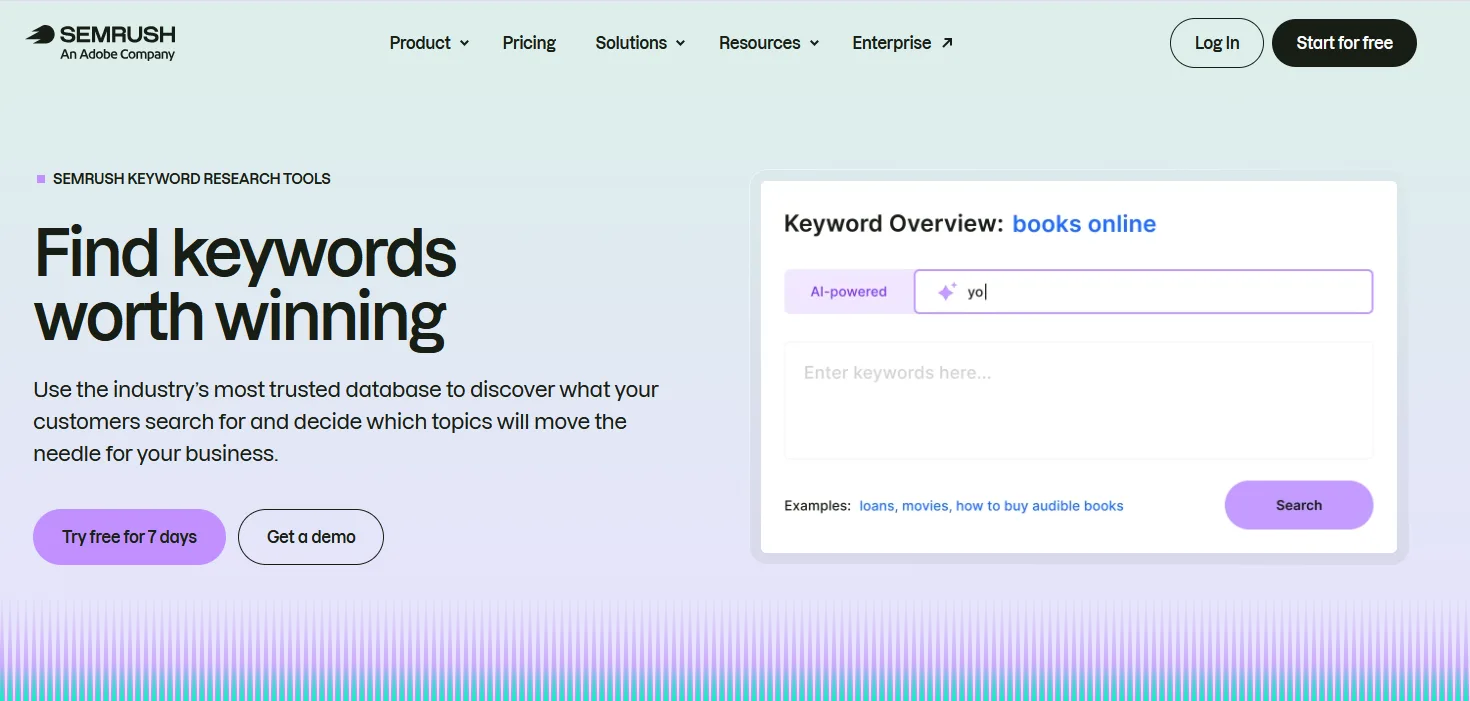
The Semrush Keyword Magic Tool turns one seed term into thousands of related keywords, grouped into topic clusters with volume, difficulty and intent. A free Semrush account allows 10 keyword searches a day, which is enough to research a single topic.
Tip: Use the Questions filter on your main term to collect the questions people search, then group them into page sections.
Best for free search volume data straight from Google
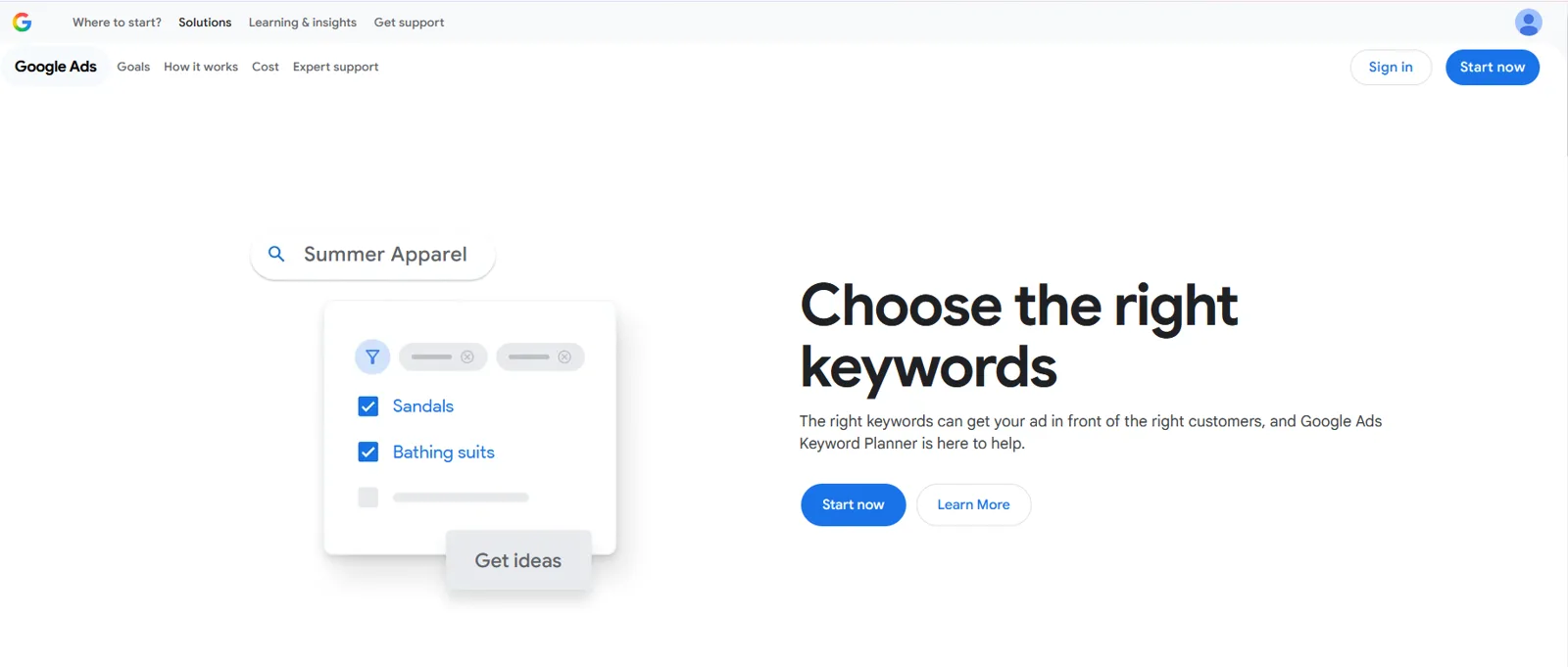
Google Keyword Planner is the free keyword tool inside Google Ads. It suggests related terms and shows how often they are searched. You need a Google Ads account but do not have to run ads, although accounts with no ad spend see volume as ranges rather than exact numbers.
Tip: Enter your product and category terms to confirm demand before building a page, and use the ranges to compare terms rather than as exact counts.
Best for seeing whether interest in a topic is rising, falling or seasonal
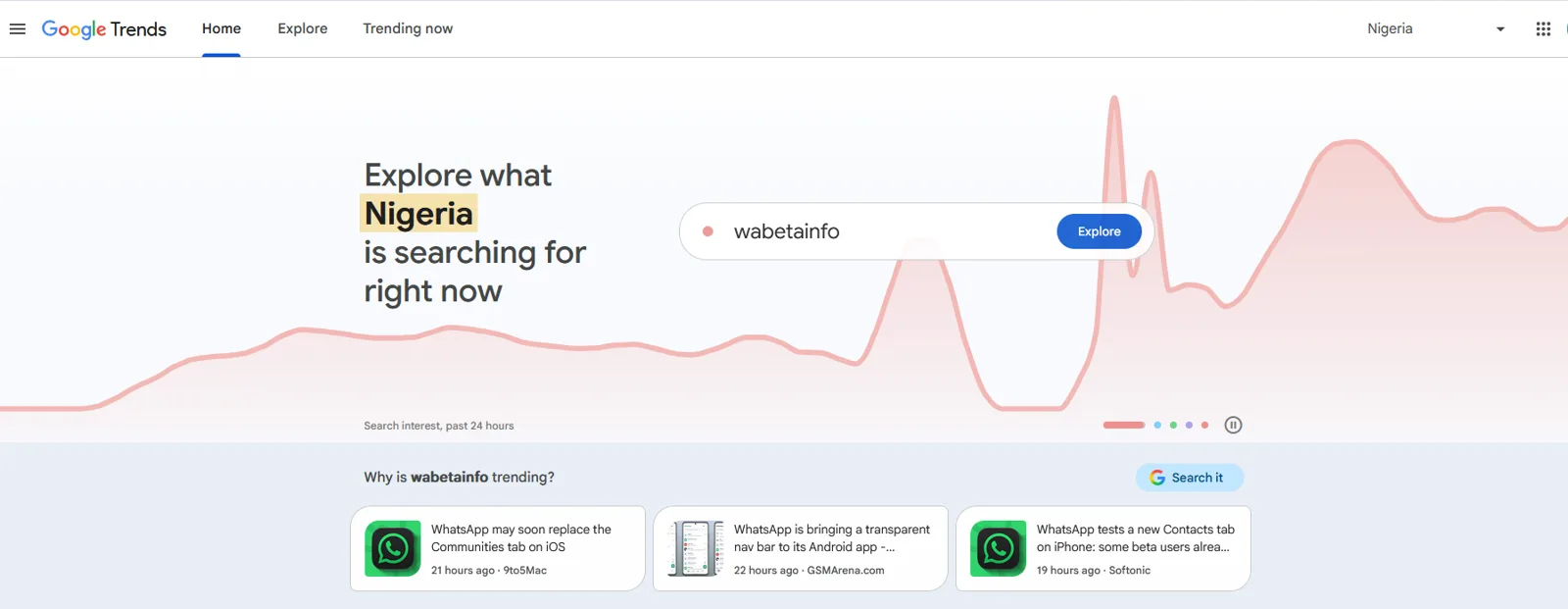
Google Trends shows how search interest in a term changes over time and by region, on a scale of 0 to 100 rather than in absolute numbers. It is useful for spotting rising topics and seasonal patterns, and for comparing two terms against each other.
Tip: Compare your category's old and new names, such as SEO and AEO, to see which one your market is moving toward.
Best for first-party search data for your own site
Google Search Console is your own first-party data from Google: queries, pages, clicks, impressions and indexing. Long, question-like queries in it are often the closest thing to real AI prompts you can see.
Tip: Filter for long queries that start with how, what, which or best to find prompt-like searches for your content plan.
Best for seeing keyword data inside Google and other sites as you browse
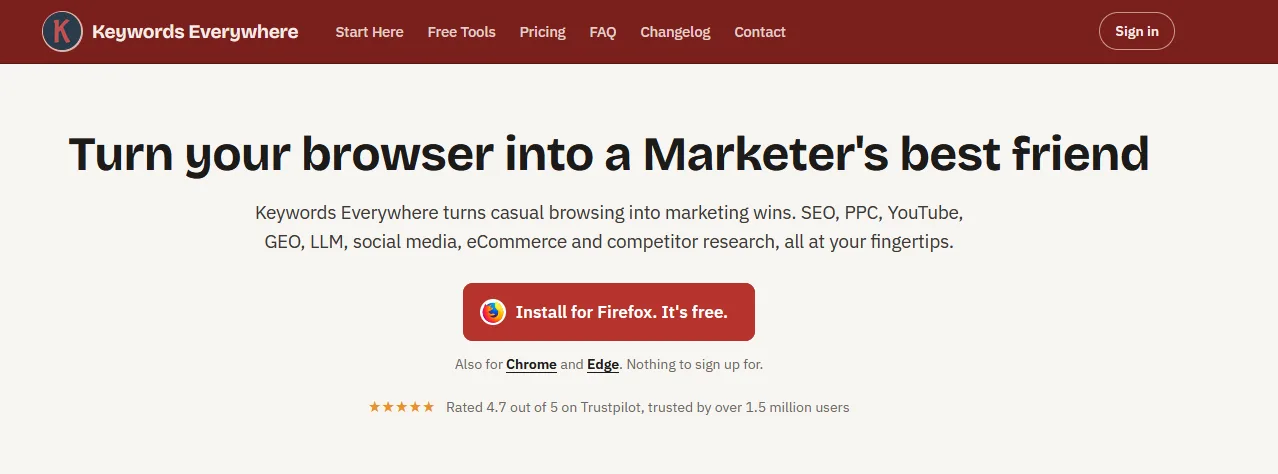
Keywords Everywhere is a browser extension that adds keyword data to the pages you already use, including Google results, YouTube and Amazon. Some features work for free, and the search volume and traffic data run on an annual credit plan.
Tip: Leave it on while you search your own topics, and note the related keywords and People Also Search terms it shows beside the results.
Best for mapping the questions buyers ask on Google
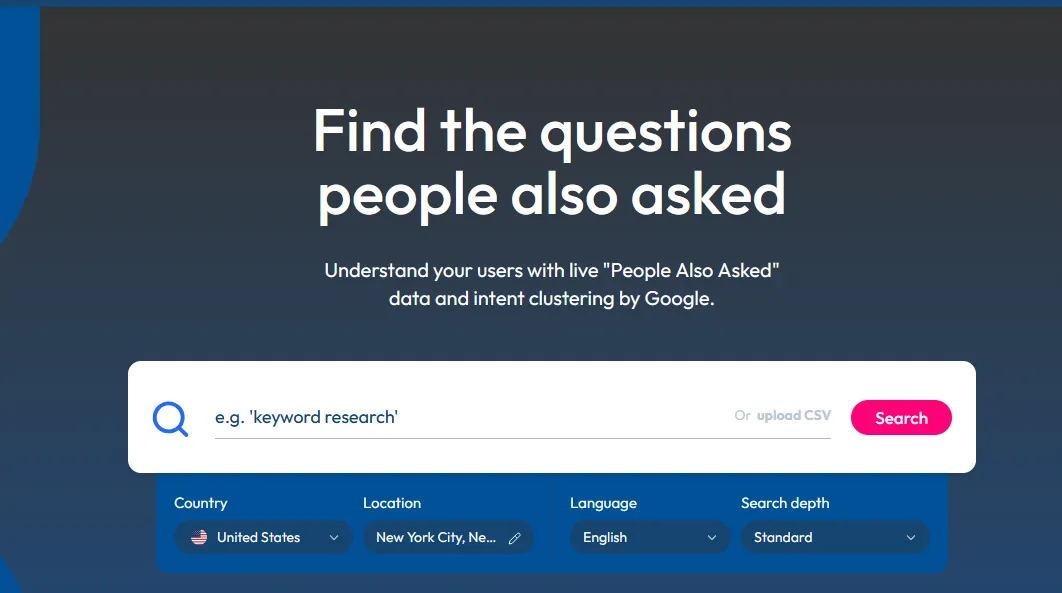
AlsoAsked turns Google's People Also Ask boxes into a map of connected questions. The free tier allows a small number of searches a month, which is enough to plan the question headings for a key page.
Tip: Map question clusters for a topic, then use them as H2s and FAQ entries.
Best for finding question and comparison phrasings
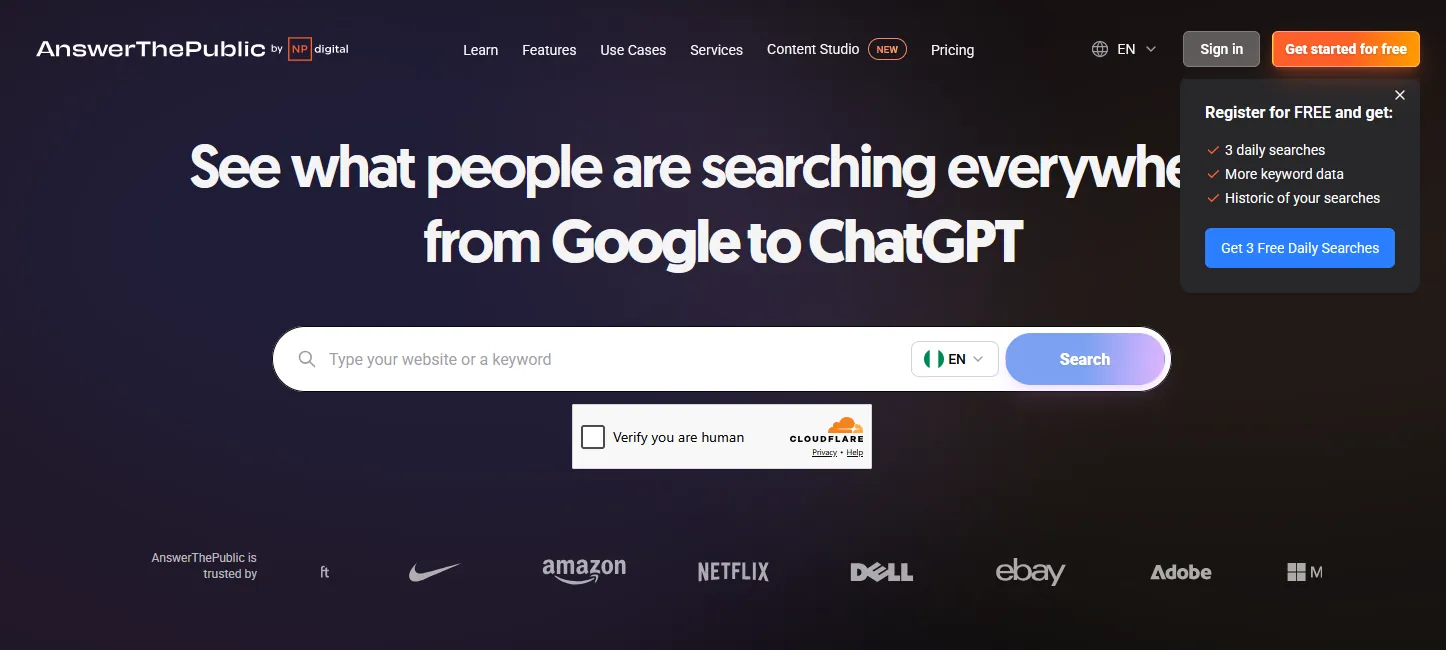
AnswerThePublic groups the questions, comparisons and prepositions people search around a topic. Registered users get three free searches a day.
Tip: Pull the question and comparison lists into your prompt set as real buyer phrasing.
Best for questions people ask on Reddit and Quora
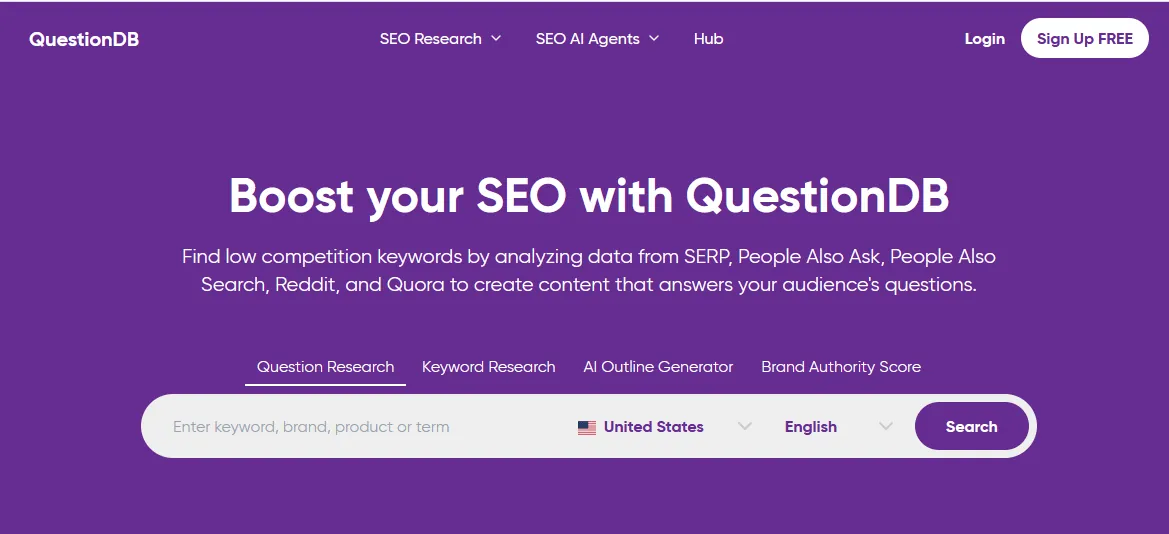
QuestionDB collects real questions from search results, People Also Ask, Reddit and Quora. The free plan allows a few searches a month.
Tip: Use it to find the language buyers use in communities, then answer those questions on your pages.
Best for adding real search volume and growth figures to Google Trends
Glimpse is a Google Trends add-on that shows absolute search volume, growth rates and forecasts, plus which channels people discuss a topic on. You can start for free, and paid plans unlock more data.
Tip: Install the extension, then use Google Trends as usual and read the volume and growth figures it adds.
Paid platforms, most with a free trial.
Best for search volume, keyword difficulty and the pages that rank, in one place
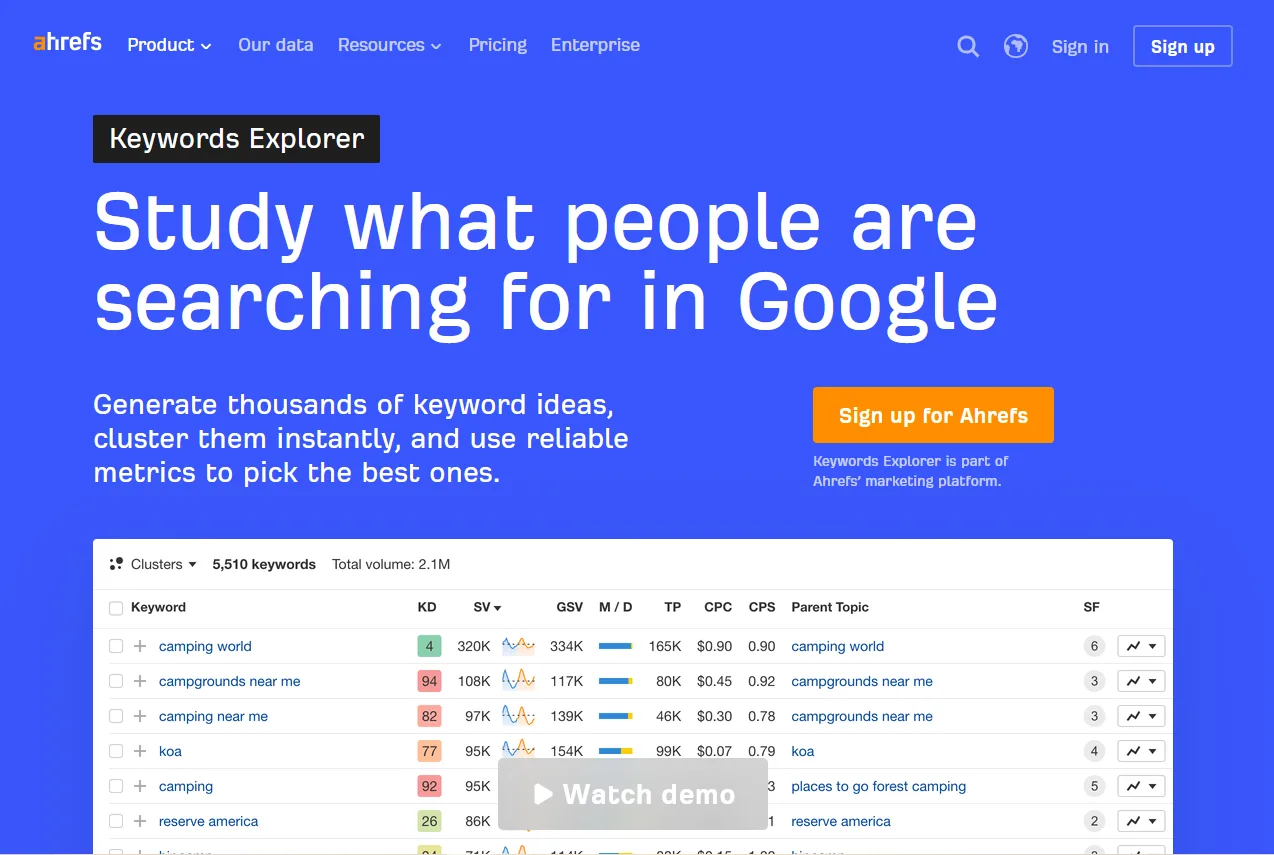
Ahrefs Keywords Explorer gives search volume, keyword difficulty, click data and the current top results for any term, across many countries. It is part of a paid Ahrefs plan. If you only need ideas, Ahrefs also has a free keyword generator that shows a short list of terms with volume.
Tip: Filter your topic for question keywords, then compare difficulty against your site's authority before choosing which pages to write.
Best for finding keywords that weaker sites already rank for
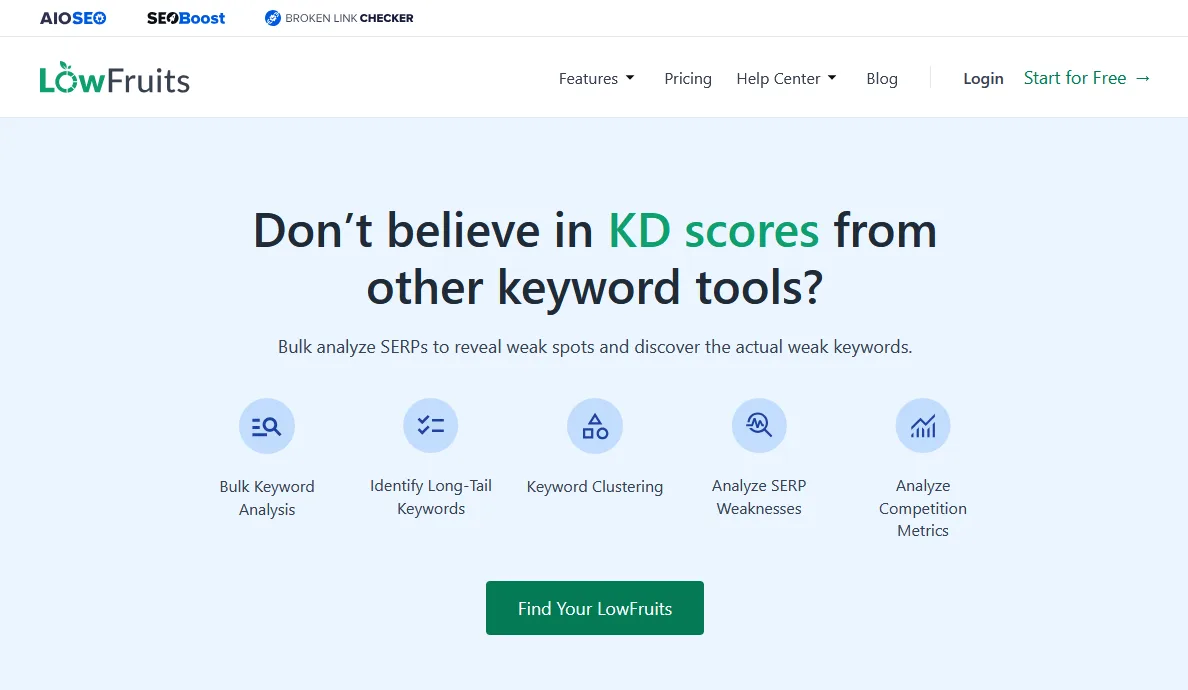
LowFruits looks at the current results for a keyword and flags weak spots, such as forums and small sites ranking on page one. That makes it useful for newer sites that cannot compete on high-difficulty terms yet. It runs on pay-as-you-go credits or a monthly plan.
Tip: Run a list of long-tail keywords through it and start with the ones where forums or small sites already rank in the top ten.
Google Search Console and Google Keyword Planner are the most reliable free sources because the data comes from Google. Search Console shows your own queries; Keyword Planner shows demand for any term, as ranges if you do not run ads.
Yes. AI tools break a question into several searches and often cite pages that rank for them. Knowing the questions and terms around a topic tells you what a complete page needs to cover.
Look for long, specific queries where forums, small blogs or thin pages already rank on page one. LowFruits flags these directly, and Ahrefs and Semrush let you filter by keyword difficulty.
Whichever tool you pick, start with your own Search Console data. It shows the questions people already ask before they find you.
This guide is part of The AI Search Stack, my list of the best free and paid resources for SEO, AEO and GEO.
I will check how your brand shows up in Google and AI answers today, and show you what to fix first.